Roles and placement
Which server runs, serves and builds what, how labels and placement rules steer replicas, and what happens when a server goes away.
Every server has roles that say what kind of work it takes. Every service has placement rules that say where its replicas may run. On every deploy, launchroom's scheduler combines both with each server's free capacity. You don't assign containers to machines by hand. When a server dies, stateless replicas move automatically.
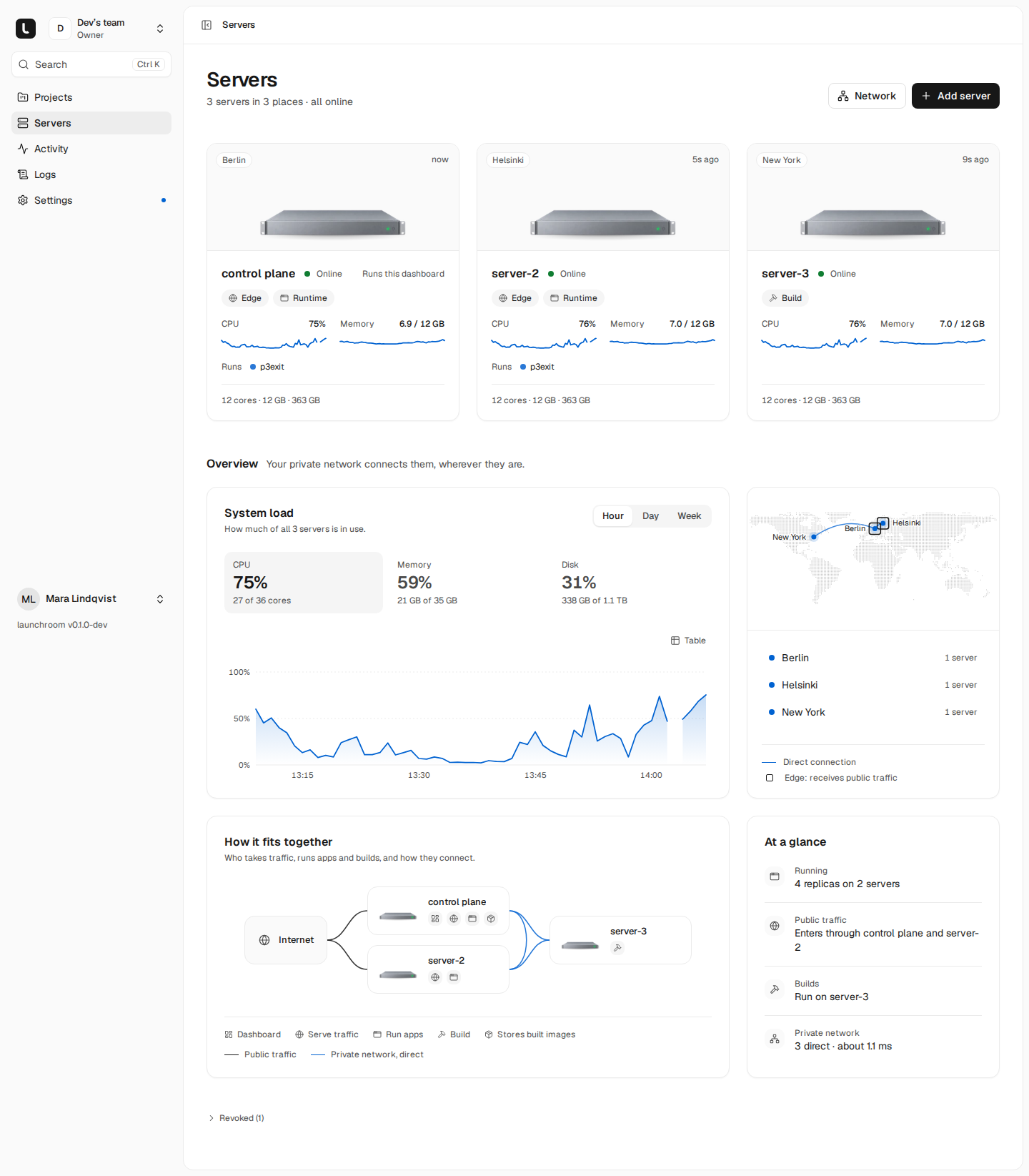
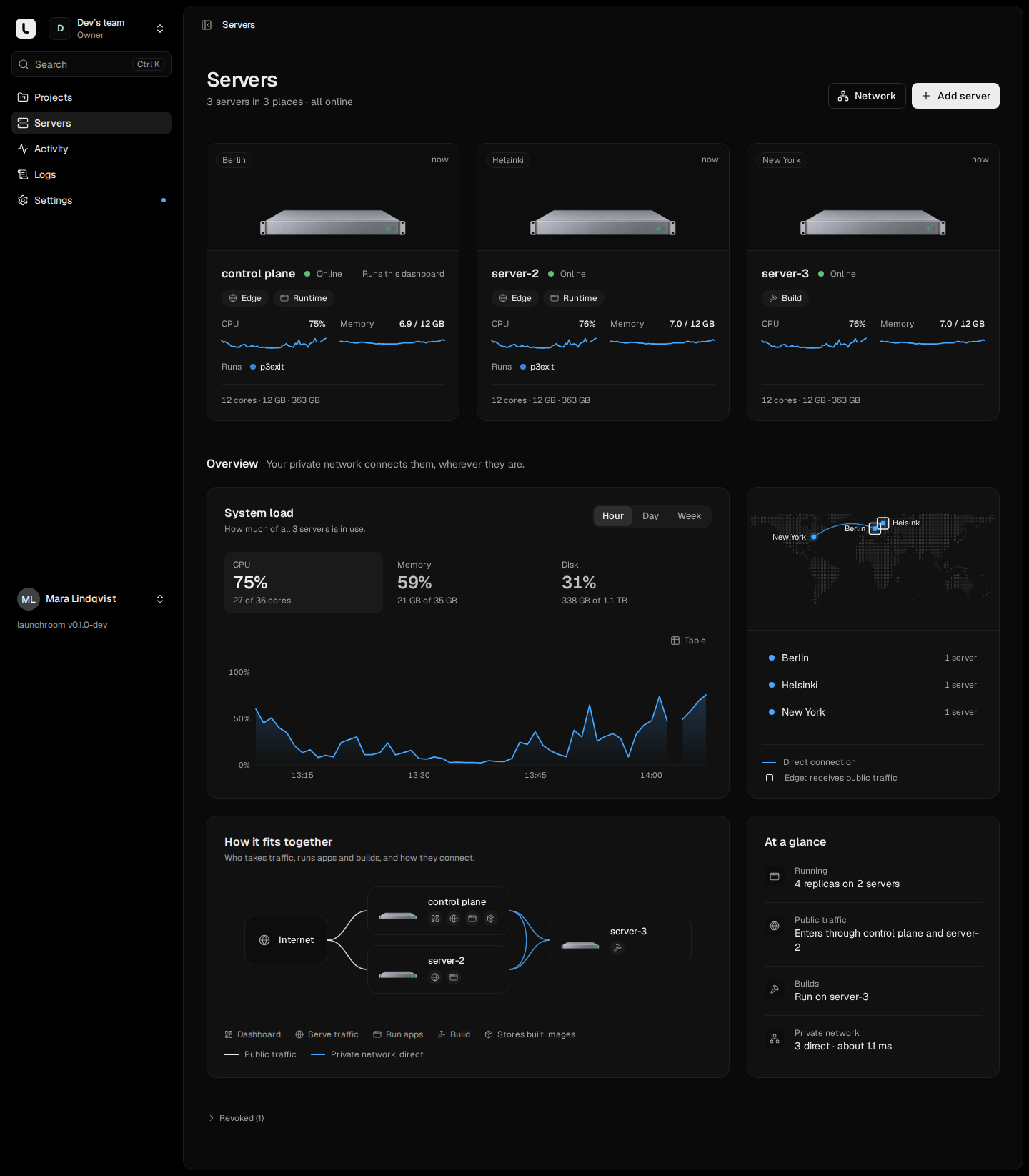
Roles
| Role | What it does | Runs on the server |
|---|---|---|
| Run apps | Runs your apps, workers, crons and databases. | Your containers, plus a small forwarder when they talk to services on other servers |
| Serve traffic | Receives public traffic on ports 80 and 443 and serves HTTPS for every app of the team. A server with this role is an edge. | Caddy |
| Build | Turns pushes into images. Best on a fast machine. | BuildKit, started on demand |
The first server has all three. Roles combine freely. A single VPS with all three roles is a normal setup. The one exception is a Mac: it never serves traffic, and on Docker Desktop it only builds (see Mac servers). Its role cards say so.
The dashboard's server also stores built images in launchroom's registry, shown as Store images on its card. That role stays with it.
Changing roles
Open a server's Settings tab and toggle the cards under What this server does. Owners and admins can do this after confirming their password. You don't run anything on the server. launchroomd adds or removes Caddy and BuildKit itself.
Some changes are refused, with the reason:
- A server must keep at least one role.
- Run apps can't be removed while services or volumes are placed there. Move them first, or replace the server.
- The team's last online Build server keeps that role.
- The team's last edge keeps Serve traffic.
Running services don't move when roles change. Builds that haven't started move to another build server. Running builds finish where they are. Before removing Serve traffic from an edge, point DNS at your other edges.
Server settings for placement
On a server's Settings → Placement:
- Production: whether production workloads may run here. Turn it off for a test or home machine.
- Previews: whether pull request previews may run here. Persistent environments such as staging may run on any server.
- Labels:
key=valuepairs such aszone=fsn1,provider=hetzner,disk=ssdorgpu=yes. Services can require them.
The labels zone and provider define failure domains. Replicas of a service spread across zones first, or
across providers when there are no zones. If one data center goes down, the replicas in the others keep serving.
Service placement rules
Each service's Scaling settings, per environment, decide how many replicas run, how big each is and where.
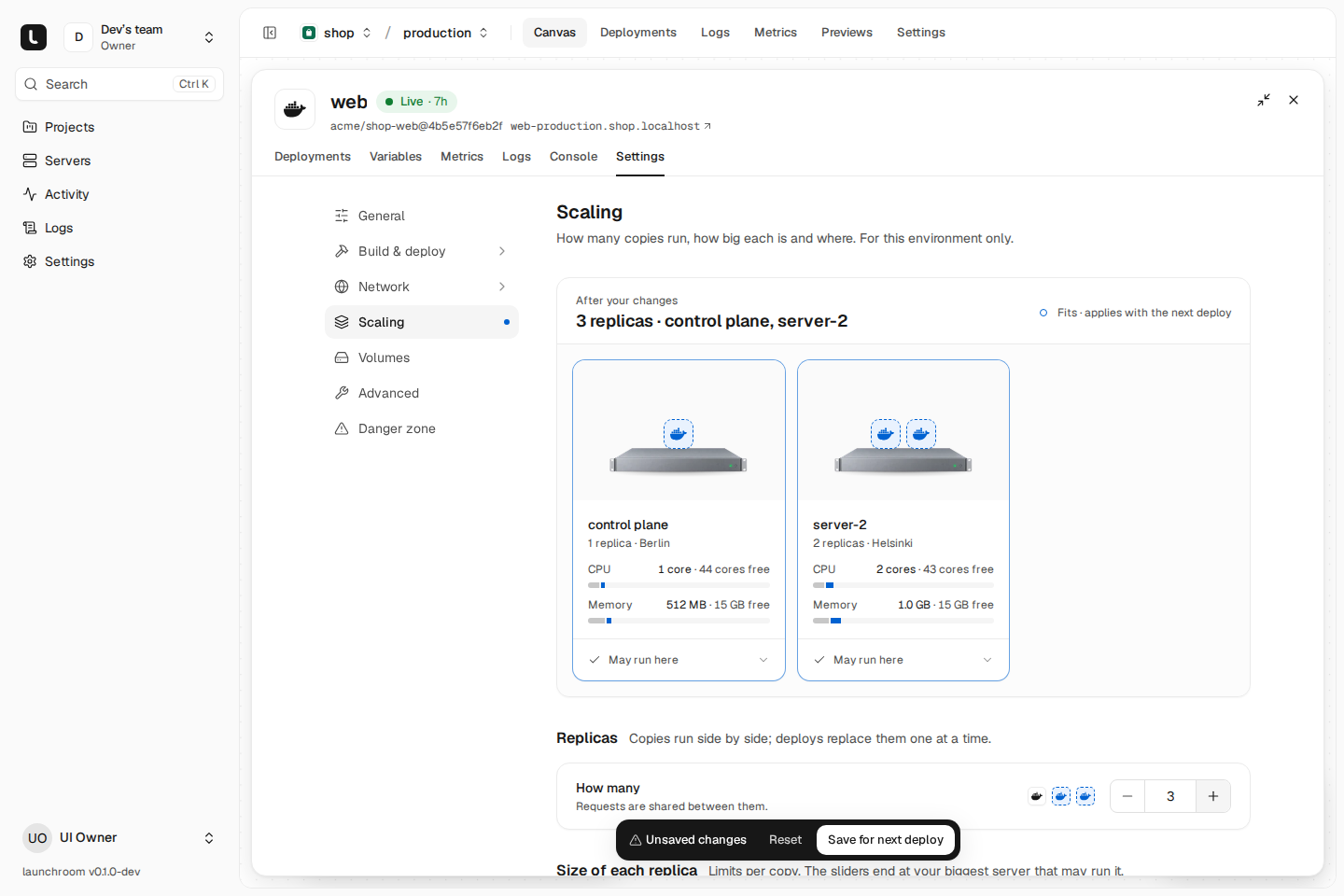
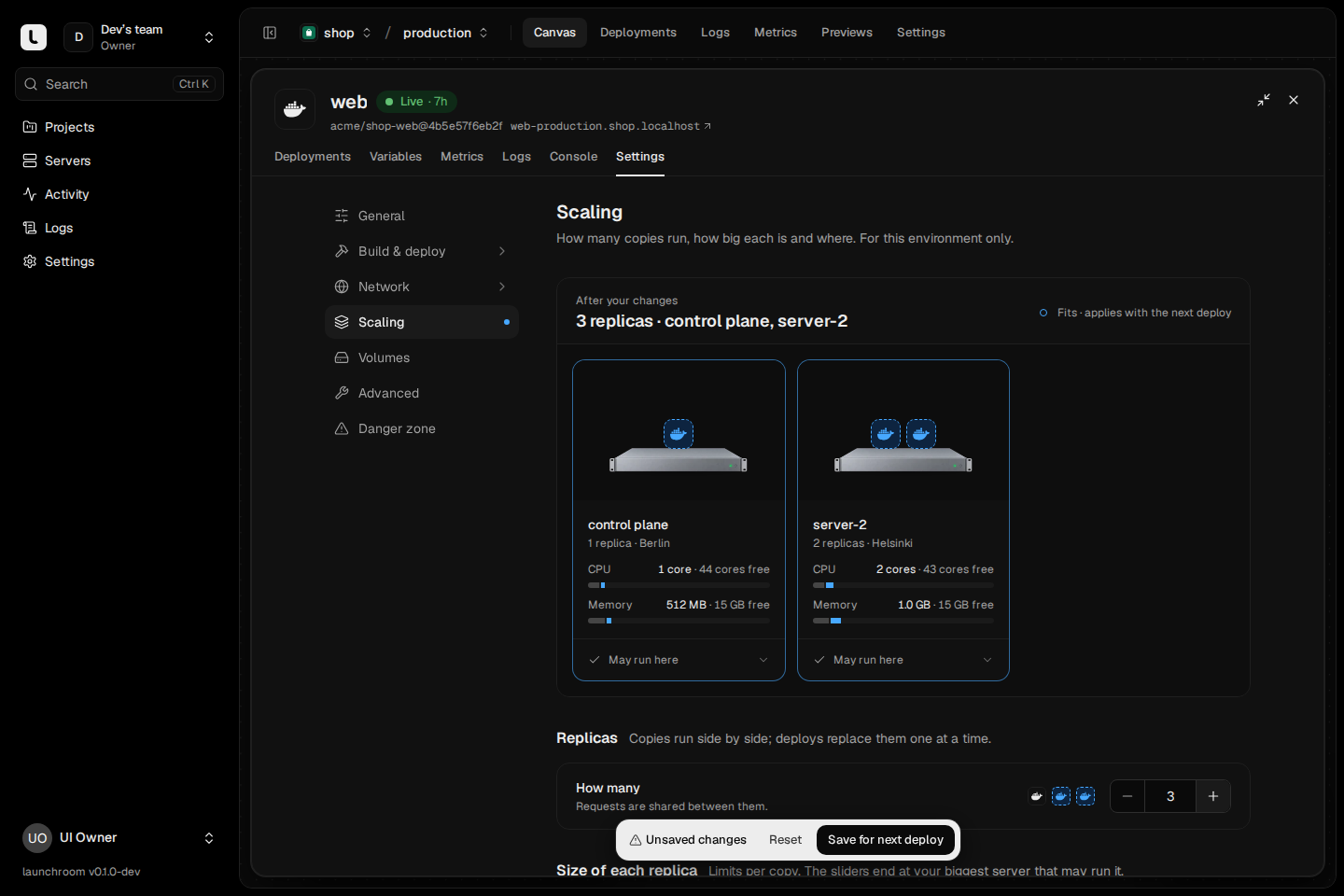
- Replicas: how many copies run. Requests are shared between them. Databases and services with a volume run one replica next to their data.
- Size of each replica: CPU and memory limits. Over the memory limit, the replica restarts.
- Distribution:
- Spread (default): across servers and zones. If one goes down, the rest keep serving.
- Pack: onto as few servers as fit. The other servers stay free.
- Where it may run: per server May run here, Only here or Never here, plus Required labels (only servers that have every one of them). Production services only use servers that allow production. Previews only use servers that allow previews.
The scheduler only considers servers that are online, have Run apps and match the rules. The replica must also fit:
- memory limits up to 1.5 times a server's memory
- CPU limits up to 4 times its cores
- minus a small reserve for the system, larger on the dashboard's server
When no server fits, the message names each server's reason, for example "hel-1: missing label gpu=yes; fra-2: doesn't allow previews". You can't save rules that no server can satisfy.
Changing rules or server settings doesn't move anything. The next deploy places replicas by the new rules.
Stateful services stay put
A database, or any service with a volume, runs one replica on the server that holds its data. Its first deploy picks the server, and it stays there afterwards. launchroom never moves data between servers on its own.
When a server dies
launchroom tracks every server by the requests launchroomd makes:
- After about 75 seconds without contact, a server is Unreachable. After 5 minutes it is Offline.
- Edges stop sending requests to its replicas within seconds, because their health checks fail.
Stateless replicas move. About 90 seconds after the last contact, replicas of apps, workers and crons that ran there move to a healthy server chosen by the same rules. They usually serve again well under two minutes after the server went away. Services with replicas elsewhere keep serving the whole time.
Stateful services never move automatically. A database's data is on that server's disk. Moving it before it is certain the server is gone could leave two diverging copies. Instead the service shows Server down on the canvas, and a banner lists the options:
- Wait for the server to come back.
- Replace a server. This restores its databases and volumes from their latest backups on another server.
- Restore the latest backup elsewhere from the service's Backups tab.
If no other server has room, the replica stays where it was and the service shows Degraded with the scheduler's reason. launchroom retries.
When the server comes back, launchroomd fetches its current desired state and removes the replicas that moved away within a couple of seconds. Nothing moves back automatically. The next deploy spreads replicas again.
If the dashboard itself was down, launchroom first gives every server time to check in before it moves anything.
Where builds run
- Architecture: an image is built for one platform, the one of the servers the service may run on. A service runs on servers of one architecture at a time. Use labels or Only here to choose which. A build server builds its own architecture, and others its Docker engine emulates (an Apple Silicon Mac on OrbStack or Docker Desktop also builds x86 images; native builders go first). If no online build server can build that architecture, the deployment fails and says which builder to add.
- Same server again: a service builds on the server that built it last when possible, because its build cache is there.
- Least busy otherwise: each build server takes one build per four CPU cores (at least one). Busy servers queue.
- Never stuck: a build waiting for a server that went offline, or that nobody picked up within 90 seconds, goes to any other build server of the right architecture.
Next steps
Rootless Docker
Servers running Docker in rootless mode join with --rootless. What you prepare once, what works fully and what is limited.
High-availability ingress
Remove the single point of failure in front of your apps with two or three edge servers and DNS that only sends visitors to edges that are up.