Scaling
Run several replicas of a service across your servers, set CPU and memory per replica and roll out new versions without downtime.
Scaling sets how many copies (replicas) of a service run, how much CPU and memory each one gets and which servers they run on. launchroom places the replicas and spreads them across servers when you have more than one, so one server going down leaves the rest serving. On every deploy it replaces them one at a time so your app keeps answering.
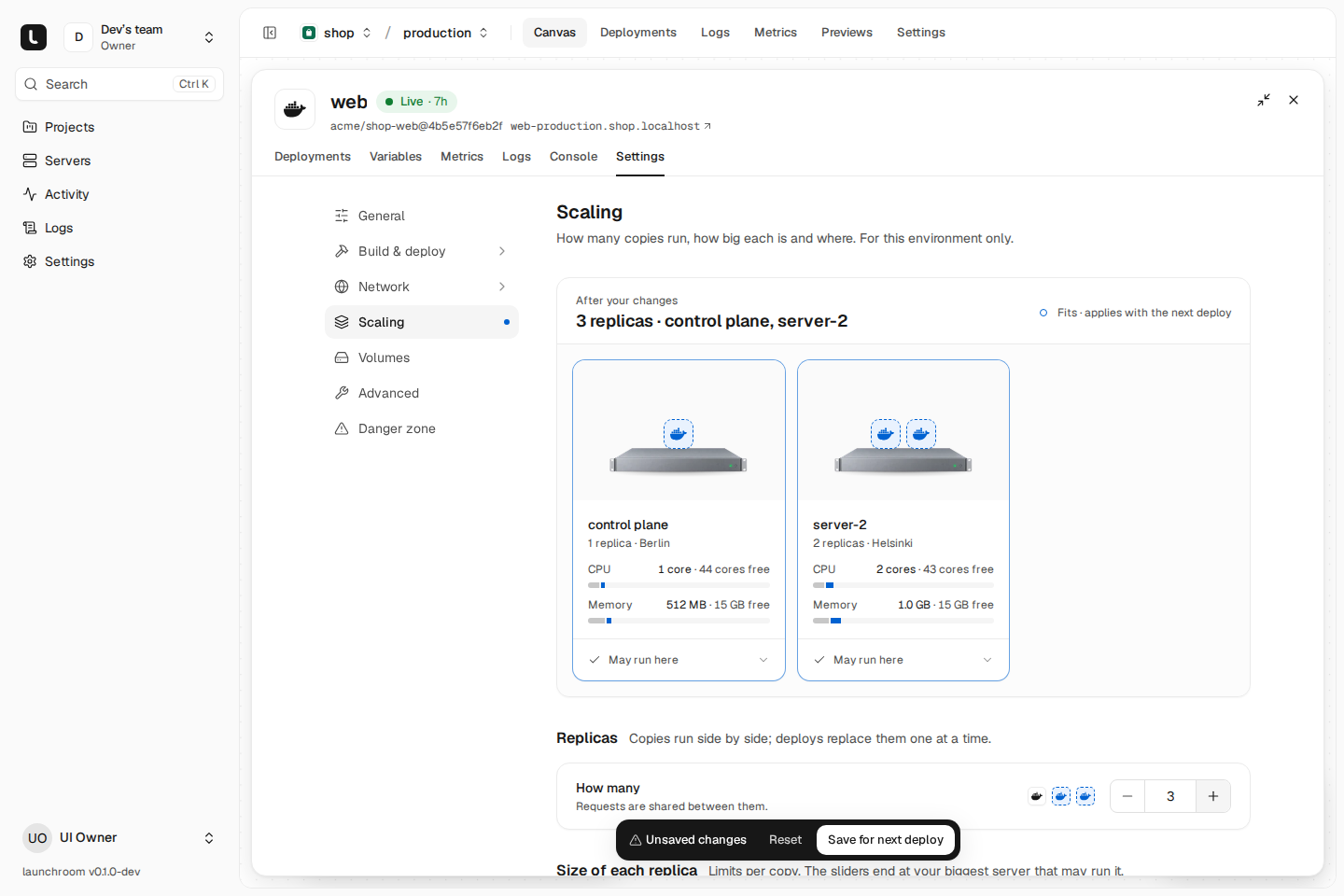
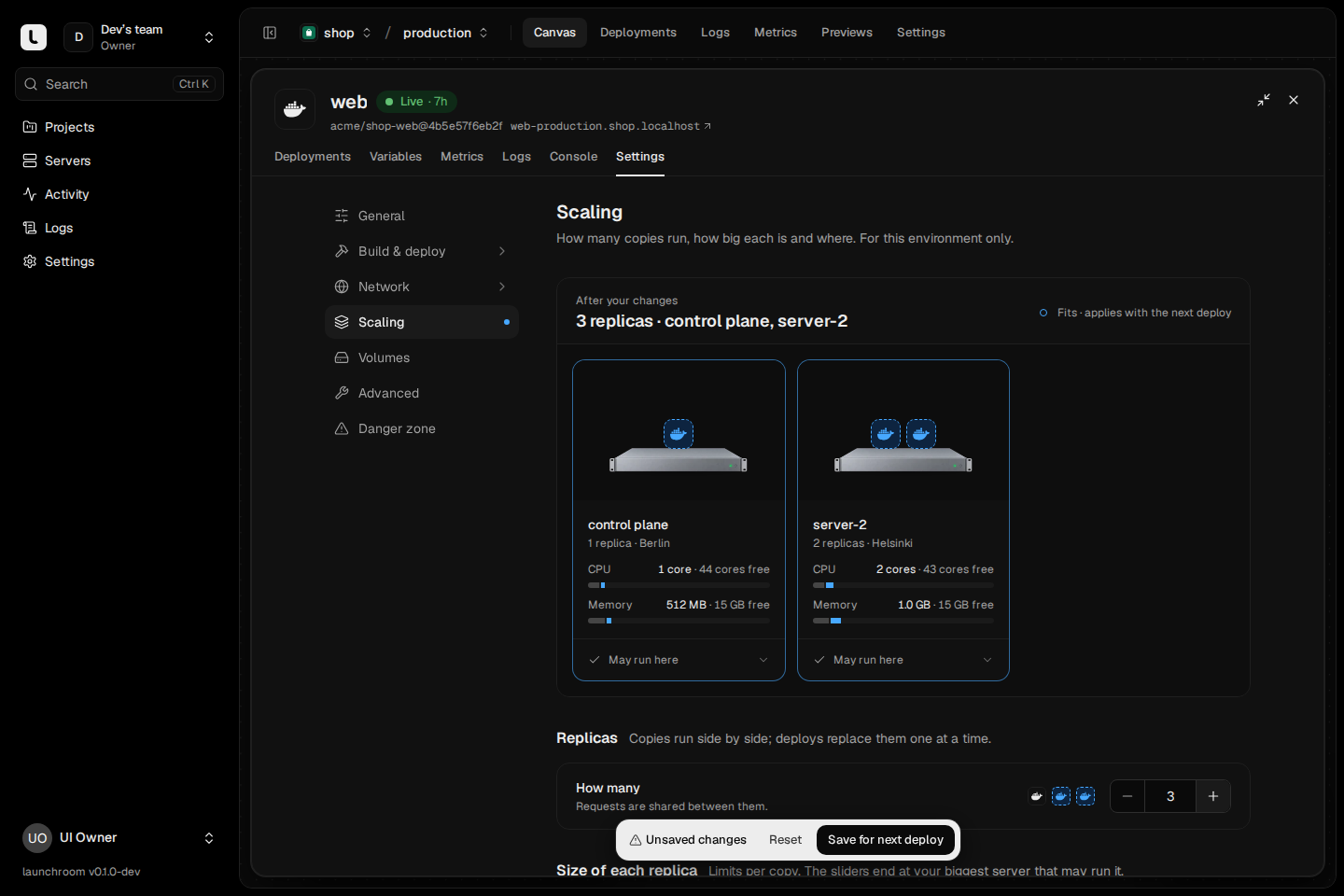
The scaling page
Open the service's Settings → Scaling. The page starts with the current state, for example "3 replicas · control plane, server-2", then one card per server that runs apps, with the replicas on it and its CPU and memory against capacity. Each change is checked against the scheduler as you type. The cards show where the replicas would go (new ones dashed, removed ones hollow) or why they wouldn't fit.
Scaling settings belong to one environment, so production can run three replicas while staging runs one. Saving stages the change (Save for next deploy). The next deploy restarts the service with the existing image and doesn't rebuild. Compare & promote treats scaling as environment-specific and copies it to another environment only when you check it.
Replicas
How many sets the number of copies, from 0 to 64. Requests to the service's domains are shared between the replicas.
- One replica: a deploy or a server restart interrupts it briefly.
- Two or more: deploys roll through them one at a time (below) and a server going down leaves the others serving.
- Zero: the service is stopped. Nothing runs until you scale it up again.
To find a single setting, type it into the search field at the top of the settings sidebar, for example "replicas".
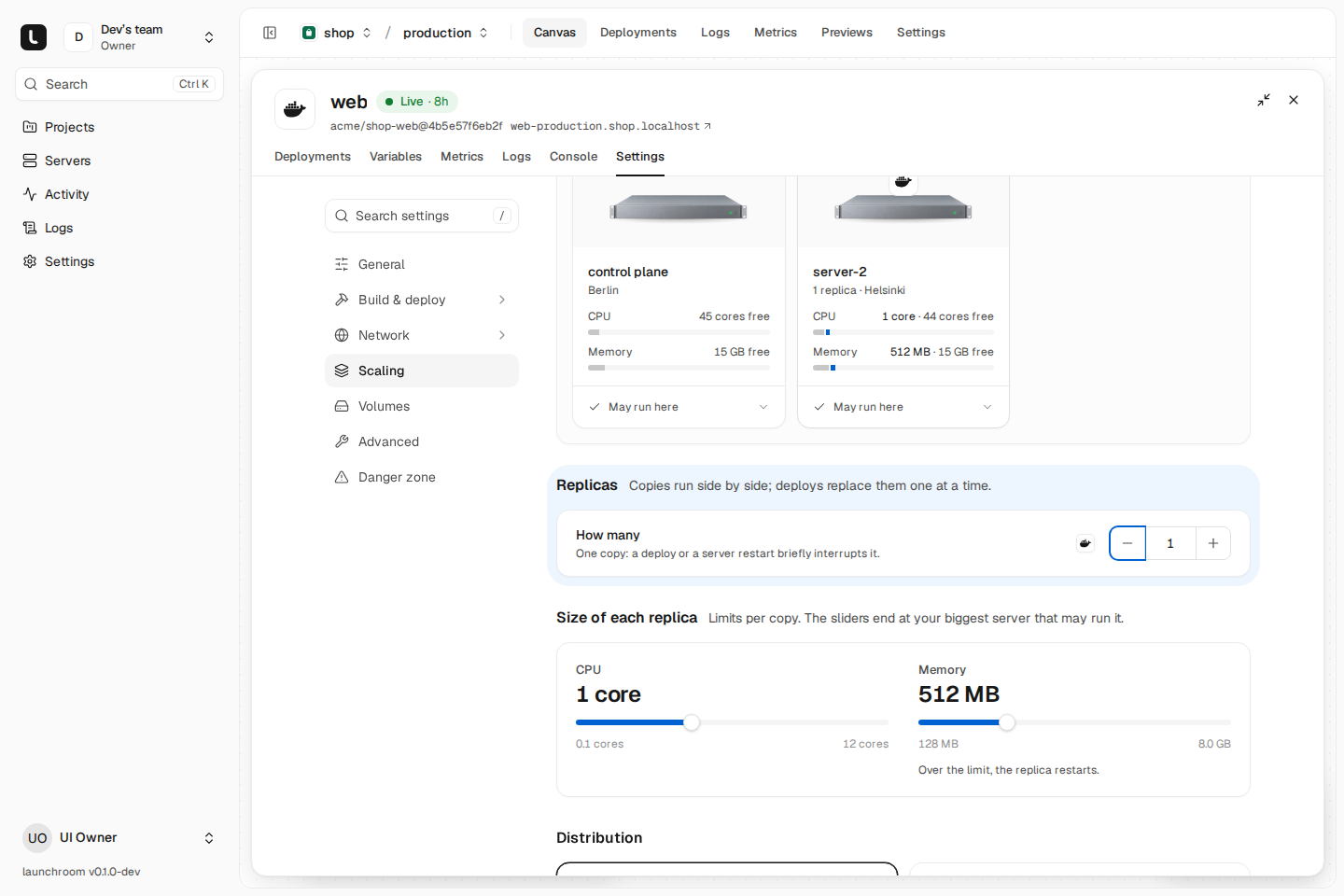
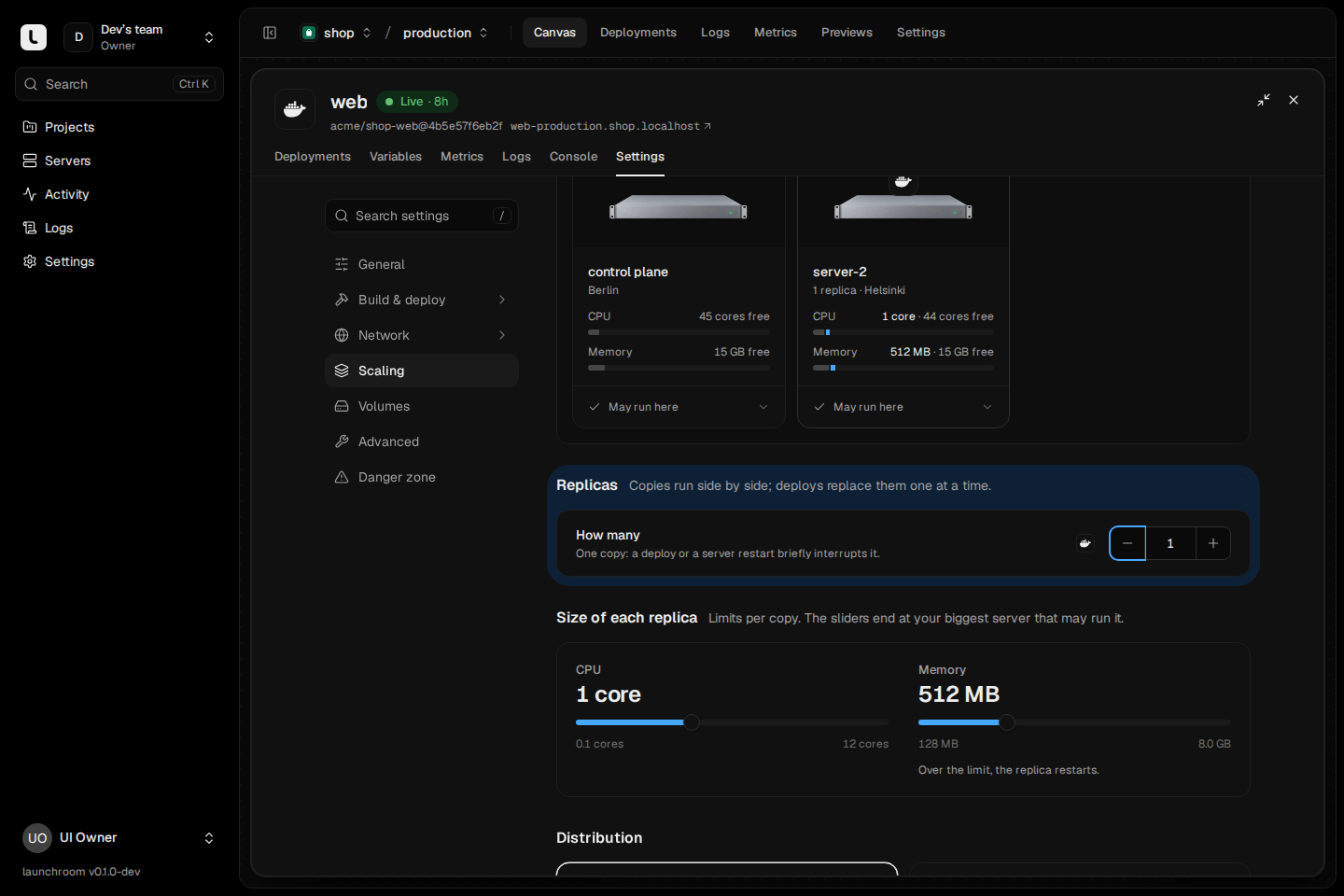
Size of each replica
Two sliders set the limits per replica:
| Limit | Range | Default |
|---|---|---|
| CPU | 0.05 to 1024 cores (0.5 = half a core) | 1 core |
| Memory | 16 MB to 1 TB | 512 MB |
The sliders end at the biggest server the service may run on. A replica that goes over its memory limit is restarted. Previews cap each replica at half a CPU by default.
launchroom places a replica only where it fits:
- Memory counts against each server's memory, with a small overcommit and a reserve for the system (larger on the main server).
- CPU counts against the server's cores with a large overcommit, because most services are idle most of the time.
Where it may run
Replicas only go to servers with the Run apps role. Within those, you set:
- Distribution: Spread (default) puts replicas on different servers and zones, so one going down leaves the rest serving. Pack fills as few servers as fit and leaves the others free.
- Per server: each server card has a rule, May run here (default), Only here or Never here.
- Required labels: only servers that have every one of these labels, for example
region=euorgpu=yes. Labels are set on the server's settings page. - Production and preview servers: production only runs on servers that allow production, previews only on servers that allow previews. Both are on by default, per server.
When no server satisfies the rules, saving is refused and the message names each server's reason ("hel-1: missing label gpu=yes; fra-2: doesn't allow previews"). Changing rules doesn't move anything. The next deploy places replicas by the new rules. See Roles and placement.
Zero-downtime deploys
A service with more than one replica is updated one replica at a time:
- One new replica starts next to the old ones.
- launchroom checks its health from outside the container (an HTTP request to the health path, or a TCP connect).
- Once it is healthy, it gets traffic and one old replica drains. The old replica stops getting new requests, serves open ones for the drain time (10 seconds by default, under Deploy), then stops.
- The next new replica starts, until all of them run the new version.
The number of serving replicas never drops below the previous count (one extra at a time, none missing). If a new replica fails its health check, launchroom removes the new replicas and puts the old ones back, and the deployment is marked Failed with the reason. The version that was live keeps serving throughout.
The health check is set under Settings → Deploy: HTTP (a path such as /health, where any 2xx or 3xx counts by default),
TCP or none, with start period, interval, timeout and failure threshold. See
Health checks.
Databases and services with volumes
Two copies can't share one data directory, so databases and services with a volume always run one replica, pinned to the server that holds their data. The scaling page shows the other servers dimmed with "Its data lives on …". Their deploys stop the old container before starting the new one, with a short interruption.
To move such a service to another server, restore a backup there. See Restore and disaster recovery.
When a server goes down
If a server stops reporting for 90 seconds, launchroom moves its stateless replicas to other servers that fit, and your edges stop sending traffic to it. When the server returns, the leftover copies are removed. Replicas don't move back on their own. The next deploy spreads them again.
Databases and services with volumes are never moved automatically, because their data is on that server. Their box on the canvas says "Server down" and links to the server, the Replace server flow and restoring the latest backup elsewhere. See Replace a server.