Git providers
Connect GitHub, GitLab, Gitea, Forgejo or any git server once. Every repository you can reach shows up when you add a service, and pushes deploy.
launchroom deploys from GitHub, GitLab (gitlab.com and self-managed), Gitea and Forgejo, and any git server you can reach over SSH or HTTPS. Connect once in Settings → Git, and every repository you can reach shows up when you add a service. After that:
- pushes deploy
- pull requests get previews
- launchroom reports the result of each deployment back to your git host
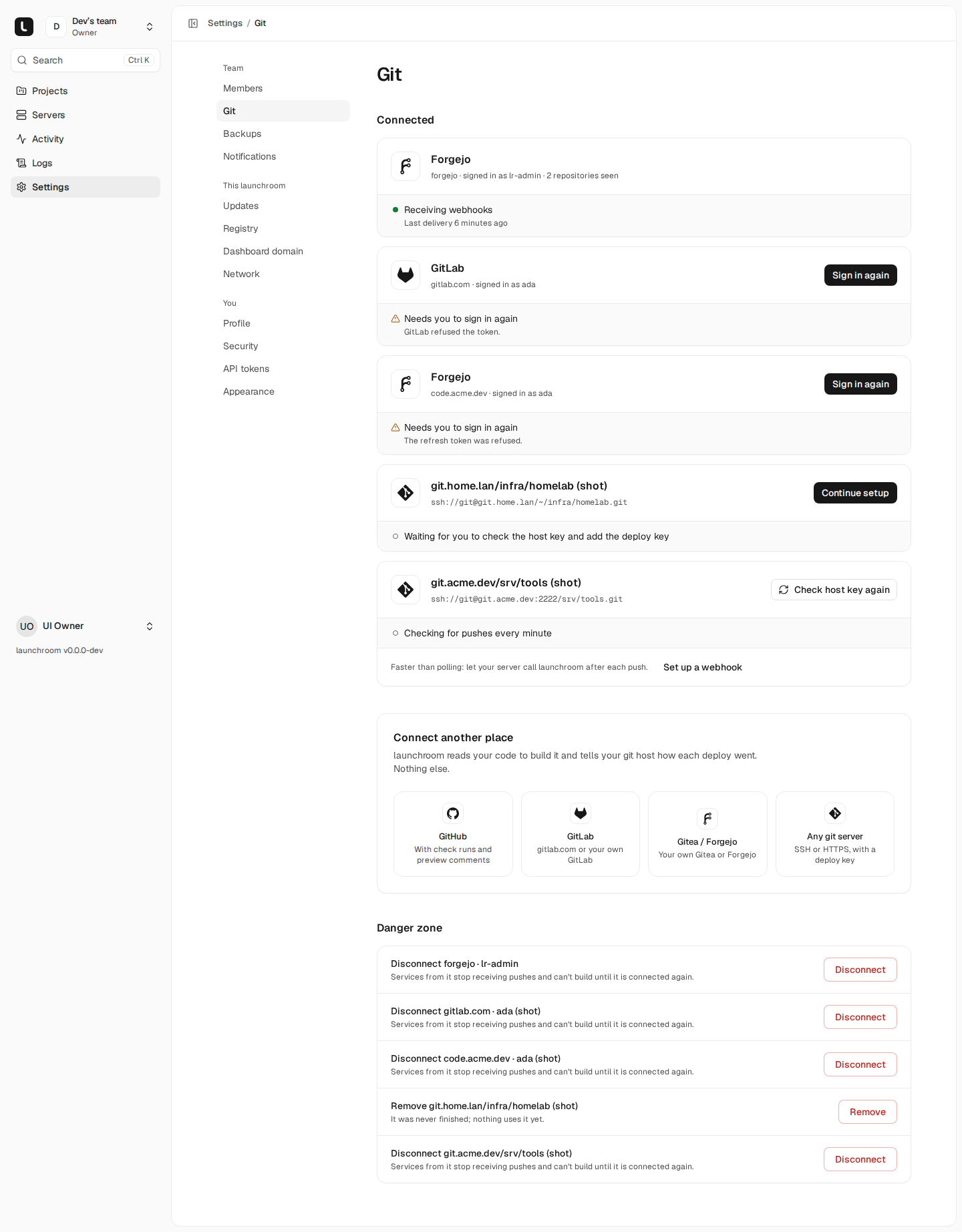
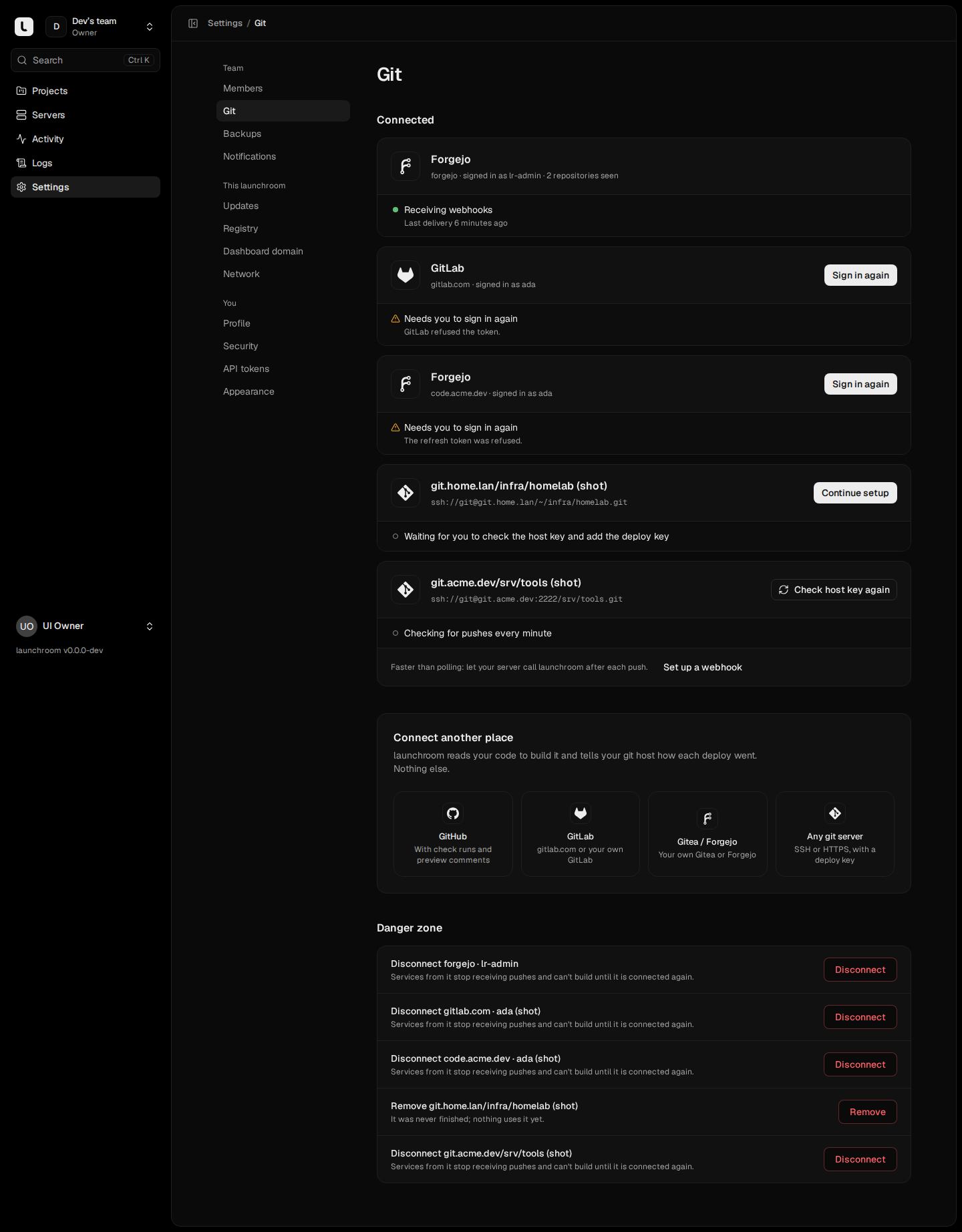
Owners and admins connect providers. Everyone on the team sees the connections and their health: "Receiving webhooks", "Checking for pushes every minute" or "Needs you to sign in again".
What each provider supports
| GitHub | GitLab | Gitea / Forgejo | Any git server | |
|---|---|---|---|---|
| Connect with | A GitHub App (one per team) | OAuth with PKCE, or an access token | OAuth with PKCE, or an access token | One repository at a time, with a deploy key |
| Repositories | Everything the app is installed on | Projects you can push to | Repositories you can access | The one you add |
| Push events | App webhook | Project webhook, registered by launchroom | Repository webhook, registered by launchroom | Optional webhook, otherwise polling |
| Deploy feedback | Deployments and check runs | Commit statuses, shown as an external pipeline | Commit statuses | None |
| Previews | One PR comment with a table of services | One merge request note | One PR comment | Not available |
When a webhook can't reach your dashboard, launchroom checks tracked branches for new commits every minute instead. Pushes still deploy, with a delay. Pull request previews need webhooks.
GitHub
Settings → Git → GitHub → Connect GitHub creates a GitHub App for your team through GitHub's manifest flow:
- Confirm your password.
- GitHub opens with the app filled in. Create it.
- Install it on the accounts or organizations whose repositories you want.
You return to launchroom with the app connected. Options for organization accounts and GitHub Enterprise Server are in a disclosure on the same card.
The app asks for these permissions:
| Permission | Access | Used for |
|---|---|---|
| Contents | Read | Cloning the exact commit of each build, reading launchroom.json |
| Metadata | Read | Listing repositories and branches |
| Pull requests | Write | The preview comment on each pull request |
| Checks | Write | A check run per service |
| Deployments | Write | Deployment status and environment URL |
| Commit statuses | Write | Status on commits |
It subscribes to push and pull_request events. Each build gets a fresh installation token scoped to the one repository it clones. The token never appears in a URL, on disk or in a log.
Dashboard not reachable from the internet
If your dashboard runs on localhost or a LAN name, GitHub can't deliver webhooks to it. Settings → Git tells you before you connect. The app is created without a webhook, and pushes arrive by polling. Give the dashboard a public domain to get instant deploys and previews.
GitLab
GitLab works with gitlab.com and self-managed instances. The guided sheet has three steps.
Choose the instance
Pick gitlab.com, or enter the URL of your self-managed GitLab. launchroom checks that it is GitLab before it continues.
Create an application
On GitLab, open your avatar → Edit profile → Applications (the sheet links to it) and add a new application:
- Name:
launchroom - Redirect URI: the one shown in the sheet,
https://<your dashboard>/settings/git/oauth/callback. Only your browser follows it, so it doesn't need to be public. - Confidential: on
- Scope:
api
Paste the Application ID and Secret into launchroom.
Authorize
launchroom sends you to GitLab to approve. Sign-in uses OAuth with PKCE. Tokens are short-lived and refreshed automatically. If GitLab refuses a refresh, the connection shows "Needs you to sign in again" and builds from it wait until you sign in.
To use a token, choose Use an access token instead. It accepts a personal, group or project access token with the api scope. GitLab needs api because webhooks, commit statuses and merge request notes all require it. The token is sent only to the build server running a clone, for that one task, and never enters a build container.
When a service first uses a GitLab project, launchroom registers a webhook on it for push, tag push and merge request events, with SSL verification on. It appears under Settings → Webhooks on the project. For gitlab.com the dashboard must be reachable from the internet. A self-managed GitLab on your network can usually reach a LAN dashboard. Commit statuses show up on commits and merge requests as an external pipeline stage, and each merge request gets one launchroom note with its preview table.
Gitea and Forgejo
Gitea and Forgejo connect the same way as GitLab:
- Enter the server's URL. launchroom detects which one it is.
- Create an OAuth2 application under Settings → Applications on that server, with the redirect URL from the sheet.
- Paste its ID and secret.
- Authorize.
Use an access token instead takes a token with write:repository and read:user.
launchroom registers a repository webhook for push and pull request events, signed with HMAC-SHA256. It reports commit statuses and keeps one comment per pull request up to date.
Any git server
For a git server without a supported API, Any git server adds one repository at a time. Enter its URL in any of these forms:
[email protected]:team/app.git
ssh://[email protected]:2222/app.git
https://git.example.com/app.git
HTTPS works for public repositories only. For SSH, launchroom walks you through two checks:
- Host key. The dashboard connects to the server, reads its host keys and shows their
SHA256:fingerprints. Compare them with what your server shows, for examplessh-keygen -lf /etc/ssh/ssh_host_ed25519_key.pub, then choose These match, check access. Only confirmed keys are trusted from then on. - Deploy key. launchroom generates an ed25519 key for this repository and shows the public half. Add it to the repository as a read-only deploy key. The private key is encrypted and never shown. Each repository has its own key, so revoking one key cuts off one repository.
Builds clone only with the pinned host key. If the server's key changes later, clones fail with "The server's host key changed" until you choose Check host key again and confirm the new fingerprint. launchroom never accepts a new key silently.
Pushes from a plain git server
Without a webhook, launchroom checks the repository for new commits every minute. For instant deploys, use Set up a webhook on the connection card: it shows a URL and a secret. Calls must be signed with the secret as X-Launchroom-Signature: sha256=<hex HMAC-SHA256 of the body> (X-Hub-Signature-256 is also accepted). A valid call tells launchroom to check now. launchroom doesn't read the body. Gitea, Forgejo, Bitbucket Server and a post-receive hook can all call it.
Git servers on a private network
Self-managed GitLab, Gitea, Forgejo or SSH servers are often on a private network. By default launchroom only connects to public addresses. An instance owner can tick This server is on my private network when connecting. The choice is audited, and only then is plain http:// allowed. Loopback, link-local and metadata addresses, and launchroom's own services, are always refused.
If your git server reaches the dashboard under a different address than its public URL, the instance owner can set LAUNCHROOM_GIT_WEBHOOK_URL in the control plane's .env so webhooks are registered with that address.
Monorepos and root directories
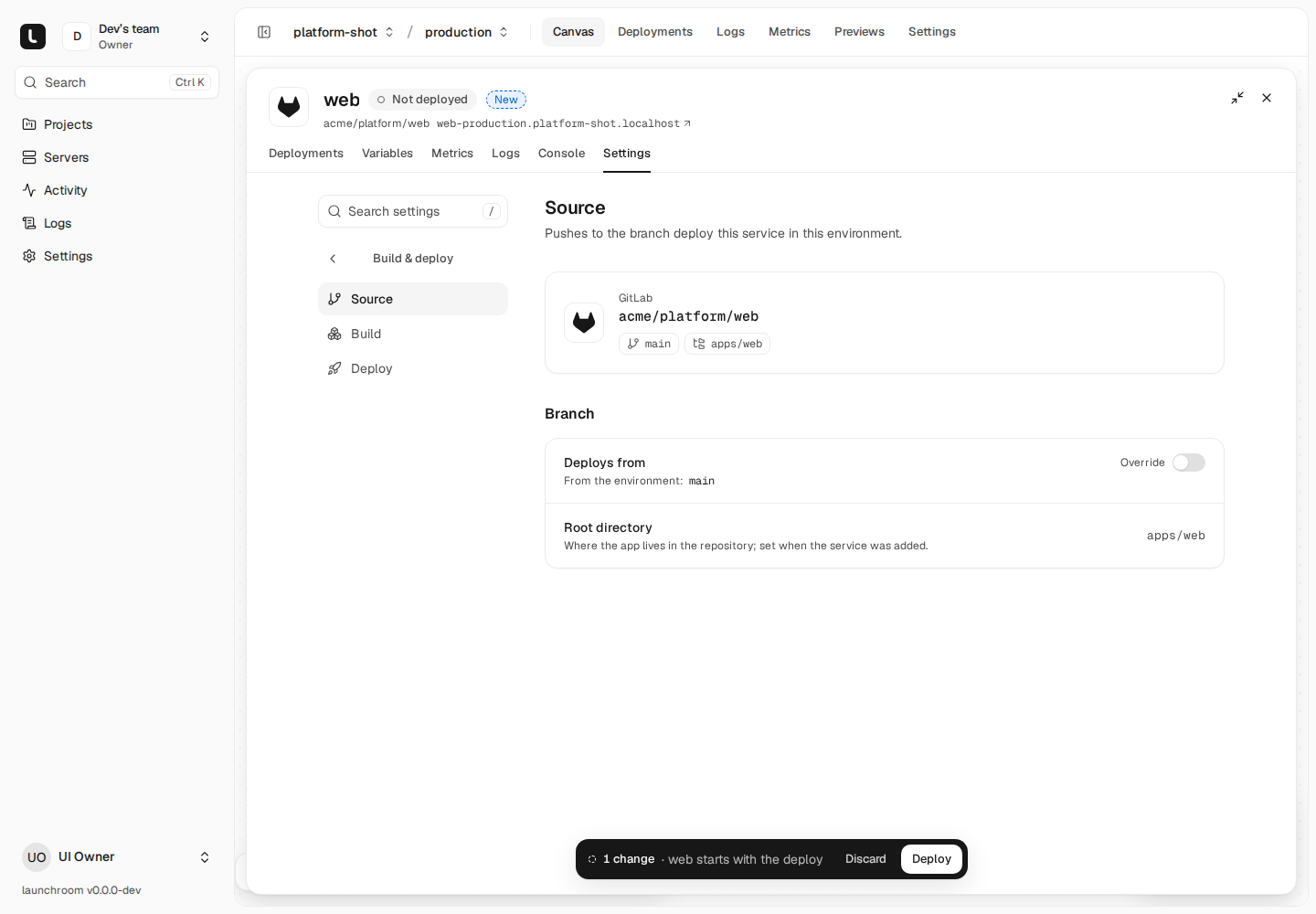
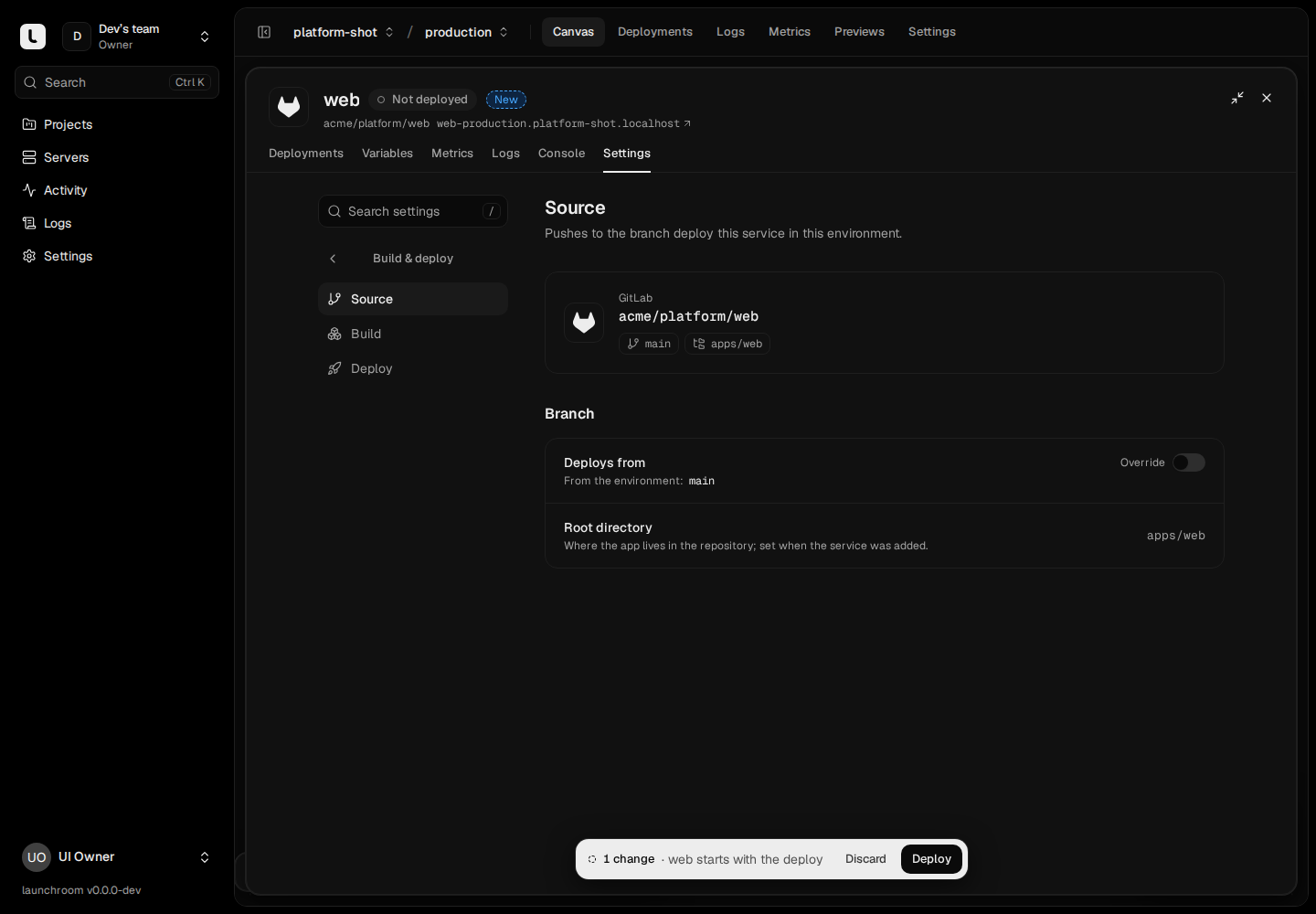
A service builds one directory of a repository: its root directory, set when you add the service and shown in Settings → Source. For a workspace monorepo (pnpm, yarn or npm workspaces, Turborepo, Nx), add one service per app and pick its directory. Several services can point at the same repository.
Use Watch paths (Settings → Build → When to build) so a push only deploys the services whose files changed. They are repository-relative globs, comma-separated, for example apps/web/**, packages/ui/**. Pull request previews use the same paths to rebuild only the services a pull request touches.
Push to deploy
Each environment has a trigger: a branch (globs like release/* work) or a tag pattern (v*). A push to a matching branch deploys every service in that environment that builds from the repository, using the environment's last deployed configuration. A push never applies staged changes. You deploy them yourself with Review & deploy. A service can override its environment's branch in Settings → Source.
- A newer push replaces queued deployments and cancels a build still running for an older commit.
- Put
[skip deploy]or[skip ci](also[ci skip],[no ci],[deploy skip]) in the head commit message to skip a push. - After a production rollback, pushes stop deploying to production until you choose Resume.
Pull requests get preview environments. Previews for fork pull requests are off by default. See previews and environments.
Next steps
How builds work
How a commit becomes a health-checked, routed release. Your Dockerfile wins, presets and Railpack cover the rest, and every deployment is an immutable image.
Generate a Dockerfile
When Railpack can't plan an app, launchroom can draft a Dockerfile with Claude, then build and start it before you use it. Off by default.