Previews
Every pull request gets its own environment, URL and database, protected by default and removed when the pull request closes.
With previews on, every pull request gets a full copy of the project with its own environment, URLs and databases. The preview deploys the pull request's head commit and updates on every push to it. When the pull request is merged or closed, the preview is removed.
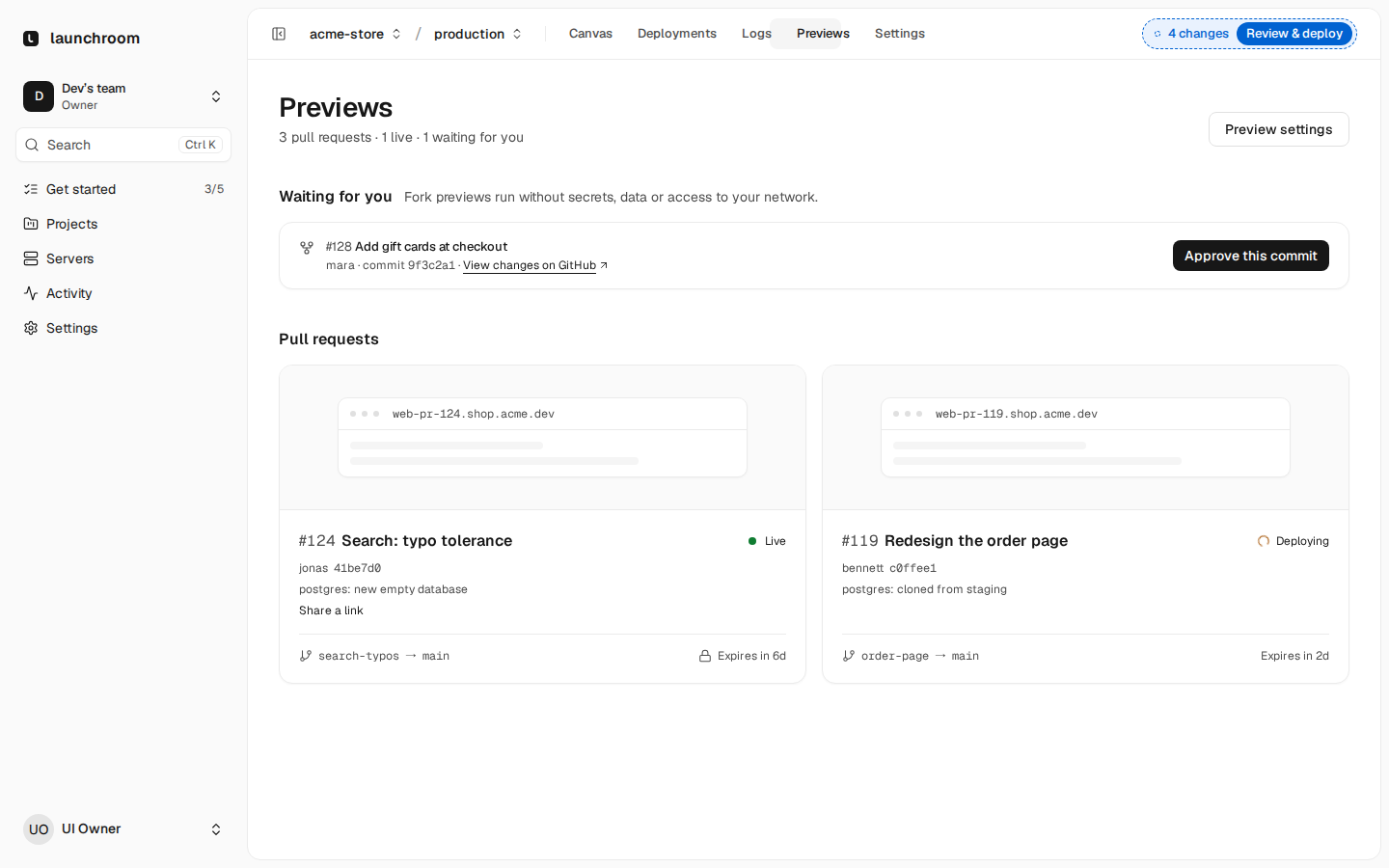
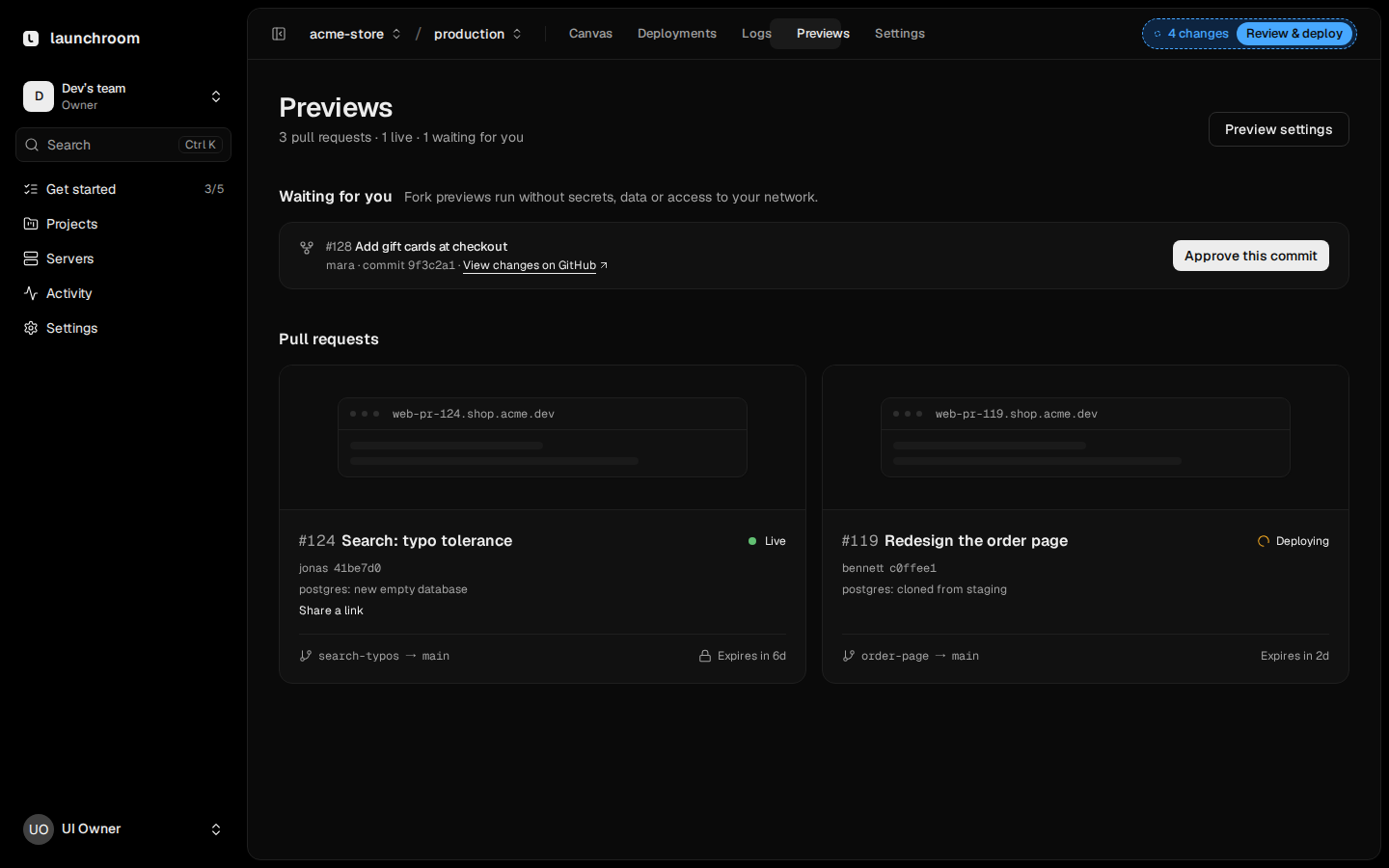
Turn previews on
Previews are off for a new project. Open the project's Settings → Previews and switch on Preview environments. The same page sets which pull requests get a preview:
| Setting | What it does | Default |
|---|---|---|
| Copied from | The environment each preview copies its services, settings and variables from | staging if it exists, else production |
| Target branches | Comma-separated globs of target branches; empty means every branch | Every branch |
| Required label | Only pull requests with this label get a preview | None |
| Running at once | How many previews run at the same time; more pull requests wait in a queue | 3 |
| Remove after inactivity | Days without new commits before a preview is removed; 0 means never | 7 |
A pull request with [skip preview], [preview skip] or [no preview] in its title gets no preview. Previews need a
pull request event from GitHub, GitLab, Gitea or Forgejo. Repositories connected as a plain git server don't send one.
How a preview is created
When a pull request opens, launchroom:
- Creates an environment named
pr-<number>("PR #128") as a copy of the base environment, with its own private network. - Applies the variables targeted at previews and at the pull request's branch (see Variables).
- Starts the databases and other image-based services first and prepares their data.
- Deploys the apps at the pull request's head commit.
Each new push to the pull request deploys its new head commit. Previews are listed on the project's Previews tab and under their own heading in the environment switcher. Open one to see its canvas with the pull request on top.
Focused previews: when services have watch paths, launchroom builds only the services whose files the pull request changed. The rest run the commit the base environment runs and reuse their existing image without a build. The preview still has every service.
Limits: by default, previews run 1 replica per service and at most half a CPU per replica (memory as in the base). They are placed only on servers with Previews allowed in their placement settings. See Roles and placement.
Databases in previews
Set what a preview gets for each database under Databases in previews on the same settings page:
| Option | Behaviour |
|---|---|
| New and empty (default) | A fresh database with fresh credentials. Your release command runs the migrations, then the optional seed command runs once after the preview's first deploy. |
| Copy of a database | Restored from the latest backup of a database you pick, typically staging's, so the source takes no load. An optional sanitize command runs after the restore. |
| Share the base | The preview reads and writes the base environment's database. The canvas marks the connection as shared. Migrations from the pull request run against it. |
The seed command lives in the app's Deploy settings (for example php artisan db:seed or npx prisma db seed), as a
list of arguments.
Copies have a size limit. The source's latest backup must be under the team's limit (1 GB by default, shown on the page). A database without a backup can't be the source. Copying or sharing production data needs Allow production data under Access, which only owners and admins can switch on. Caches and other volumes always start empty.
URLs
Every web service in a preview gets:
- its preview address,
{service}-pr-{number}.{project}.{your apps domain} - a branch address,
{service}-git-{branch}.{project}.{your apps domain}, which redirects to the current preview address - an immutable address per deployment,
{service}-{id}.{project}.{your apps domain}, which points at that version while it runs
Preview hosts send X-Robots-Tag: noindex, so search engines don't index them. Without a platform domain the addresses
use the sslip.io fallback (see Domains and TLS).
Protection and share links
Require a login is on by default. Team members open a preview after signing in to launchroom. Everyone else needs a share link. The sign-in sets a cookie for the preview's host only and doesn't touch your dashboard session.
- Share link: on the Previews tab, create a link for someone outside the team. The link is valid for up to 30 days, can be revoked at any time and stops working when the preview is removed.
- Automated tests: generate a Bypass secret under Automated tests and send it as the
X-Launchroom-Bypassheader from CI. The header is removed before the request reaches your app. The secret is shown once.
Pull requests from forks
Code from a fork can do anything your build and app can do, so fork pull requests get No previews by default. Choose After your approval under Pull requests from forks to allow them:
- Authors with write access to the repository get previews automatically.
- For everyone else, the preview waits on the Previews tab until a team member who can deploy presses Approve, or
someone with write access adds the
previewlabel. - An approval covers only the commit you reviewed. New commits wait for approval again while the approved one keeps running.
A fork preview never gets the base's data or secrets:
- Every secret not set on the preview itself is empty.
- Databases are always new and empty. Copy and share are turned into new and empty, and the page says so.
- A
launchroom.jsonin the pull request can't add services, volumes or connections.
See launchroom.json.
Approve the code, not the author
Before approving, read the change. The preview runs that commit on your servers with your preview settings.
Status on the pull request
launchroom reports back to the pull request with one comment that lists every service with its status and URL. The comment is updated in place on each push:
| Git host | Feedback |
|---|---|
| GitHub | One pull request comment, a deployment per preview, a check run per service |
| GitLab | One merge request note and a commit status |
| Gitea, Forgejo | One pull request comment and a commit status |
Cleanup
A preview is removed when its pull request is merged or closed, after the inactivity period, or when a filter stops matching (for example the required label is removed). A daily sweep also removes previews whose close event never arrived. Removing a preview stops its services, frees its slot for the next one in the queue and removes its routes. Its volumes stay on the servers for 7 days before they are deleted. Reopening the pull request starts a fresh preview.