How builds work
How a commit becomes a health-checked, routed release. Your Dockerfile wins, presets and Railpack cover the rest, and every deployment is an immutable image.
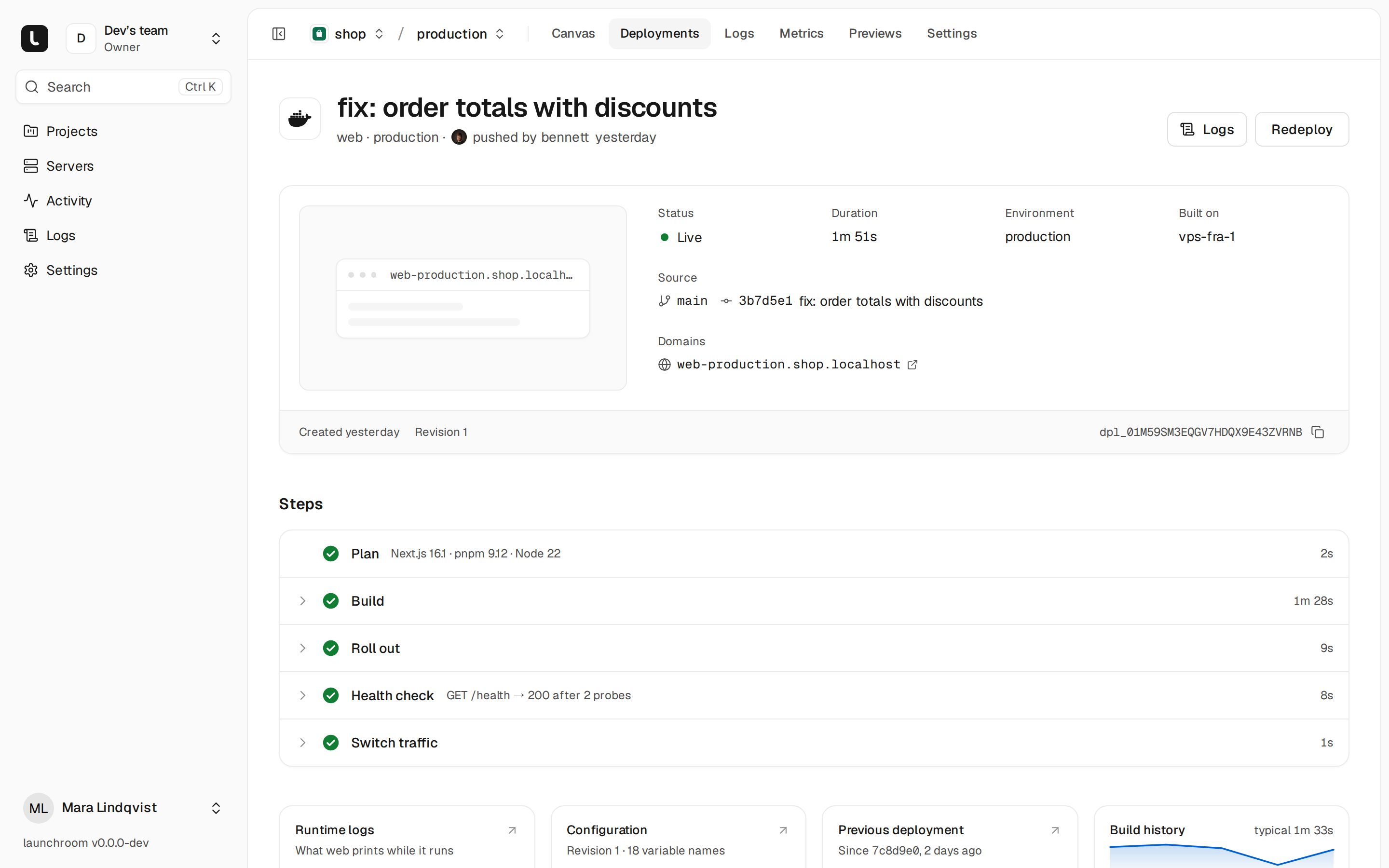
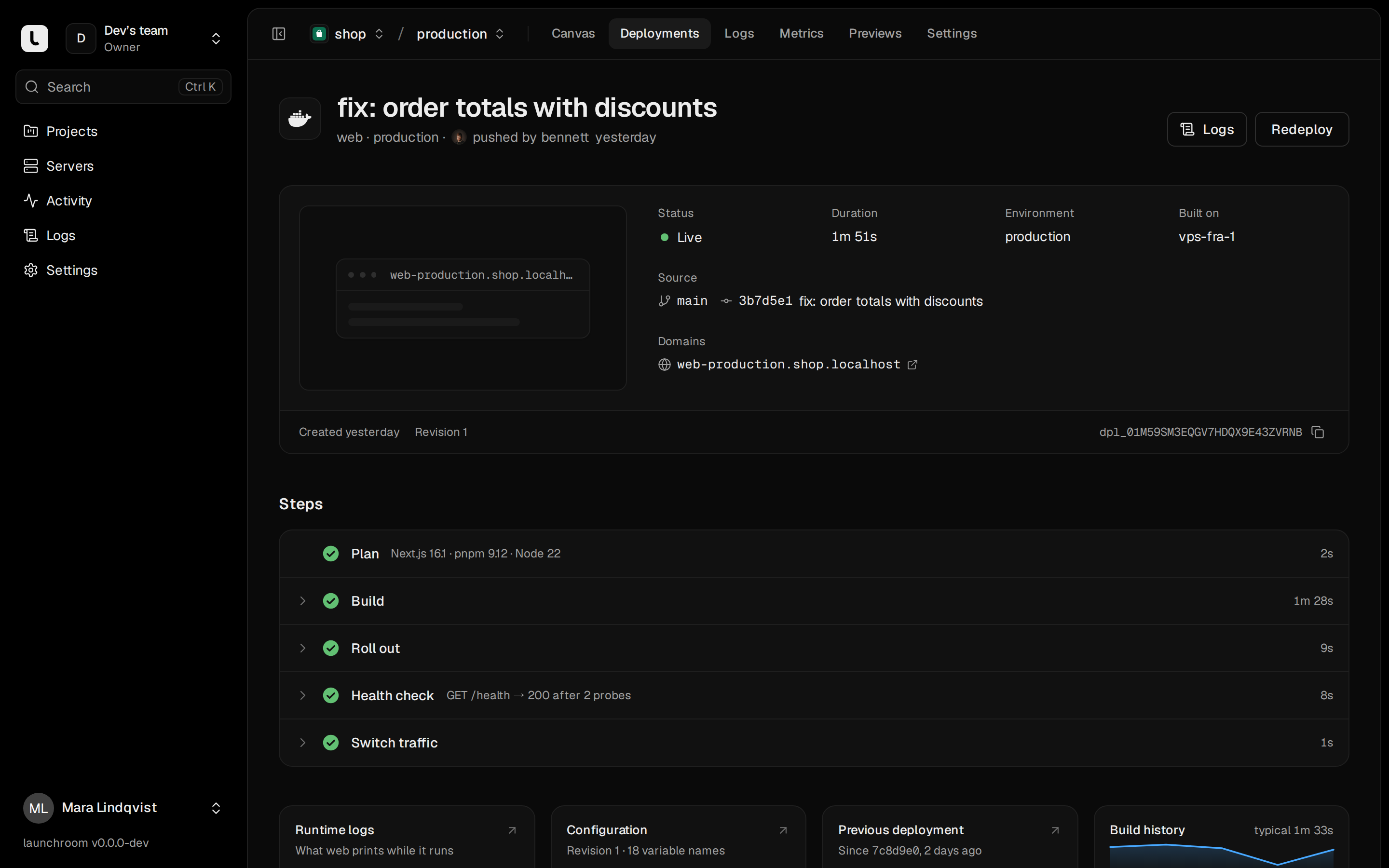
Every push becomes an immutable image and a health-checked rollout. Traffic switches only after the new version answers. Each step is visible as it runs, and you can roll back to an earlier deployment in seconds without rebuilding.
How launchroom picks a builder
After cloning your repository on a build server, launchroom resolves the builder for each app service in this order:
- Your explicit choice. Settings → Build → Builder: Automatic, Railpack, Dockerfile or Static files.
- Your Dockerfile. With Automatic, a
Dockerfile(orContainerfile) at the configured path wins. The deployment says it builds with your Dockerfile. - A launchroom preset plus Railpack. When a framework preset matches, it adjusts Railpack's plan where the defaults aren't production-grade.
- Plain Railpack. Everything Railpack can plan builds without a Dockerfile.
launchroom never switches builders silently. If your Dockerfile looks like a development setup (its CMD runs npm run dev, vite, artisan serve or runserver, or the file is named *.dev), you get a warning and a suggestion, and the build still uses your Dockerfile. When nothing can plan the app, launchroom shows what Railpack found. You can then set build and start commands yourself, or generate a Dockerfile if your instance has that turned on.
The plan, before anything builds
When you add a repository, and before every deploy whose build inputs changed, launchroom runs a plan on a build server. It clones, detects and prepares a build plan in a few seconds. Settings → Build shows the result as one line, for example "Next.js 16 · npm · port 3000", with:
- the detected framework, package manager and runtime, with versions and where each came from (
.nvmrc,package.json, …) - install, build and start commands, the port and the health path
- the release command, if a preset proposes one
- build-time variables, and variables your code references that aren't defined yet
- each preset decision as a removable chip
Every detected value has an Override switch. Overrides are stored in launchroom and never written to your repository. Detect again re-runs the plan, and View plan JSON shows Railpack's raw plan.
Ejecting to railpack.json
To keep the build settings with your code, the Keep it with your code card downloads a railpack.json with the effective settings: your overrides, otherwise the detected values. Commit it and Railpack reads it on the next build.
Framework presets
Presets are versioned and compose with Railpack instead of replacing it.
| Preset | What it does |
|---|---|
| Next.js | Sets HOSTNAME=0.0.0.0, PORT and turns telemetry off. Generates a NEXT_SERVER_ACTIONS_ENCRYPTION_KEY per service. On Next.js 16.2 and later, builds through the launchroom deployment adapter (below). Warns about the ISR cache when you run more than one replica. |
| Laravel | Moves migrations into the release command php artisan migrate --force, runs optimize at container start instead of build so secrets don't land in bootstrap/cache, suggests queue (or Horizon), scheduler and Reverb processes, and uses /up as the health path. |
| Django | Starts with gunicorn (uvicorn or daphne for ASGI) from your settings, runs collectstatic when STATIC_ROOT is set, makes migrate --noinput the release command and suggests Celery worker and beat processes. |
| FastAPI, Flask, Litestar | Finds the app object (main.py, app.py, app/main.py, …) and sets the start command, using fastapi run when fastapi[standard] is installed. |
| Static SPAs (Vite, Create React App, Angular, static Astro, Next.js export) | Builds, then serves the output folder with Caddy on port 8080. |
| Node servers (Express, Fastify, Hono, Nest) | Warns about a hard-coded listen(3000) or a missing start script. |
Railpack covers the rest, including Go, Bun, Deno, Ruby and other Node, Python and PHP apps. Rails 7.1 and later ship a production Dockerfile, which launchroom uses.
The Next.js adapter
On Next.js 16.2 and later, the Next.js preset injects the @vantezzen/launchroom-next-adapter deployment adapter without changing your repository. It builds Next's standalone output, ties static assets to the deployment, and starts the app with node .next/standalone/server.js. The image contains only the standalone output and the Node toolchain. In launchroom's tests this made it about a third smaller than next start. The build panel shows what the adapter found: routes, middleware, image optimization and ISR routes. If your next.config sets its own adapterPath, yours wins. Remove the decision chip to build with next start instead.
Build settings
| Setting | Where | Notes |
|---|---|---|
| Root directory | Settings → Source | Where the app lives in the repository. Builds use it as the app directory. See monorepos. |
| Install, build commands | Settings → Build → Commands | Override only what differs from the detected values. |
| Start command, port | Settings → Deploy | Changes restart the service without a rebuild. |
| Release command | Settings → Deploy | Runs once per deploy before traffic switches, such as migrations. |
| Dockerfile path | Settings → Build | Shown when the builder is Dockerfile. Defaults to Dockerfile in the root directory. |
| Watch paths | Settings → Build → When to build | Only pushes that touch these paths deploy. Comma-separated globs. |
| Railpack version | Settings → Build | Pinned per service, so a Railpack update never changes a build you didn't ask to change. |
Changes to build settings are staged like every other change and apply on the next deploy.
Build-time and runtime variables
Most variables are runtime only. Changing one restarts the service with the same image, without a rebuild. Some variables are needed while building, and launchroom recognizes them automatically:
- prefixes that frameworks bake into the browser bundle:
NEXT_PUBLIC_*,VITE_*,PUBLIC_*,REACT_APP_*,EXPO_PUBLIC_*,GATSBY_* - build tooling such as
SENTRY_AUTH_TOKEN,NODE_OPTIONS,NPM_TOKEN,COMPOSER_AUTHandPIP_INDEX_URL
You can change a variable's exposure under Advanced in the Variables tab. Build-time values reach the build only as BuildKit secrets, never as build arguments, so they don't end up in image layers. The exception is a Dockerfile that declares an ARG with the same name as a non-secret build-time variable. That variable is passed as a build argument. Changing a build-time variable triggers a rebuild, and the staged changes say so ("web: rebuild · api: restart").
Public prefixes are public
Variables like NEXT_PUBLIC_* are baked into the browser bundle and visible to anyone, so they can't be secrets.
Where builds run
Builds run on servers with the Build role. On a single server, that server builds. With several, launchroom prefers the server that built the service last (its BuildKit cache is there), then the least busy one. Each build server runs one build per four cores in parallel, at least one. A build times out after 30 minutes.
BuildKit runs as a rootless system container that launchroomd starts on demand. It is never privileged, and build steps have no way to reach BuildKit's API. An image is built for the CPU architecture of the servers it will run on. An ARM server needs an ARM build server, and an x86 server needs an x86 build server.
Base images and Railpack's images are pulled through launchroom's registry mirror, so upstream outages or rate limits don't break your builds. Build logs are split into steps (clone, plan, install, build, push). Every secret value is masked before a log line leaves the server.
Images and immutable deployments
A successful build is pushed to the built-in registry on the control plane, tagged with its deployment and referenced by digest. Nothing is ever tagged latest. Each deployment is one image plus one snapshot of the configuration, and it never changes afterwards.
If an image with the same build inputs already exists, launchroom skips the build and reuses it. Build inputs are the commit, root directory, builder settings, Railpack version, build-time variable values and platform. Because of this, changing a runtime variable only restarts the service, and promoting staging to production usually reuses the staging image.
Workers and cron jobs share the image of their parent app. One build covers the web process, the queue and the scheduler.
The deployment steps
A deployment moves through these steps, each shown with its own log:
- Plan, only when the plan is out of date.
- Build, skipped when the image can be reused.
- Release, only when a release command is set. It runs once, in the new image, before any traffic moves. If it exits non-zero, nothing rolls out and the current version keeps serving.
- Roll out: new replicas start next to the old ones.
- Health check: launchroomd checks every new replica.
- Switch traffic: the edge servers route to the new replicas and the old ones drain.
A newer push replaces queued deployments of the same service and cancels a build that is still running for an older commit. A failed deployment shows the reason, for example a lockfile out of date, a port mismatch or a health check timeout. Your site keeps serving the previous version.
Health checks
launchroomd checks each new replica from outside the container, so your image doesn't need curl. Choose the check in Settings → Deploy → Health check:
- HTTP:
GETon the path, any 2xx or 3xx answer counts. The default path is/, or/upfor Laravel. - TCP: the port accepts a connection.
- None: for workers and cron jobs, "running without exiting" counts as healthy.
You can configure the time to start, check interval, answer timeout and the number of failures before a replica is unhealthy. A Dockerfile HEALTHCHECK counts as an extra signal. Traffic only switches after the new replicas pass. If they don't, the deployment fails and the old version keeps serving.
Rolling updates
A service with several replicas updates one replica at a time: start a new replica, wait until it is healthy, add it to the routes, drain an old one, and repeat. Old replicas keep answering for the drain time (10 seconds by default, Settings → Deploy → Rollout) before they stop. A single replica starts its new version next to the old one and switches when healthy.
Services with volumes, such as databases, can't run two copies on one data directory. They stop and then start, with a short downtime that the deploy shows in advance. See scaling.
Rollback
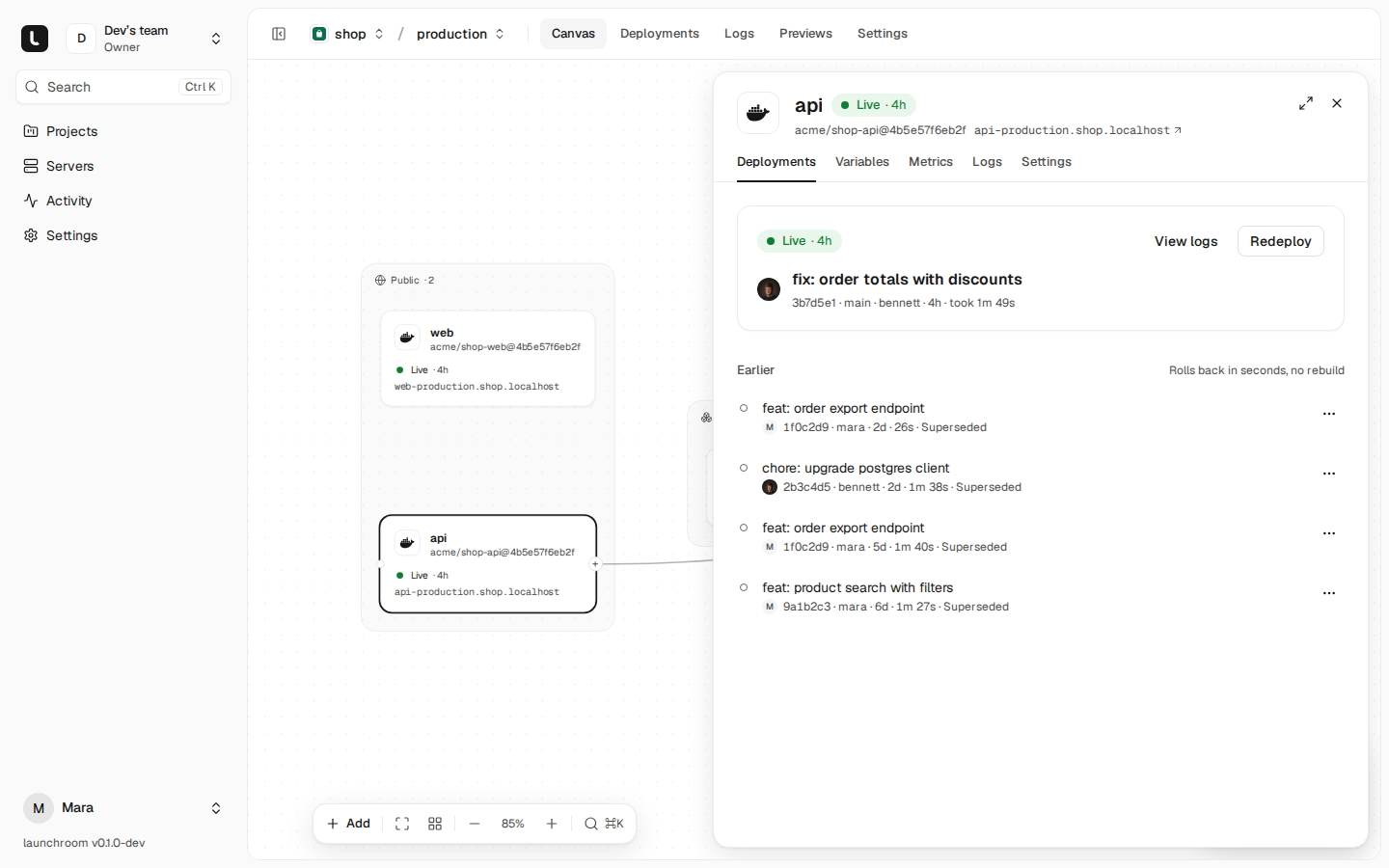
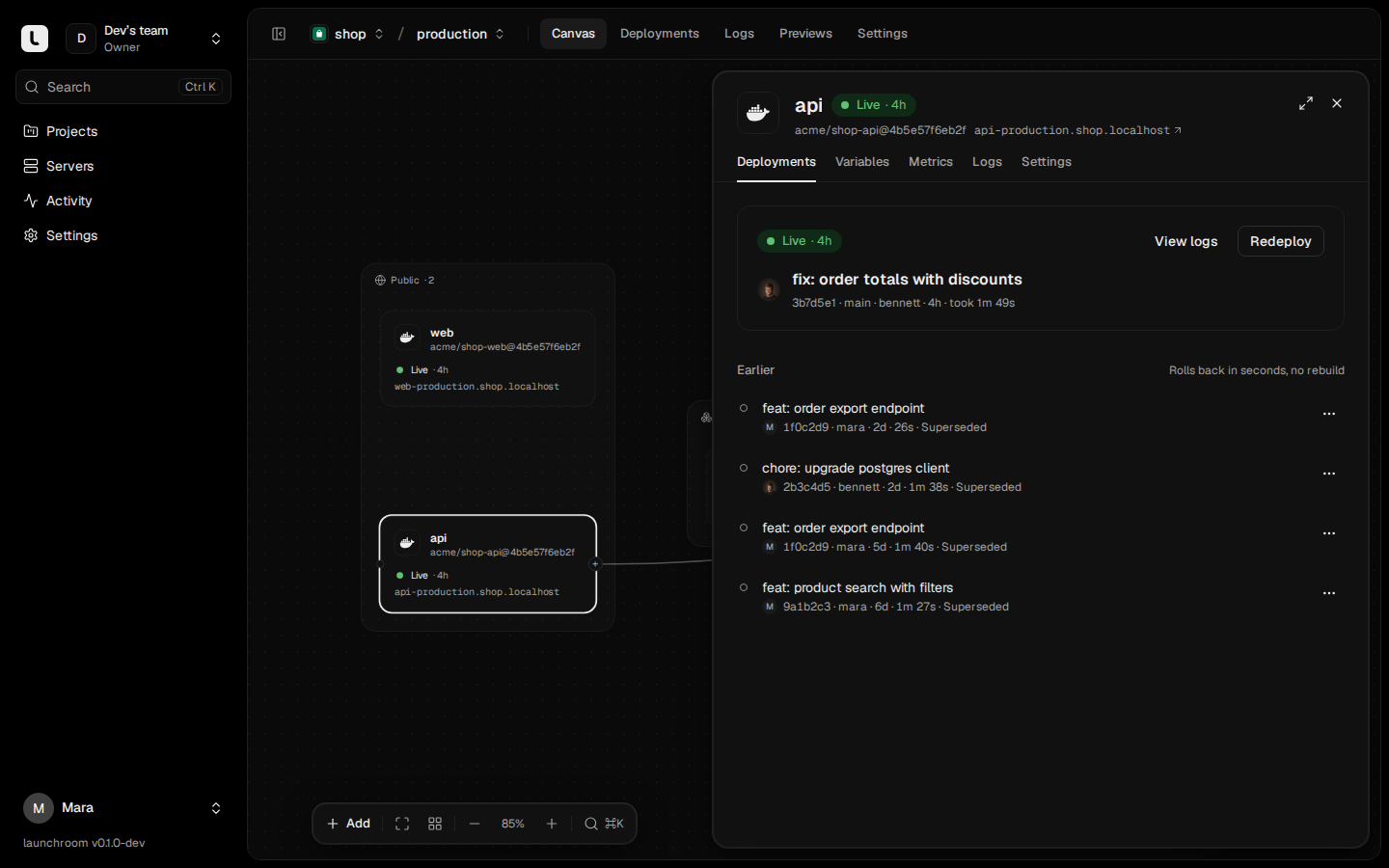
Rolling back points the service at an earlier deployment's image and configuration snapshot. There is no rebuild, and on servers that ran it recently there is no pull. A rollback takes seconds. Roll back from the service's Deployments tab, or with Roll back to this on a deployment page.
- After a production rollback, automatic deploys pause for that environment so the next push doesn't undo it. A banner shows Resume.
- Rollbacks don't revert database migrations, and they don't run the release command again.
- The registry keeps the last 10 images per service. You can't roll back to a deployment whose image is gone, and its button disappears.
Cleanup and build cache
Every server cleans up once a day, and sooner when its disk passes 85 %:
- Images: launchroom keeps what is running, the two newest others per service (so rollback needs no pull) and anything from the last hour. It only touches images from its own registry.
- Build cache on build servers: entries older than 7 days are pruned. 10 GB of cache is kept.
- Leftover one-off containers from interrupted tasks are removed.
Volumes are never pruned. Cleanup never touches anything outside launchroom's own labels and registry.
Next steps
Templates and Compose import
Start a project from a ready-made template or from a Compose file you already have. Both become ordinary services on the canvas.
Git providers
Connect GitHub, GitLab, Gitea, Forgejo or any git server once. Every repository you can reach shows up when you add a service, and pushes deploy.