Metrics
Requests, error rate, latency and bandwidth measured at the edge, plus CPU and memory per service and server, with every deploy marked on the chart.
launchroom measures two things without any setup:
- Traffic for every service with a public domain, measured where requests enter your servers
- Resource usage for every service and server
Both appear a minute after the data exists. Charts mark every deploy so you can see what a release changed.
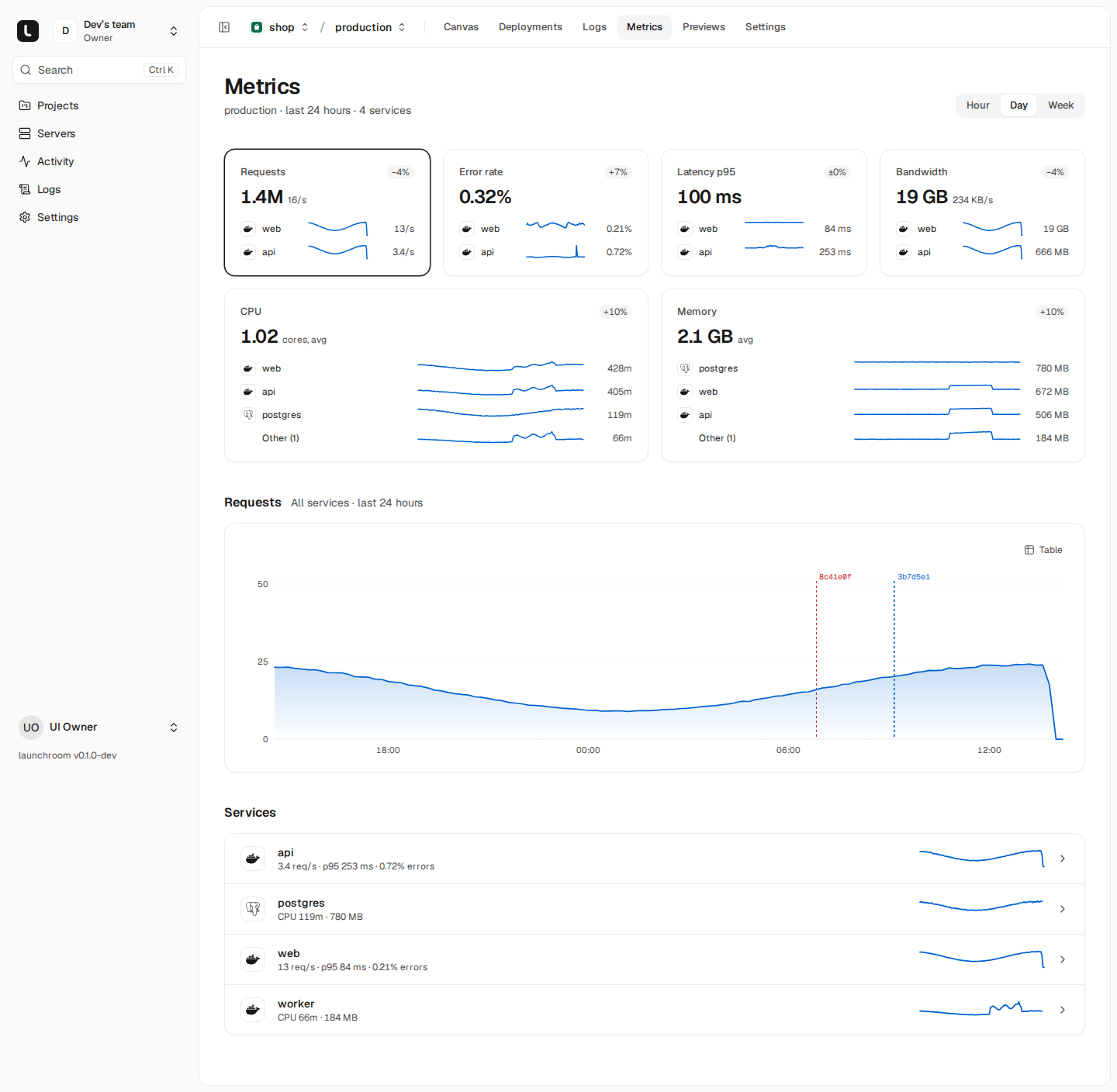
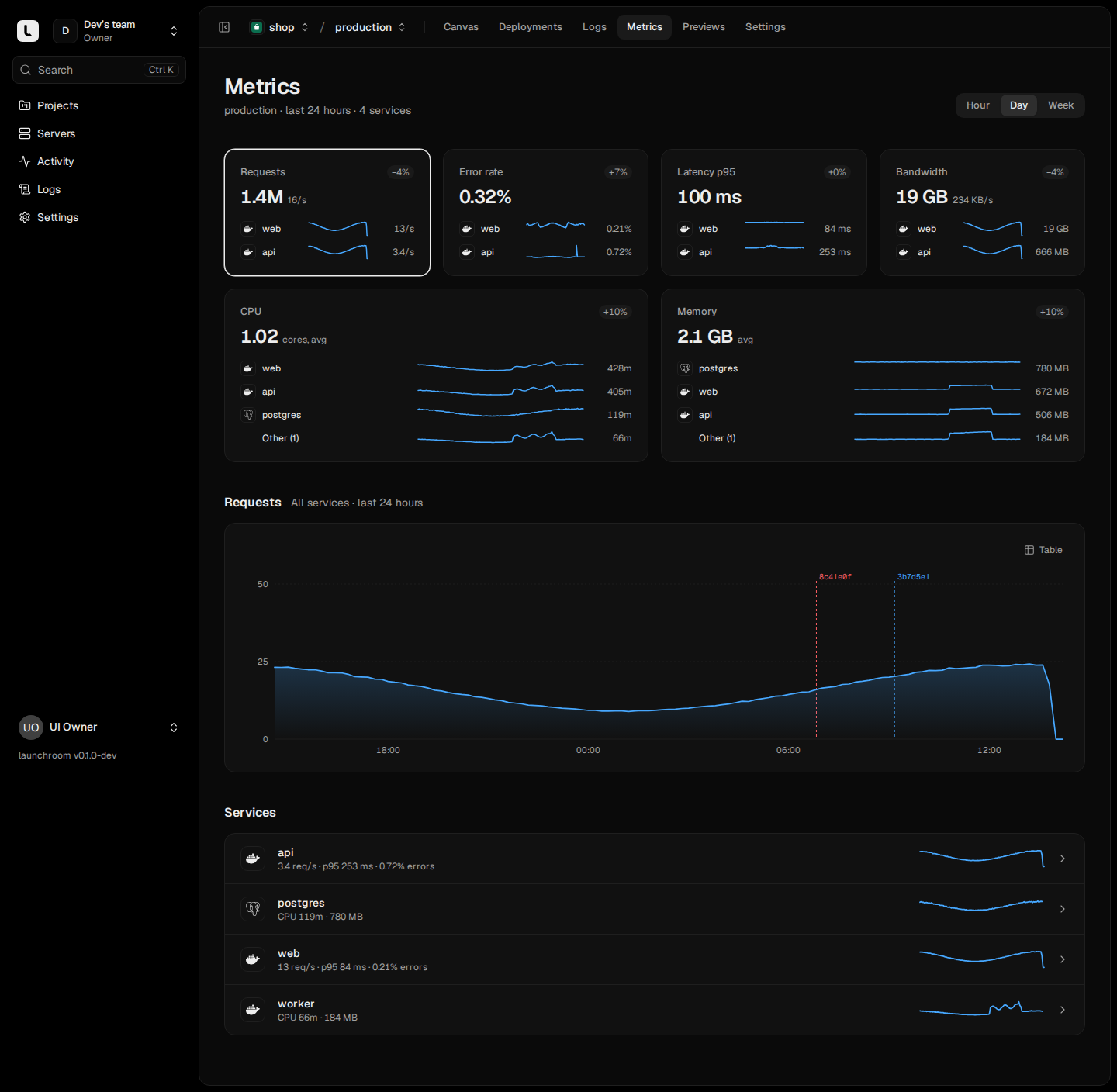
Where to find them
- Project → Metrics: one environment at a time (production, staging, a preview), all services together.
- Service panel → Metrics: one service in detail.
- Server page: CPU, memory, disk and network of that machine, plus the traffic it served if it has the "Serve traffic" role.
Charts on the project and service pages have three ranges: Hour, Day and Week. They refresh on their own while the page is open.
Request metrics
Every server with the "Serve traffic" role runs Caddy, which handles HTTPS for your domains. For each request, Caddy hands launchroomd a short record: host, method, status, duration and sizes. launchroomd sums them per route and minute and sends only these per-minute totals to the dashboard.
The totals give you:
| Metric | What it means |
|---|---|
| Requests | Requests per second over the chosen range |
| Error rate | Server errors (5xx) out of all requests. 4xx responses are shown but count as client errors |
| Latency p50 and p95 | Median and 95th percentile response time |
| Bandwidth | Bytes sent to clients per second |
Latency is kept as a histogram, so percentiles stay correct when several servers serve the same domain or when you look at a whole week.
What never leaves Caddy
Before a record leaves Caddy, launchroom removes the client's IP address and port, the request path and query string, every request and response header (cookies and credentials included) and TLS details. launchroomd never sees who visited or which pages they opened, and nothing per request is stored. Plain-HTTP requests only redirect to HTTPS and are not counted. Requests for hosts launchroom doesn't route are dropped.
Workers and databases
Services without a public domain (workers, cron jobs, databases) have no request metrics. Their Metrics tab shows CPU and memory only.
Resource usage
launchroomd samples every server and every container once a minute:
- Per service: CPU (in cores) and memory, with one line per replica when a service runs several.
- Per server: CPU, memory and disk usage in percent, and network received and sent.
The servers overview shows system load across all your servers. Each server page shows its own charts and the services running on it. See Servers for the server page itself.
The project Metrics page
The top row has a card per metric: Requests, Error rate, Latency p95 and Bandwidth, then CPU and Memory. Each card shows:
- the value for the range
- the change against the previous period ("+12%"). Only error rate and latency are coloured, because a drop is always an improvement for them.
- sparklines for the top services, with the rest summed as "Other"
Select a card to see its full chart below. Under the chart, the Services list shows each service's requests per second and p95 (or CPU and memory for services without traffic). Click a service to open its own Metrics tab.
Before the first request arrives the page says "Traffic appears here a minute after your first request" and links to your primary domain. Usage cards show up as soon as a service runs.
Deploy markers
Every time chart of a service, project or server has a tick for each deployment in the range. Failed deploys are red. Hover a marker to see the service, the short commit SHA and the outcome. If latency jumps right after a marker, open that deployment, compare it with the previous one or roll back.
How long metrics are kept
| Resolution | Kept for |
|---|---|
| 1 minute | 48 hours |
| 10 minutes | 30 days |
| 1 day | 1 year |
Older data is rolled up automatically, so the Week view loads fast and the database stays small.
Alerts on metrics
The same numbers drive the built-in alert rules: high error rate, high CPU or memory and nearly full disks. Thresholds are set per team. See Alerts.
Logs
Build and runtime logs in one explorer. Search across services, environments or the whole team, follow lines live and keep runtime logs if you want them.
Alerts
Built-in rules for failed deploys, crashing services, offline servers, full disks and failed backups, sent to email, Slack, Discord or a signed webhook.