Servers
One VPS is enough. More join with one line.
launchroom runs the dashboard, builds, apps and databases on a single server. When you want more, run one command on the next machine and it joins.


Add a server
One command, and it's in.
Run the line from Add server on the new machine. It connects out to your launchroom, joins the private network and starts on the work you give it. Behind a home router it works the same: no ports, no tunnel, no static IP.
Overview
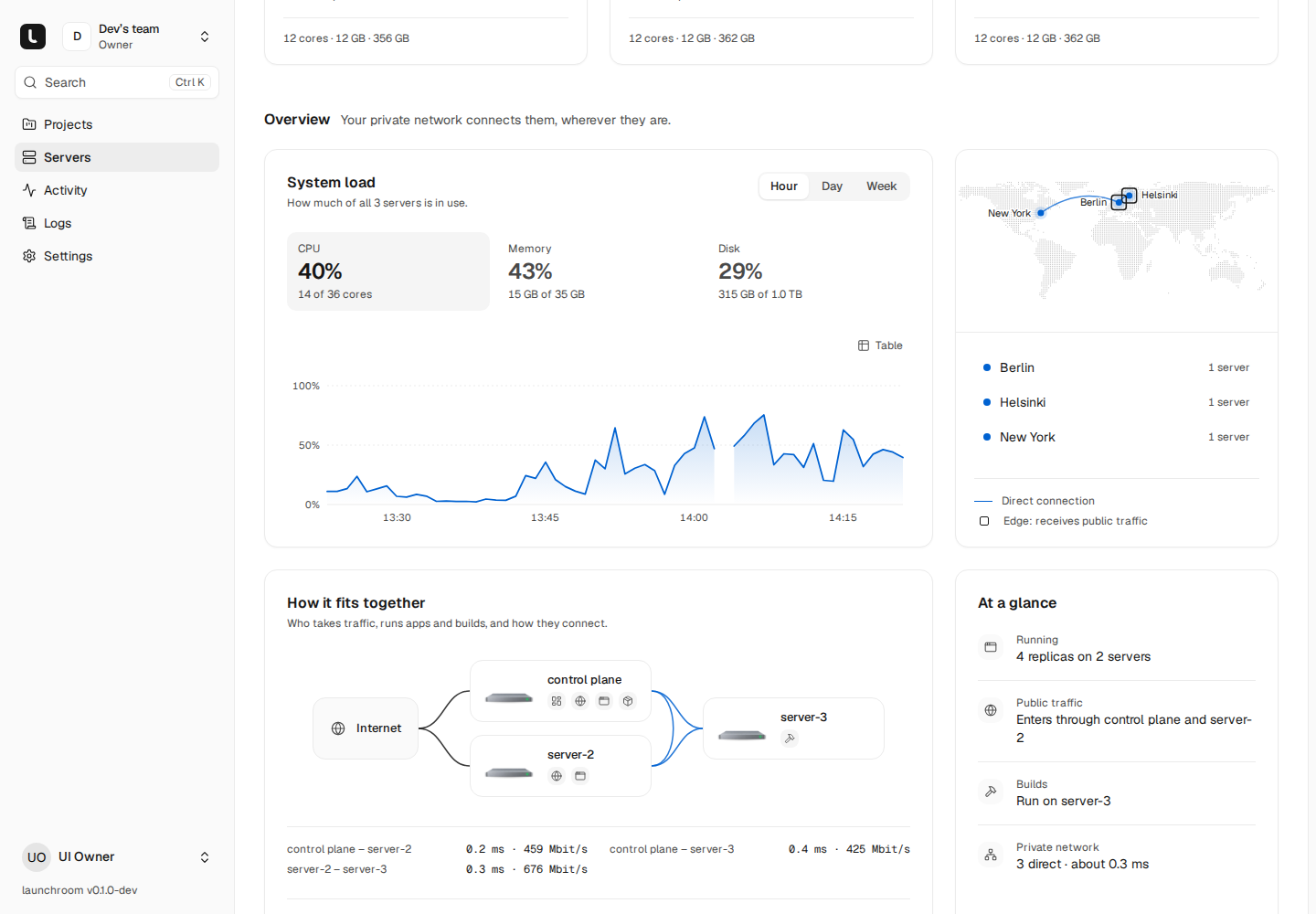
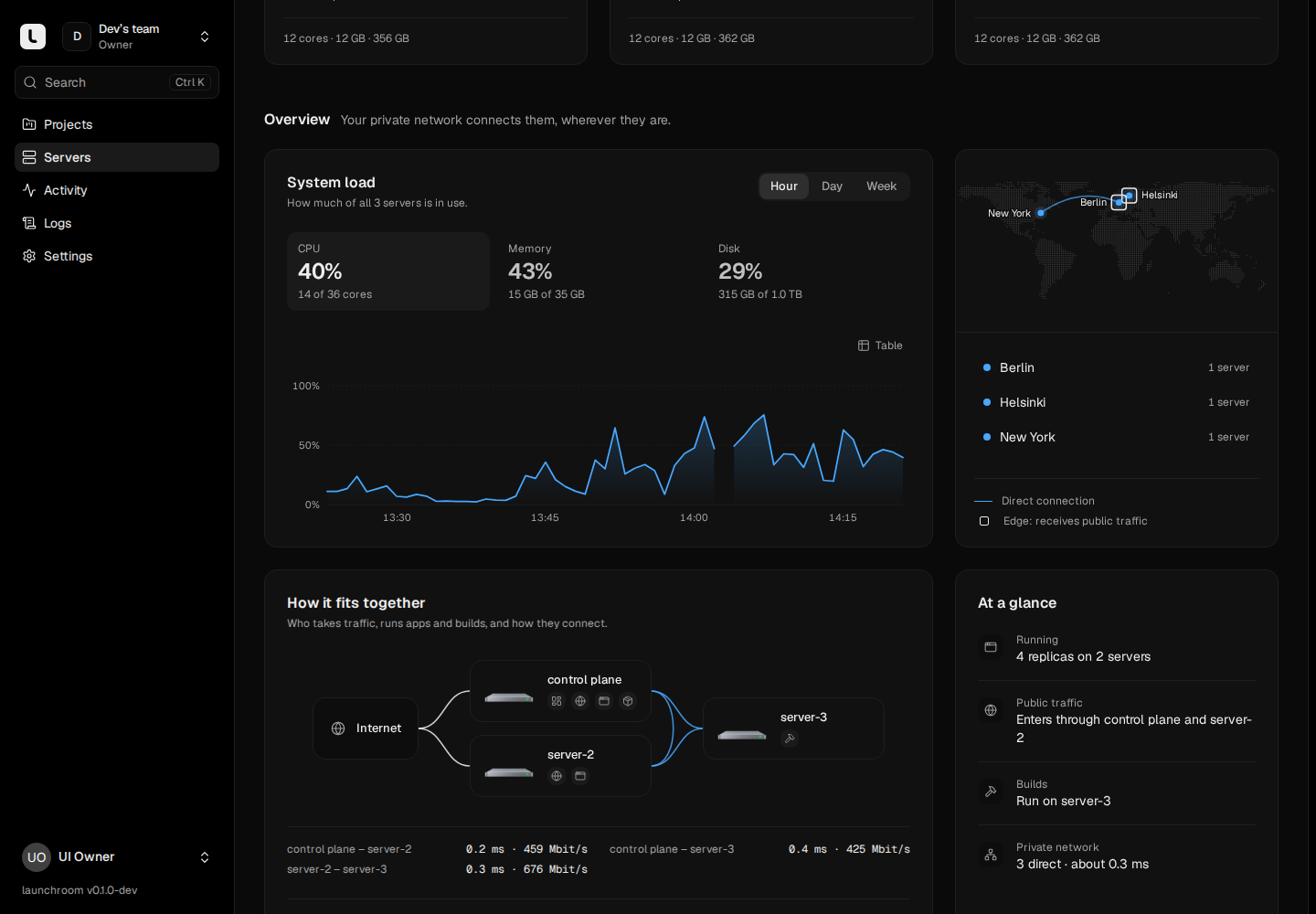
Every server, on one screen.
See each server with its location, its load over time and how the servers connect. Each server page lists what runs there, with CPU and memory per service.
Private network
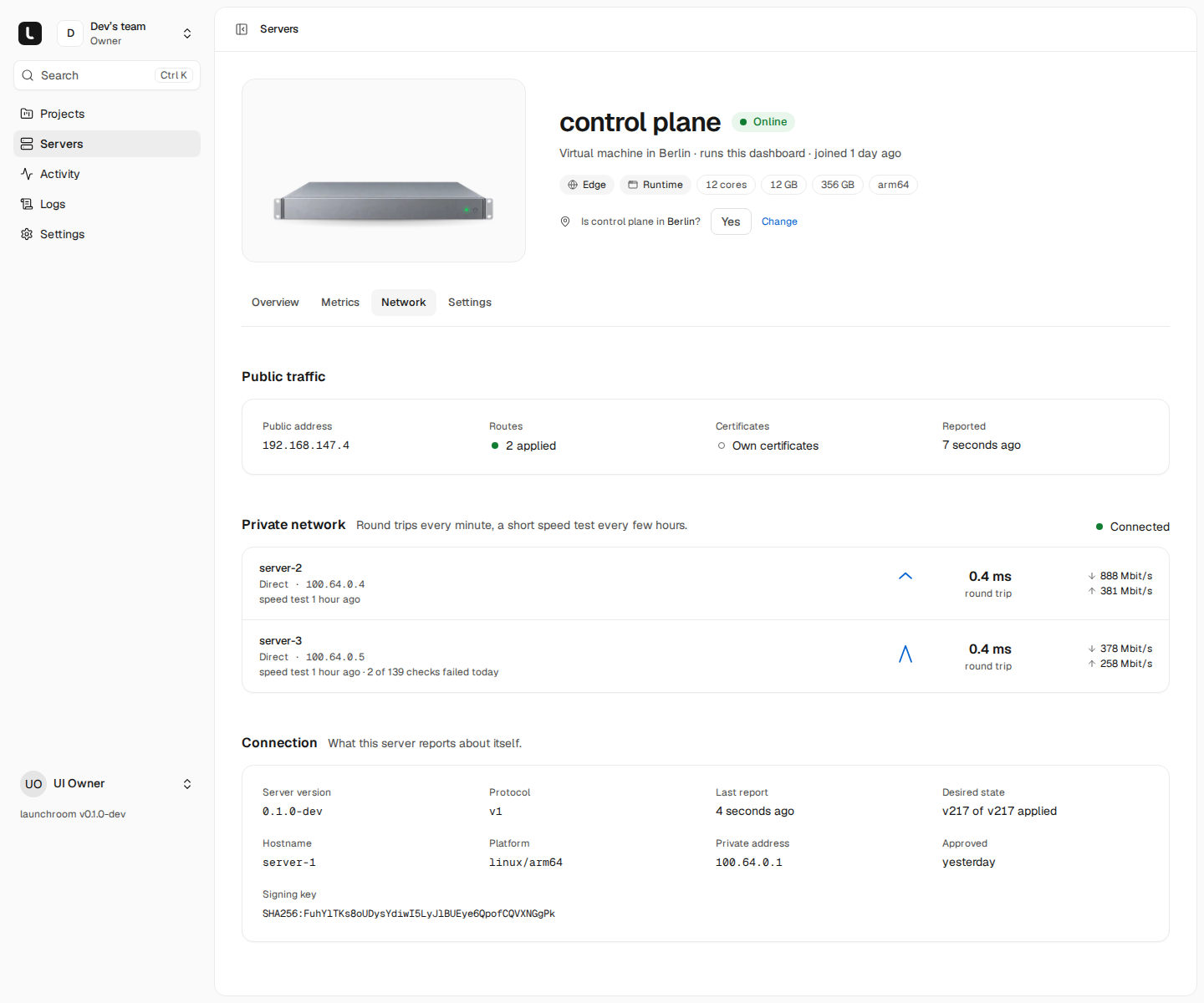
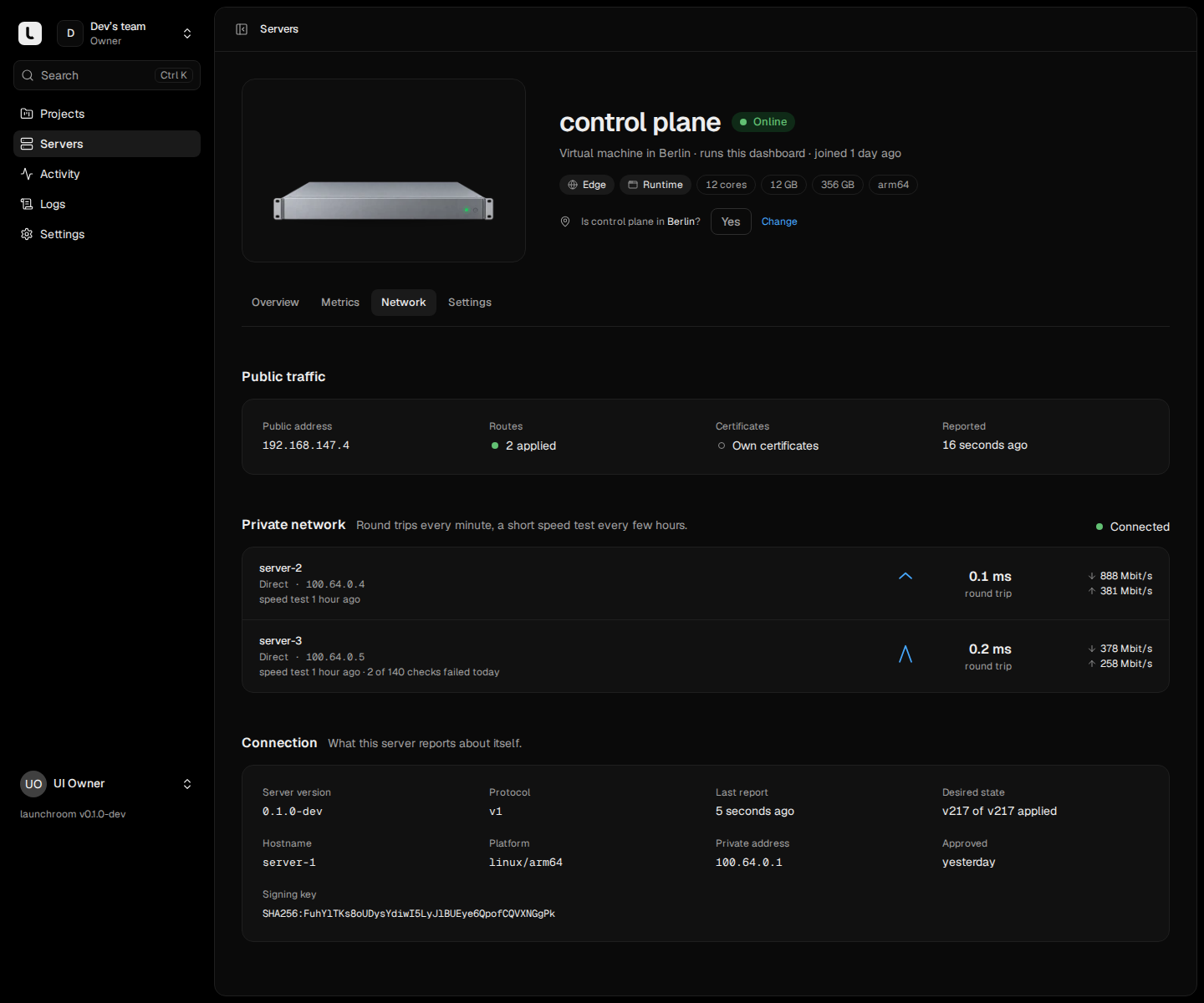
The database can live on another server.
Put the database on the server with the big disk and the app on the one close to your users. The connection keeps working without any change to the app.
- Apps reach a database by the same name, wherever it runs
- Ports open on the private network only, and only for the servers that use them
- Latency and bandwidth are measured between every pair of servers
How it fits together
Start with one. Grow when you need to.
Details
- Roles
- Each server builds, runs apps, serves traffic, or any mix of these.
- Replicas
- Set the number of replicas; launchroom places them on your servers.
- Self-healing
- Replicas move when a server stops reporting for 90 seconds.
- More edges
- Let a second server serve traffic. Certificates are shared.
- Replace a server
- Move a dead server’s roles to a new one and restore its databases.
- Apps keep serving
- Servers keep their last instructions while the dashboard is offline.
More of launchroom
Install it on your server with one command.
curl -fsSL https://launchroom.vantezzen.io/install | sh