Databases and backups
Lose the server, keep everything.
Add a database to the canvas and connect it to your app. Backups go to your own S3-compatible bucket, encrypted before they leave the server, and launchroom checks every week that they restore.
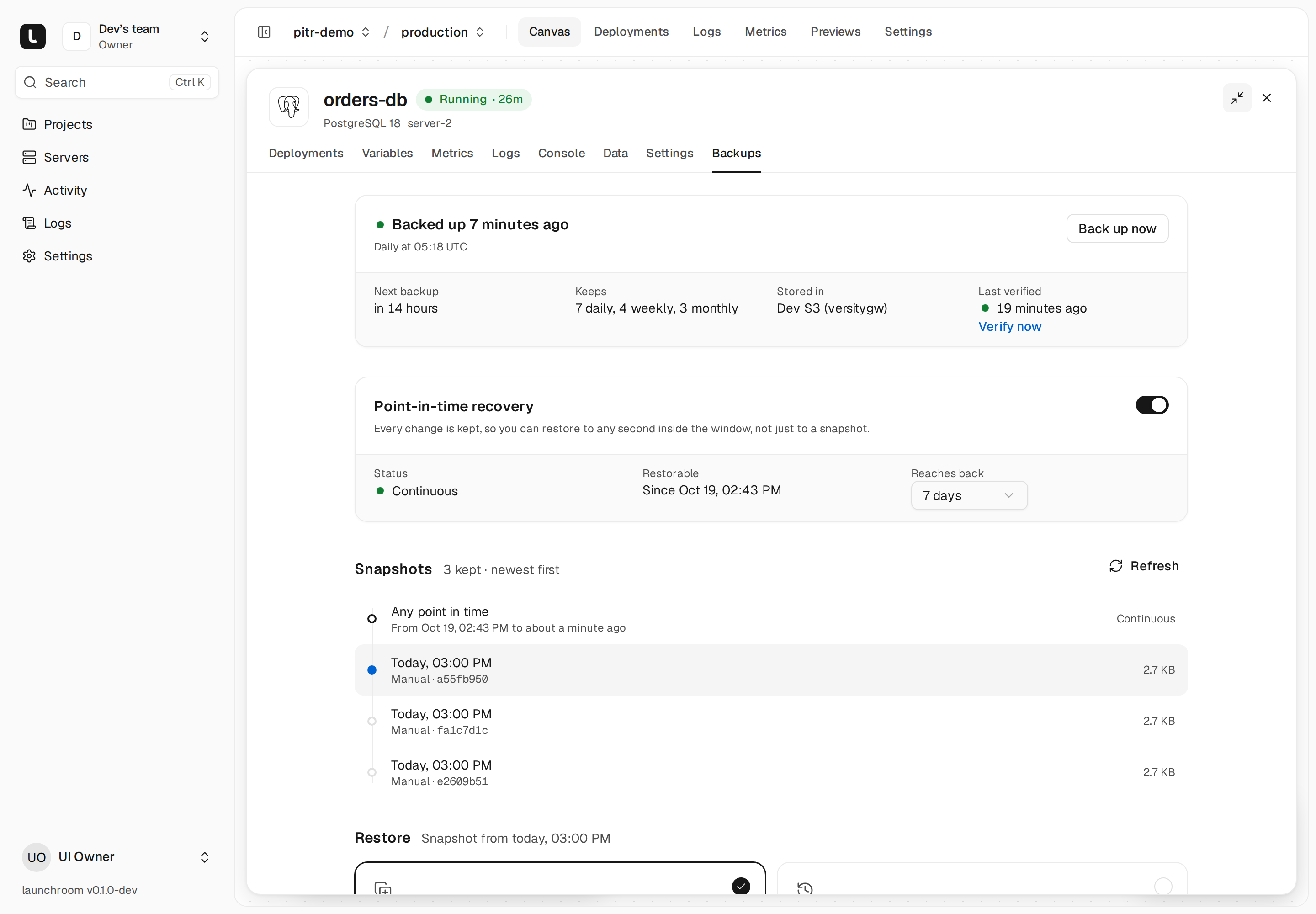
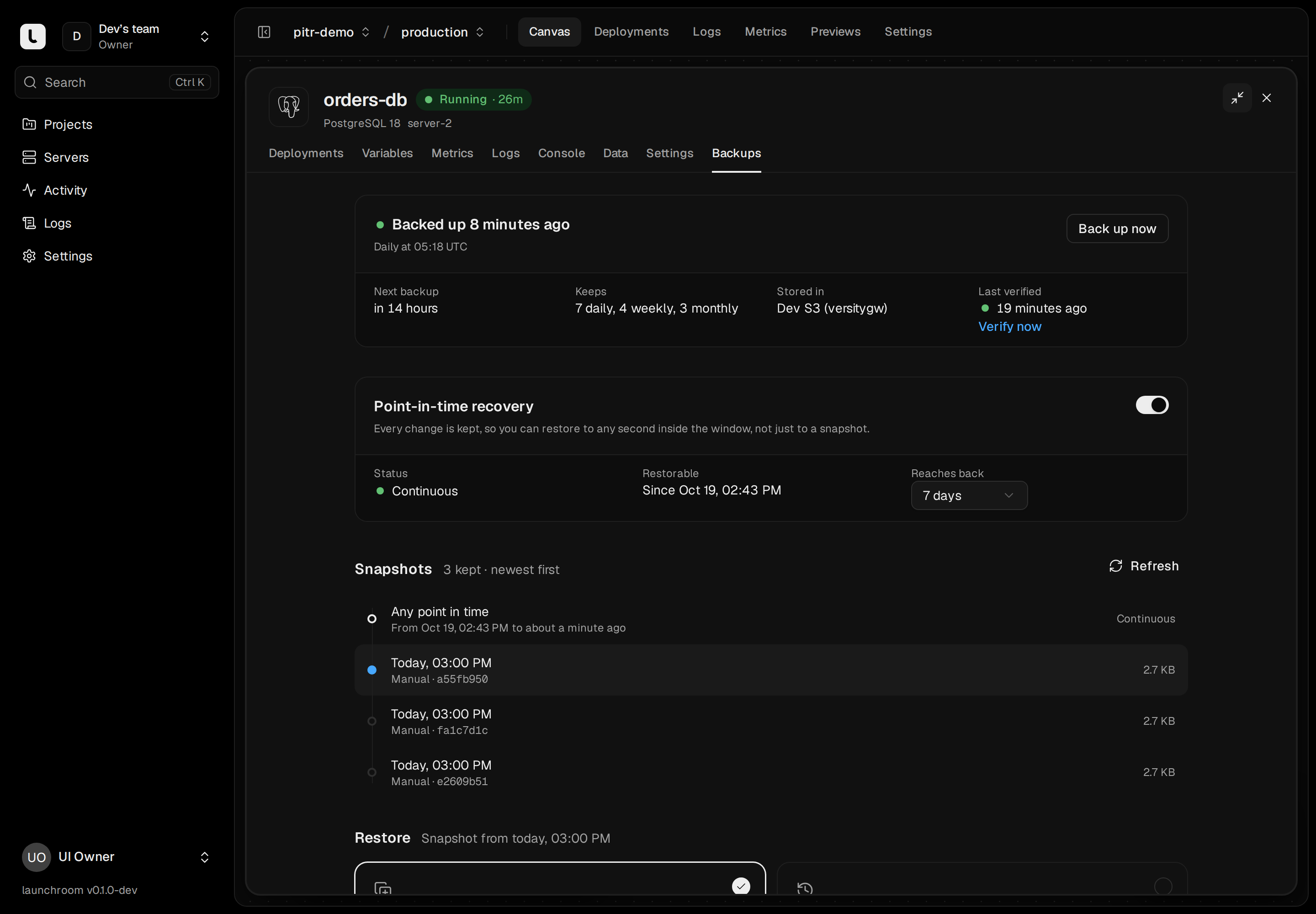
Managed databases
Drop it on the canvas. It’s connected.
Draw a line from your app to the database. The app receives the connection details with the variable names its framework expects. Nobody copies a password.
- PostgreSQL, MySQL, Redis, Valkey, MongoDB and ClickHouse
- Credentials are generated and given to the apps you connect
- Data lives on named volumes and survives every redeploy
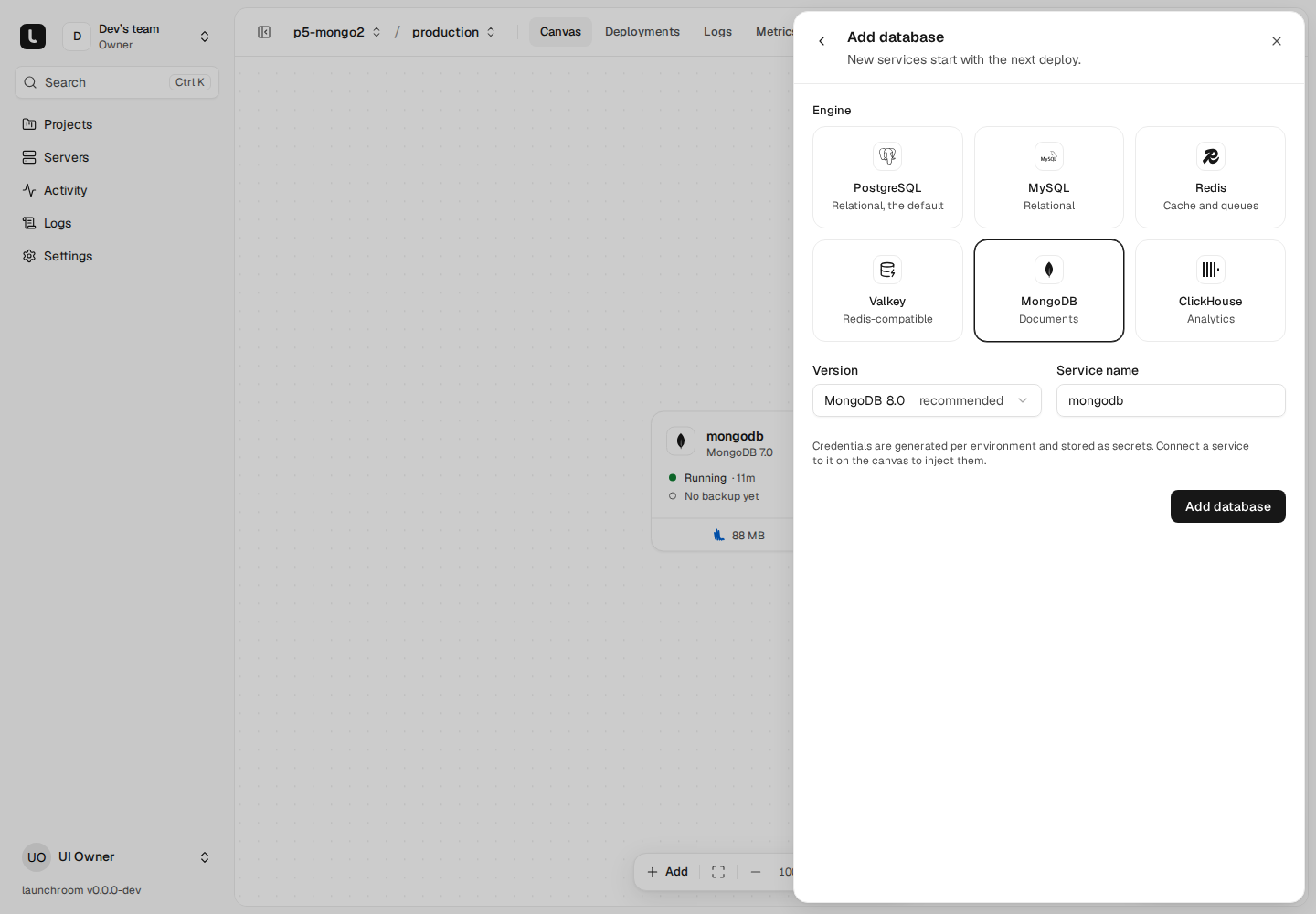
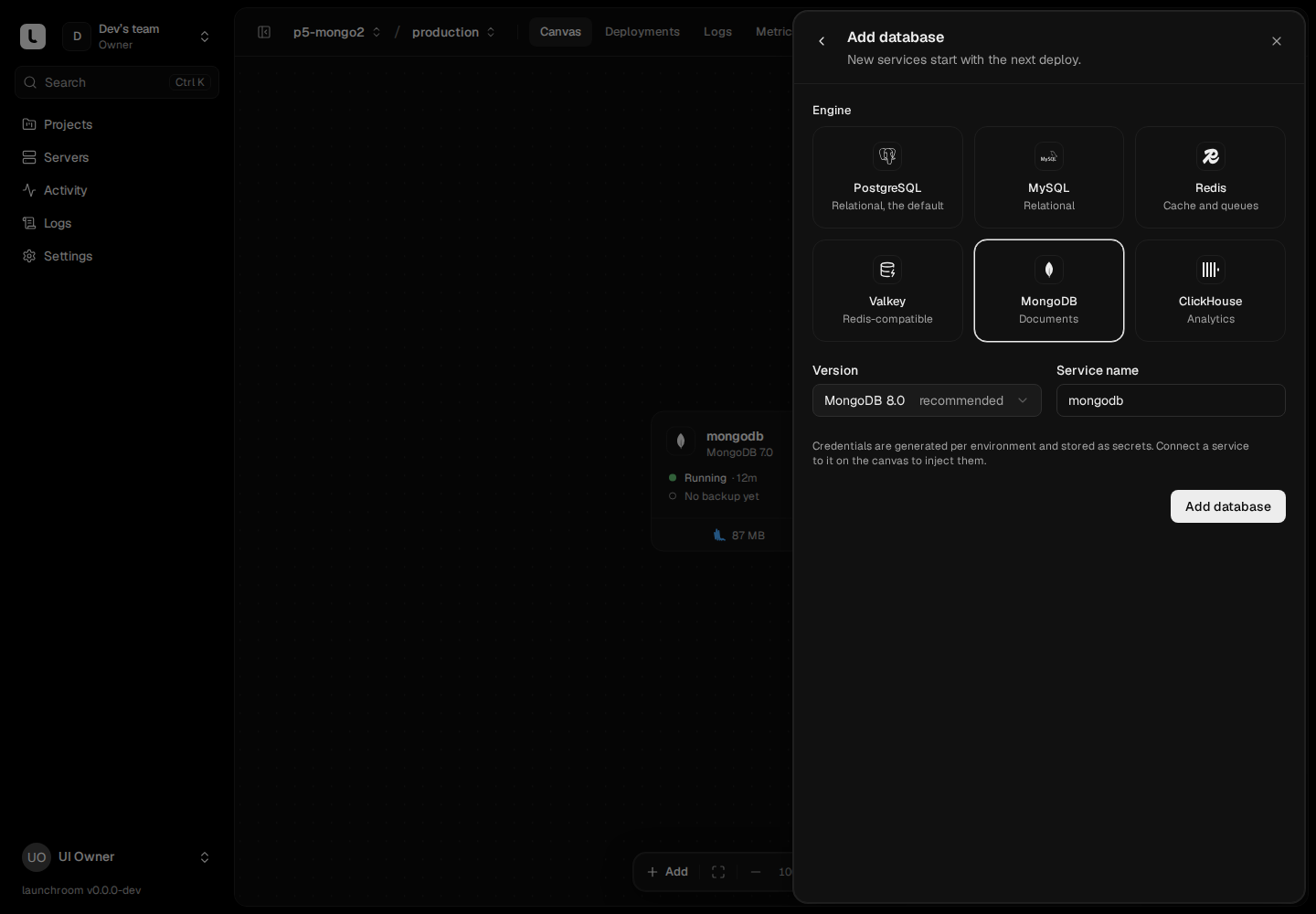
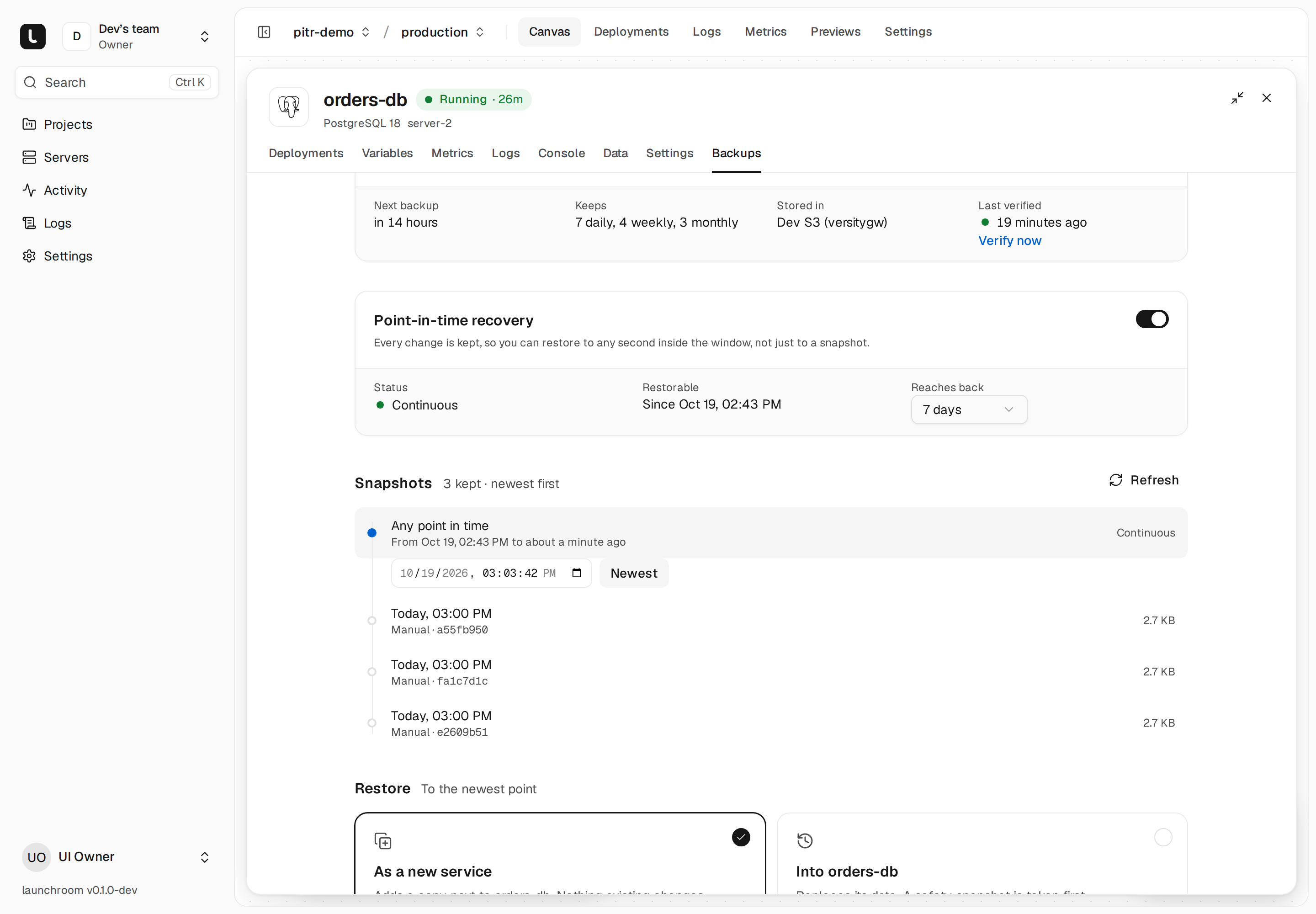
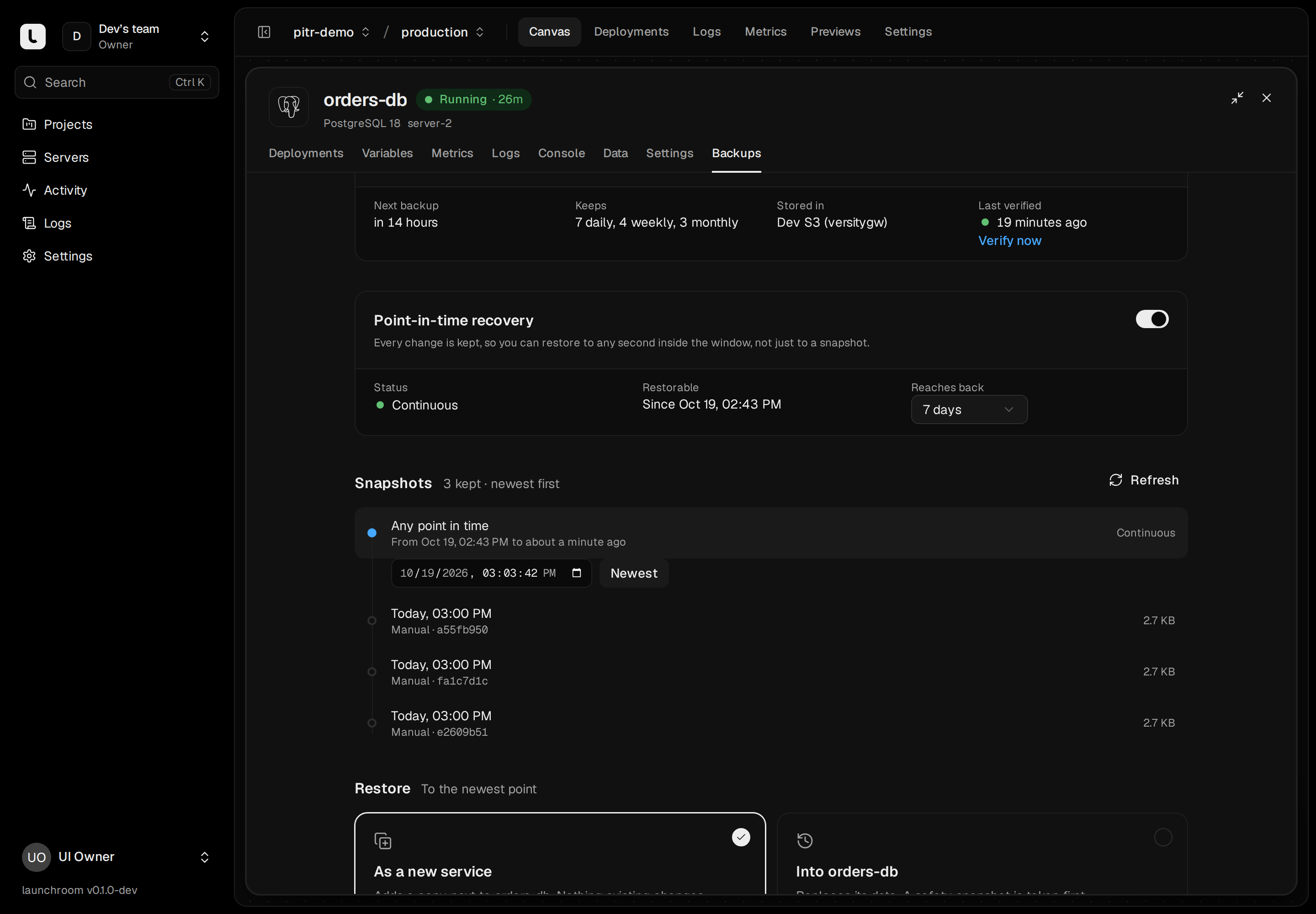
Point-in-time recovery
Restore Postgres to the second.
Pick a moment before the bad migration. launchroom rebuilds the database up to that second and hands you the result.
- Changes are shipped every 30 seconds, plus a daily full backup
- Restore as a new database next to the old one, or in place
- Move apps and domains to the restored copy in one step
Disaster recovery
One command brings it all back.
If the server is gone, run the installer with --restore on a new machine. Your projects, secrets, private network and databases come back.
- launchroom backs up its own database and keys, sealed with your recovery passphrase
- The recovery kit holds what a new server needs
- Recovery mode guides you through replacing the lost server
Recovery kit
Downloaded · keep it outside this server
- Control planeBacked up 12 min ago
- orders-db · PostgreSQLAny point in the last 7 days
- uploads · volumeBacked up 1h ago
curl -fsSL https://launchroom.vantezzen.io/install | sh -s -- --restore
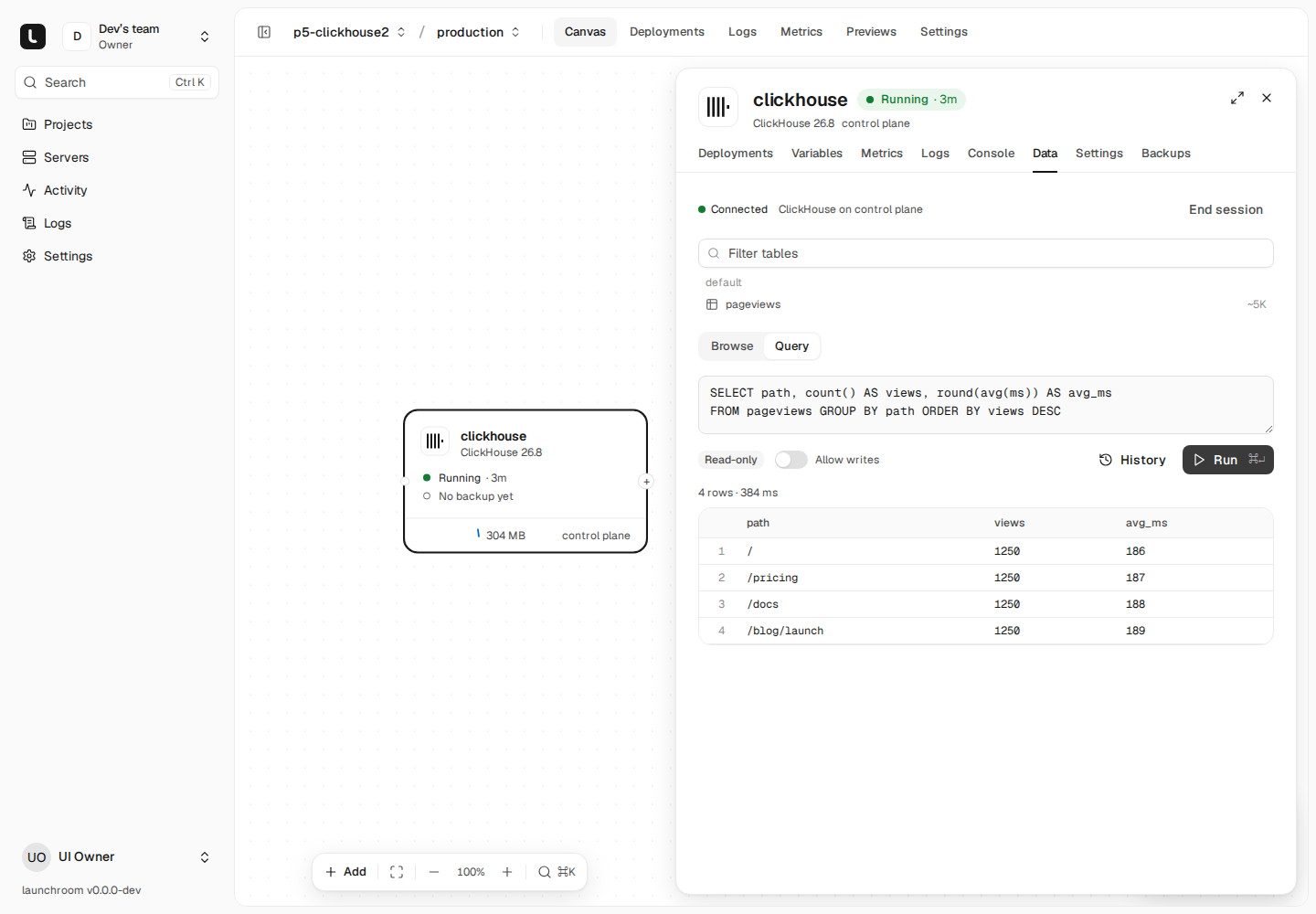
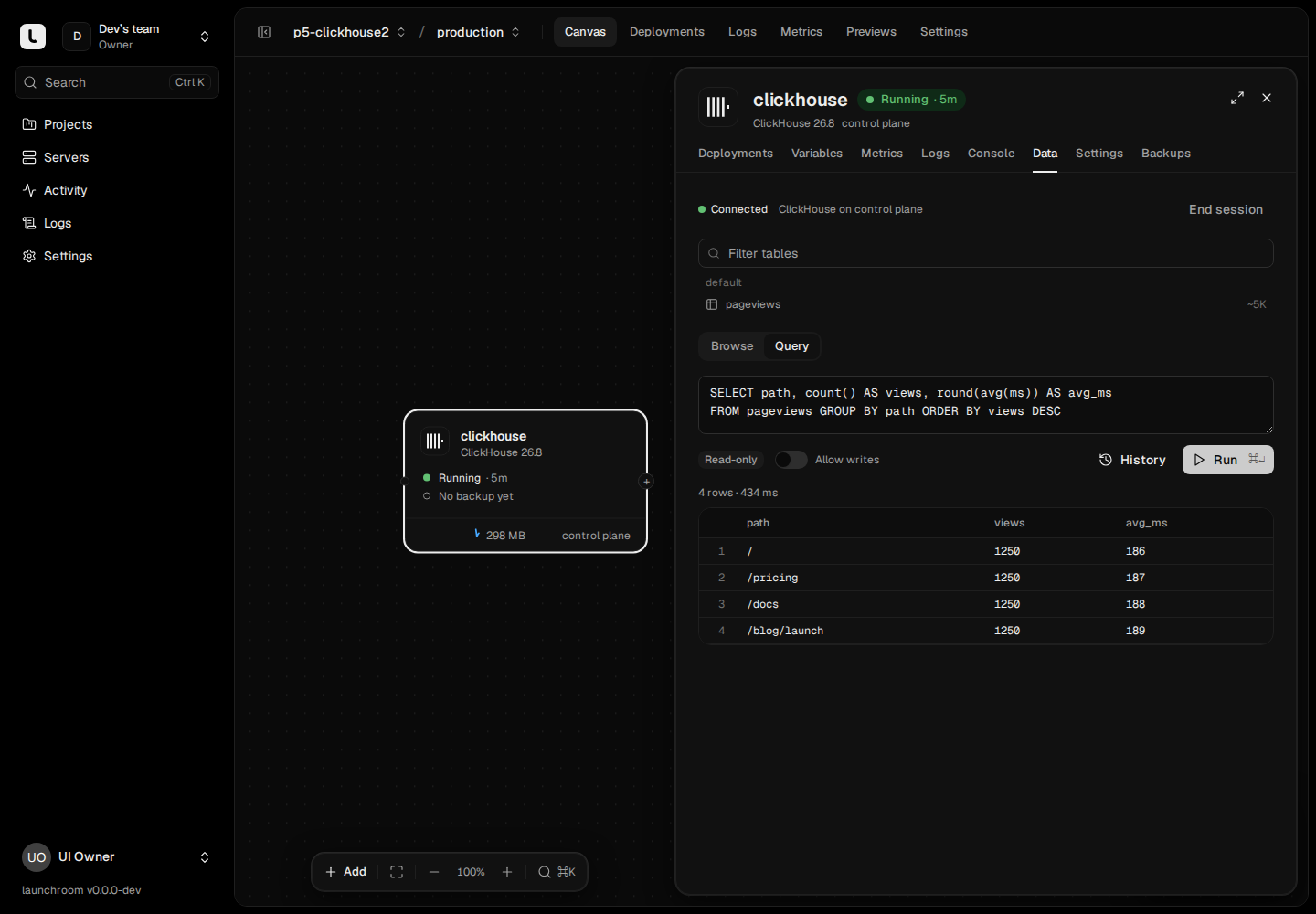
Data tab
Look inside without a database client.
Browse tables and run queries in the dashboard. It is read-only by default. Writes are allowed per session and recorded statement by statement.
Details
- Encrypted on the server
- Backups are encrypted before they are uploaded.
- Any S3
- Cloudflare R2, Hetzner Object Storage, AWS S3, MinIO and others.
- Volumes too
- Named volumes back up on the same schedules.
- Final backups
- Deleting a database takes one last backup first.
- Checked weekly
- Backups are restored into throwaway containers and verified.
- Alerts
- A failed or missing backup sends an alert.
Install it on your server with one command.
curl -fsSL https://launchroom.vantezzen.io/install | sh