Security
Your servers only take signed instructions.
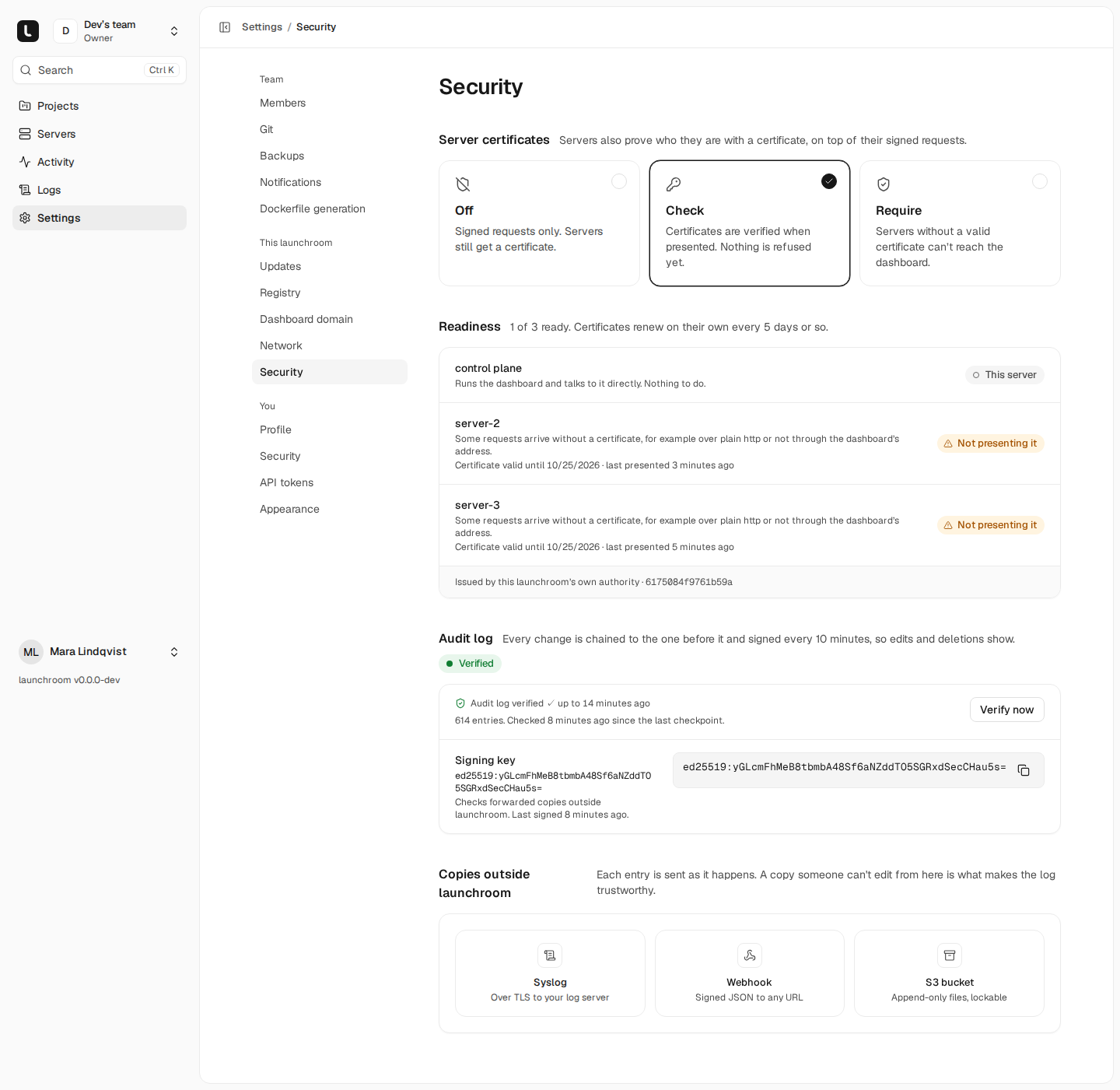
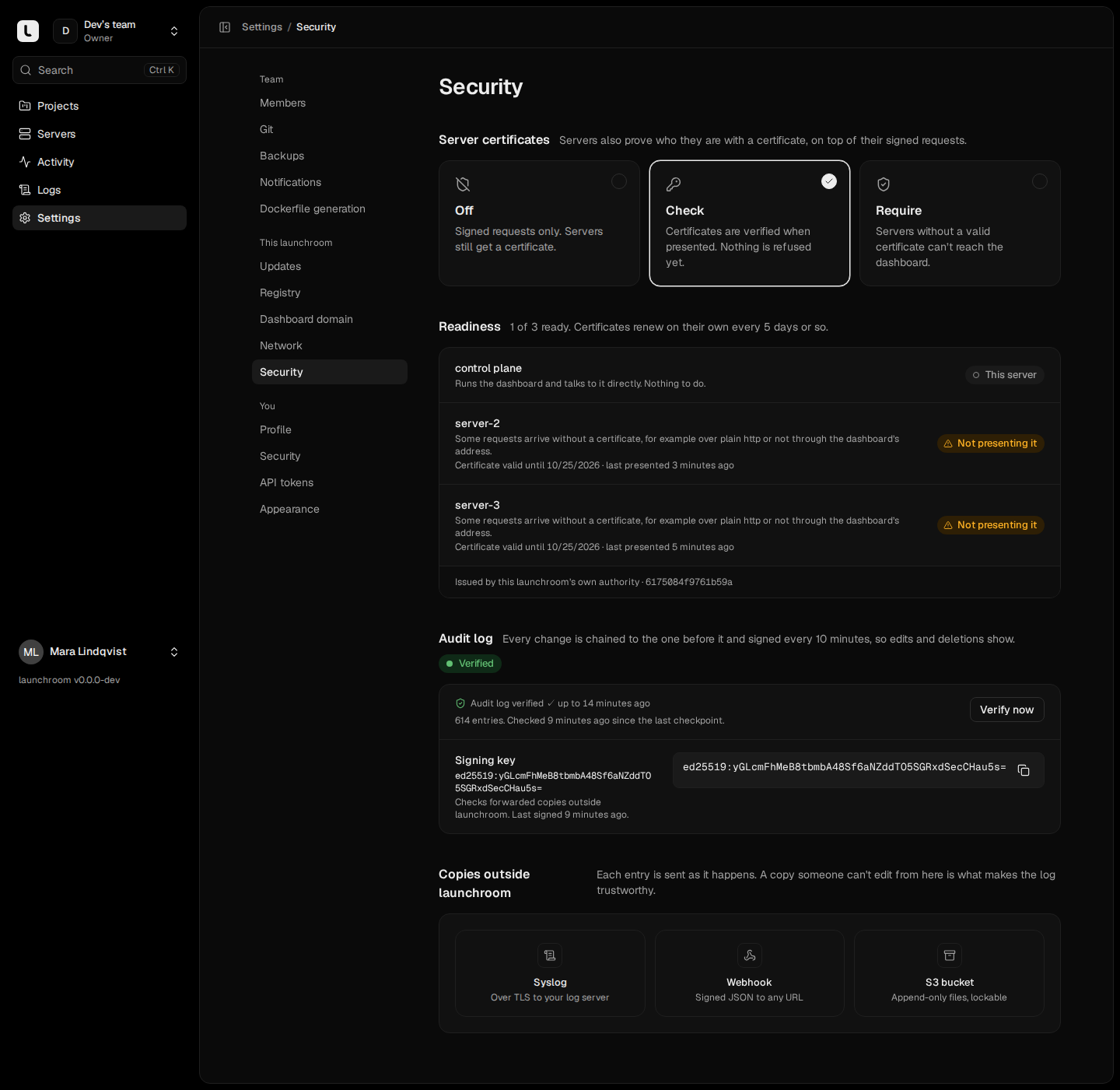
The dashboard never logs into your servers. Each server fetches a signed description of what it should run, checks it against its own rules and applies it. There is no remote shell.
Servers
Nobody logs into your servers.
Someone with full control of the dashboard can still only ask a server for what its rules allow. Joining the private network gives no access by itself.
- The dashboard signs every response, and each server signs its requests with its own key
- Each server refuses privileged containers, host mounts and access to Docker itself
- Docker is reached through a guard that allows only what launchroom needs
Desired state for vps-fra-1
verified- 3 workloads · 2 routes · 1 certificate
- Firewall: 2 mesh peers allowed
- Version 418 · signed Ed25519
Audit log
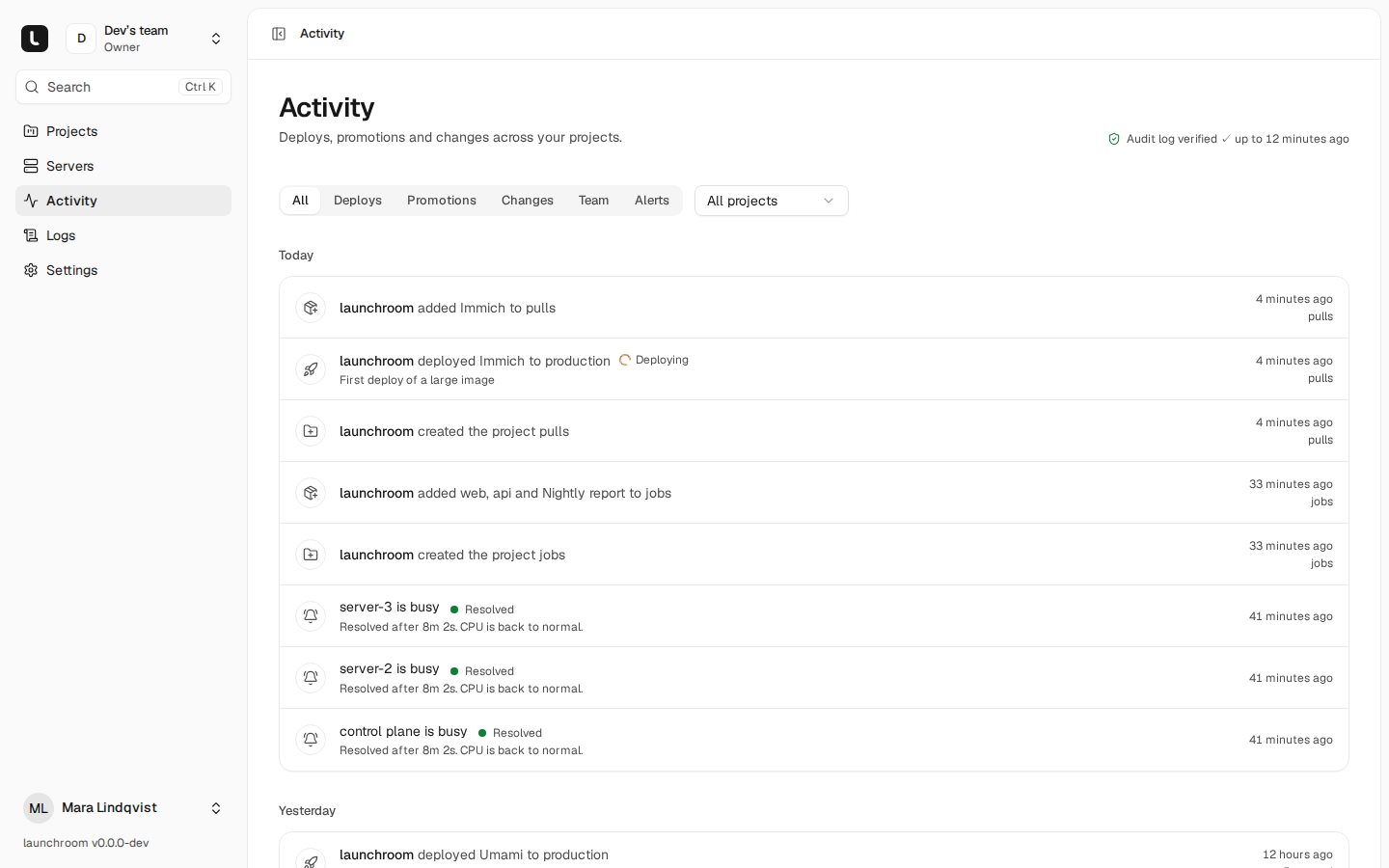
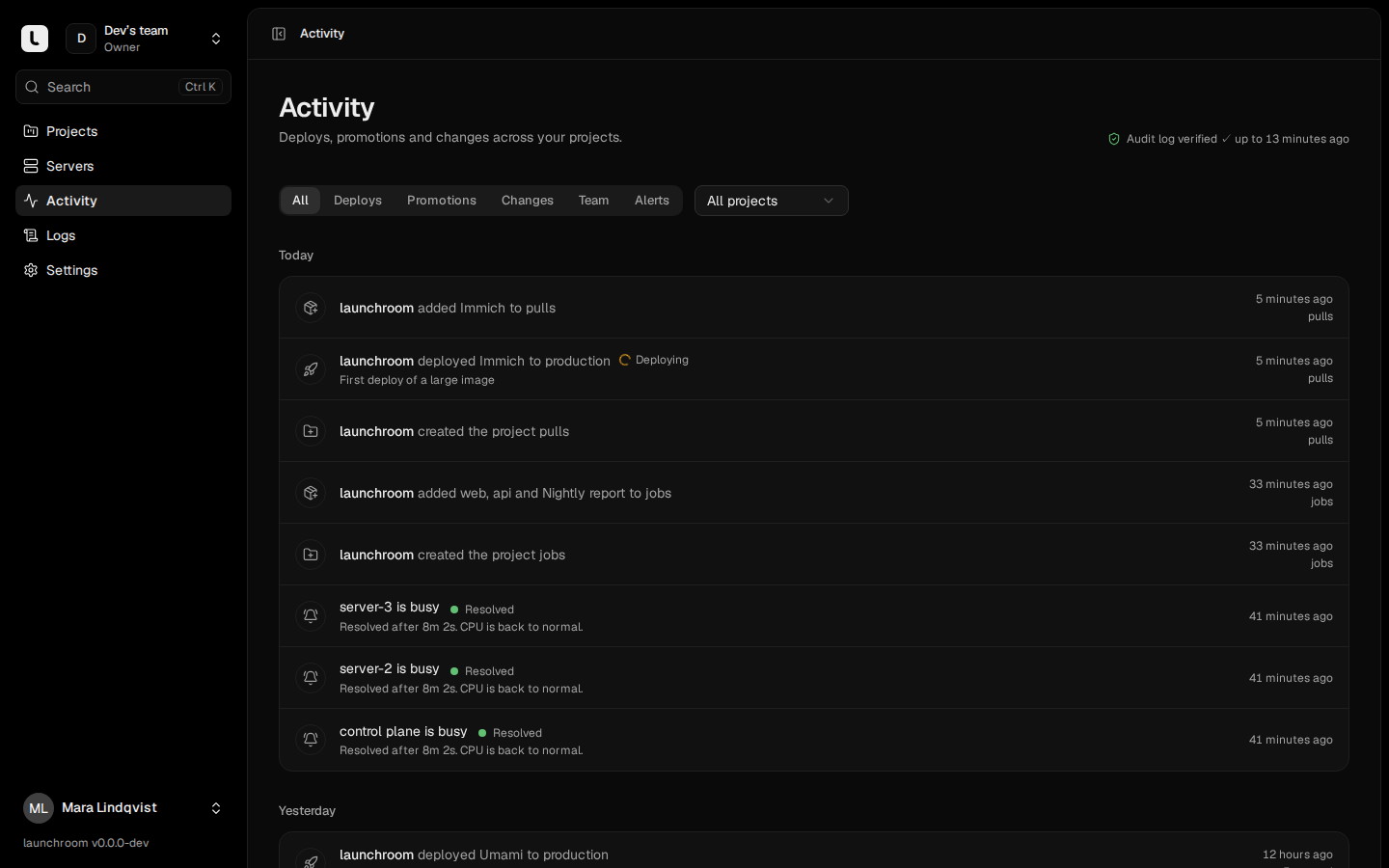
An audit log you can verify.
Every deploy, change, console session and sign-in is recorded. launchroom shows when the log was last verified, and you can check it yourself.
- A hash chain with signed checkpoints every ten minutes
- The verifier names every edited, deleted or reordered entry
- Forward to syslog, a signed webhook or append-only S3
Accounts
Two-factor, passkeys and scoped tokens.
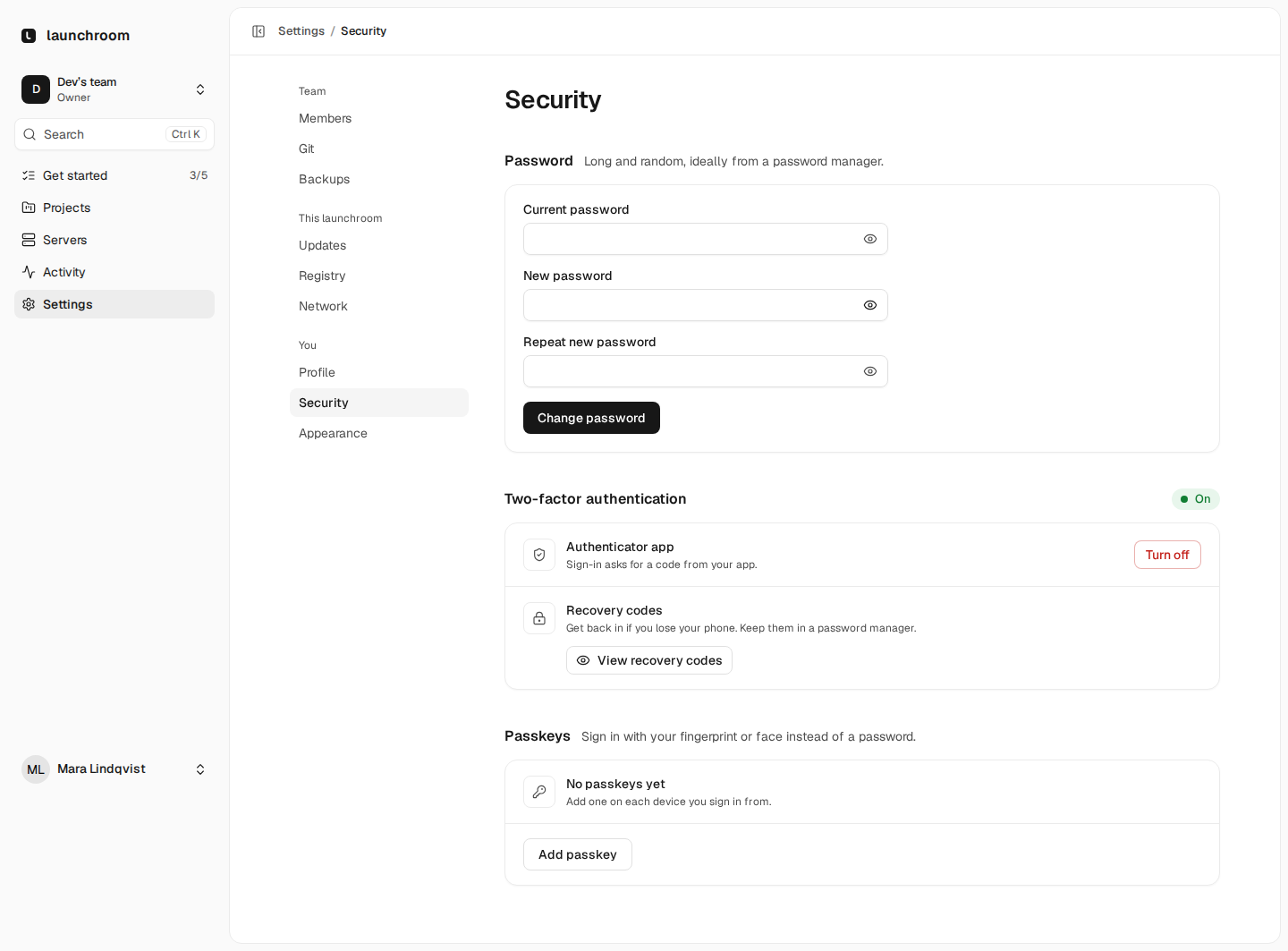
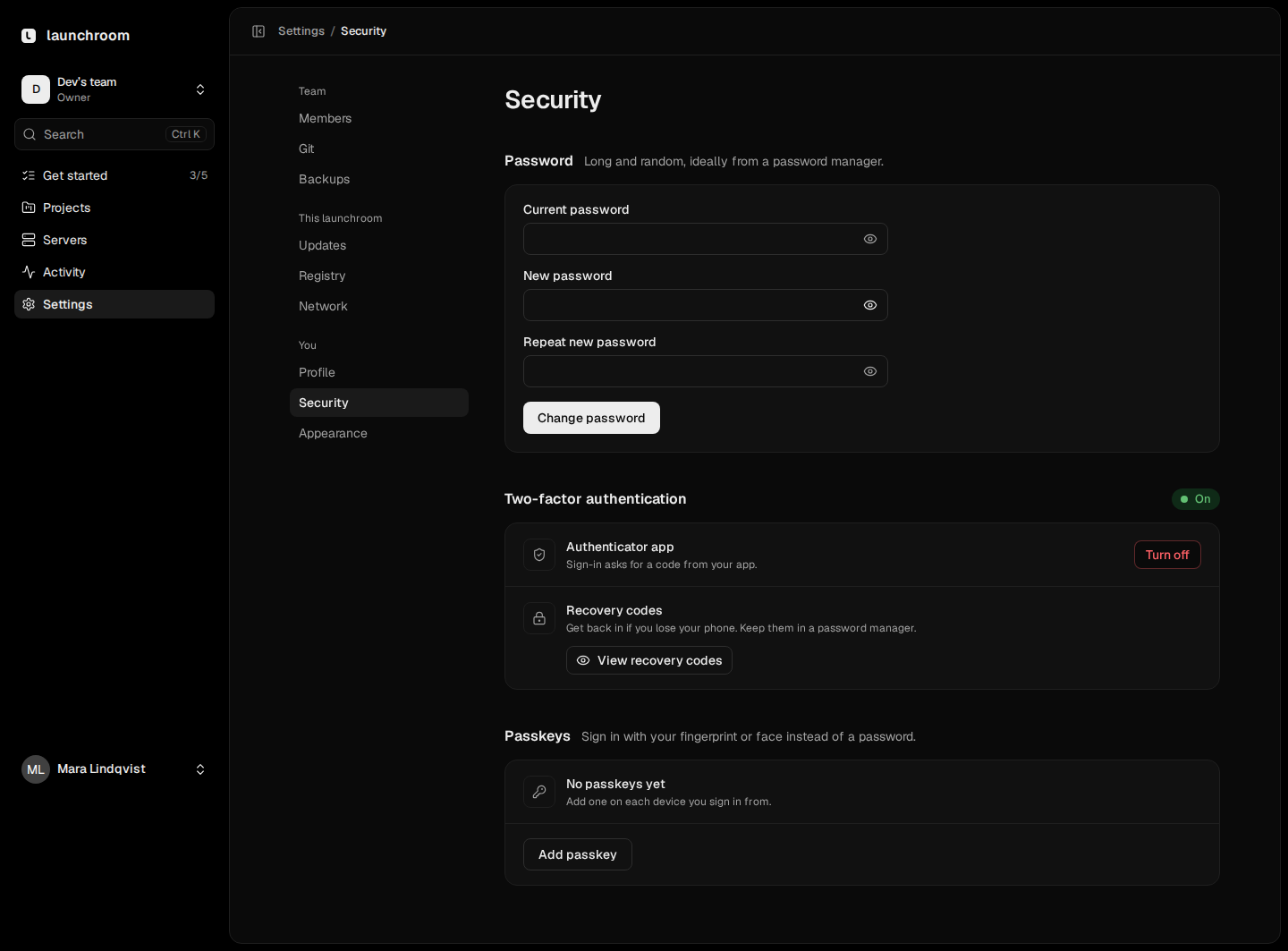
Invite your team with roles. Sign in with an authenticator app or a passkey. API tokens belong to one team, carry explicit permissions and expire.
Details
- Encrypted secrets
- Encrypted at rest and never logged or returned by the API.
- Networks per environment
- Each project environment has its own network. Apps can’t reach launchroom’s own services.
- Client certificates
- Optional mTLS for every server connection, renewed every week.
- Protected previews
- Previews are behind a login or share link. Pull requests from forks never see secrets.
- Signed releases
- The installer and updates check release signatures before anything runs.
- Open source
- The code and the security model are in the public repository.
More of launchroom
Install it on your server with one command.
curl -fsSL https://launchroom.vantezzen.io/install | sh