Deployments and previews
Push, and it's live.
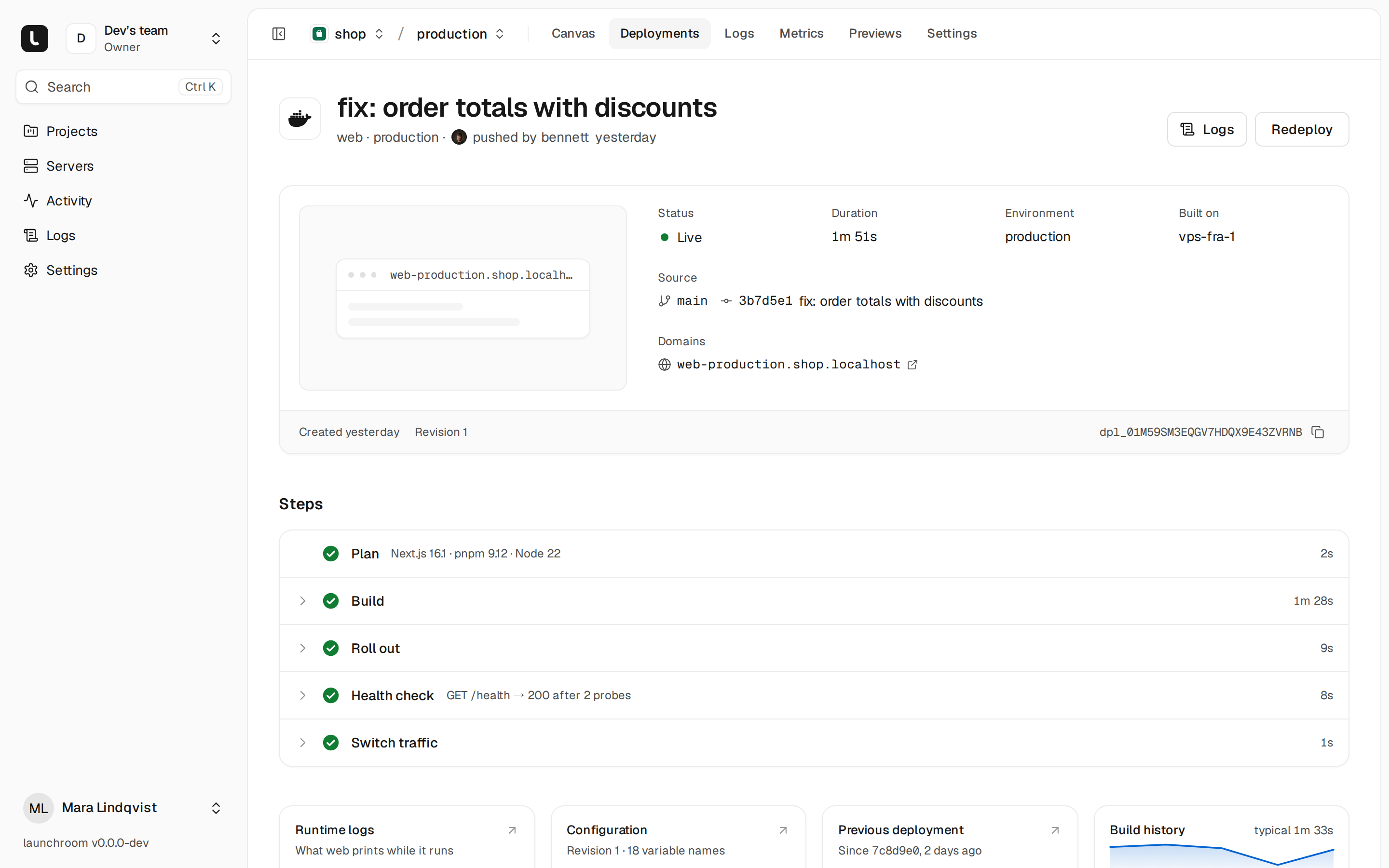
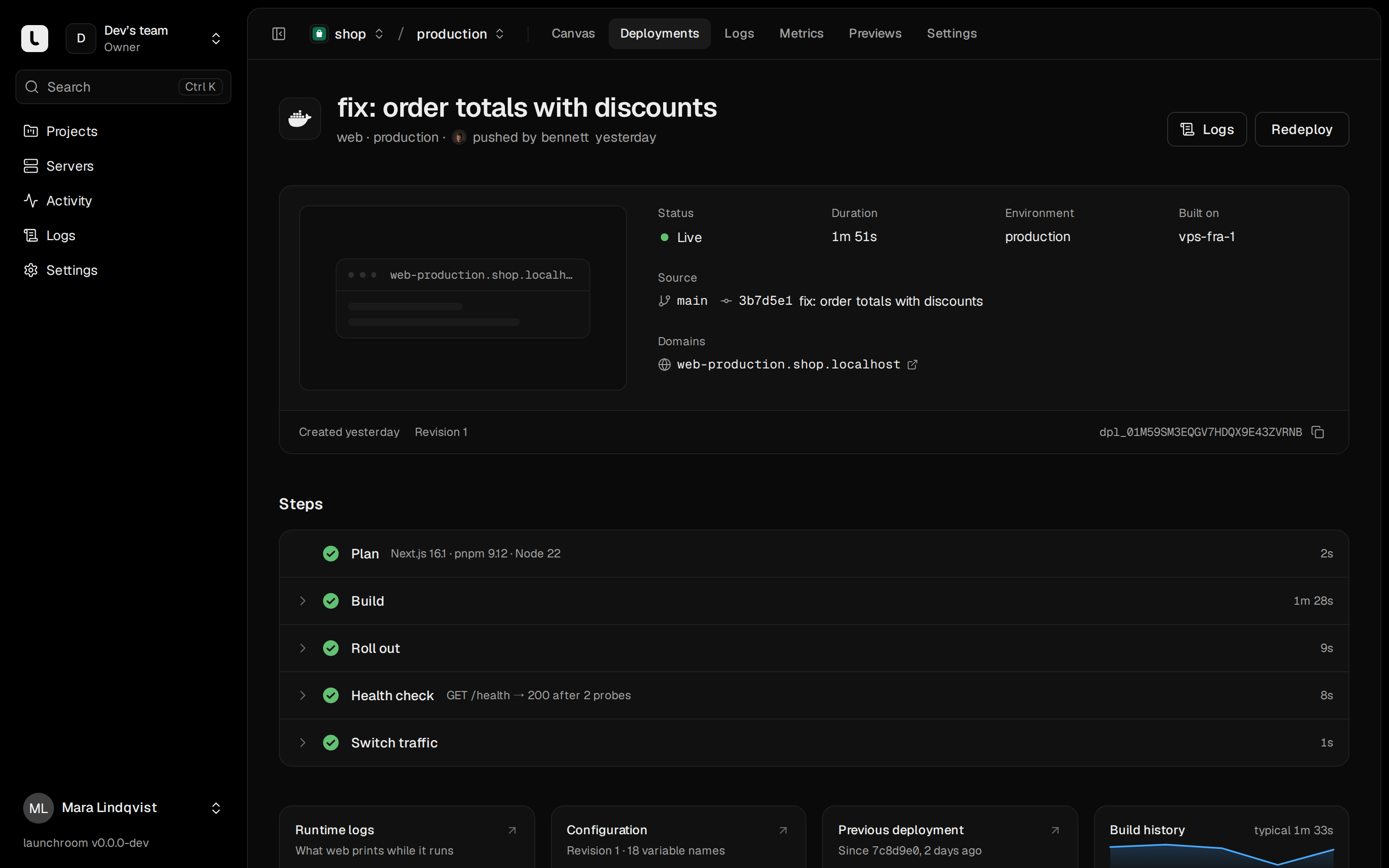
Every push to your main branch becomes a new version on your server. launchroom builds it, starts it next to the running version and switches traffic once the new version answers.
Builds
Builds from your repository as it is.
You don’t write a Dockerfile or a compose file. launchroom reads the repository, picks the build steps and builds on your build server. The result is an image in the built-in registry.
- Detects Next.js, Laravel, Django, FastAPI, Node and static sites
- Shows the build plan before it builds; you can override any step
- Uses your Dockerfile when the repository has one
fix: order totals with discounts
3b7d5e1 · main · web · production
- QueuedOn home-desktop1s
- Cloneacme/storefront @ 3b7d5e12s
- BuildNext.js detected · npm ci · next build48s
- Push imagesha256:9f2c…e41a · 182 MB6s
- Start2 replicas next to the running version4s
- Health checkGET / answered 200 · 2 of 23s
- Switch trafficOld version drains its requests1s
Total 1m 5sPrevious image kept for instant rollback
Releases
When a release fails, the old one keeps serving.
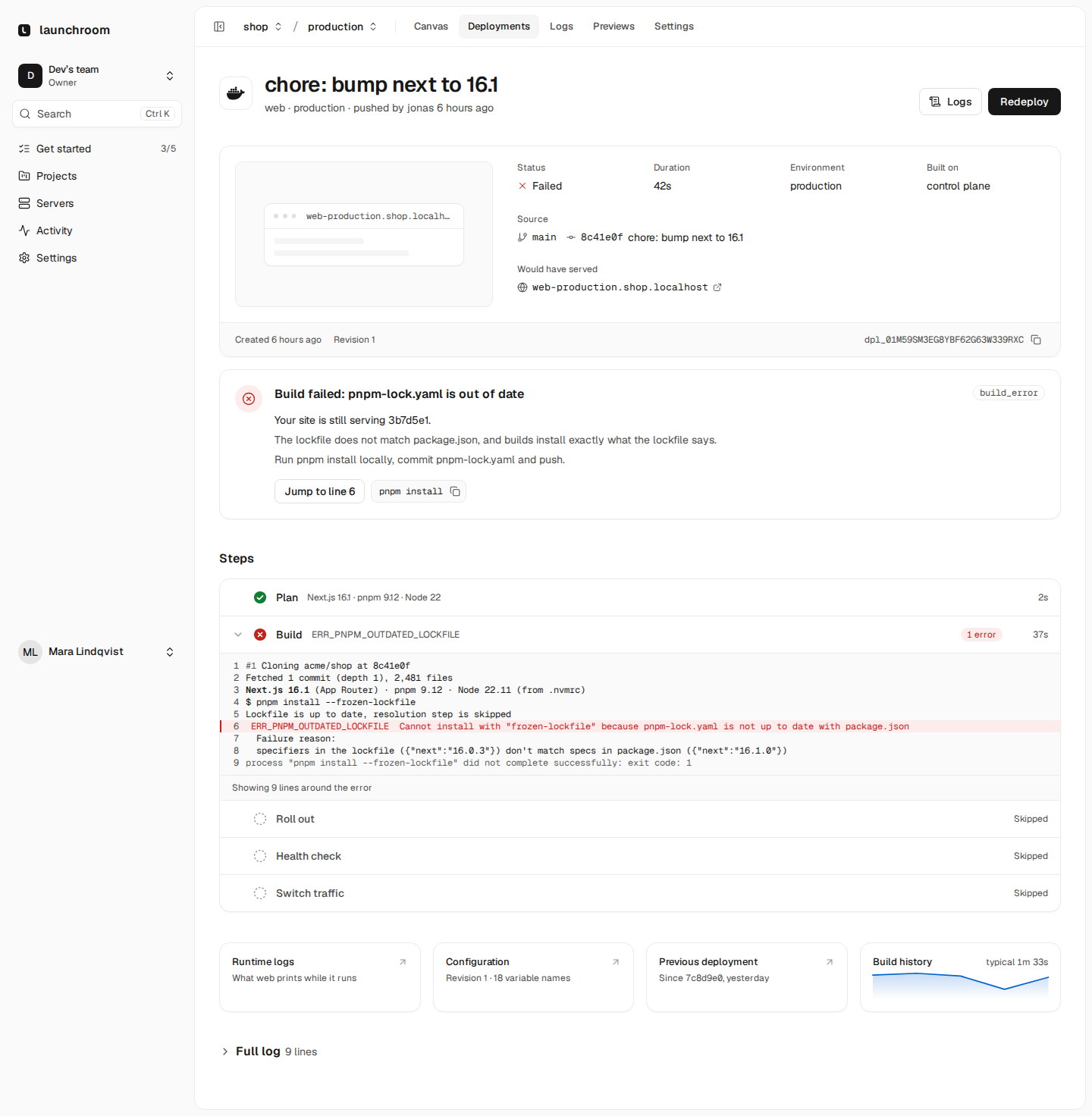
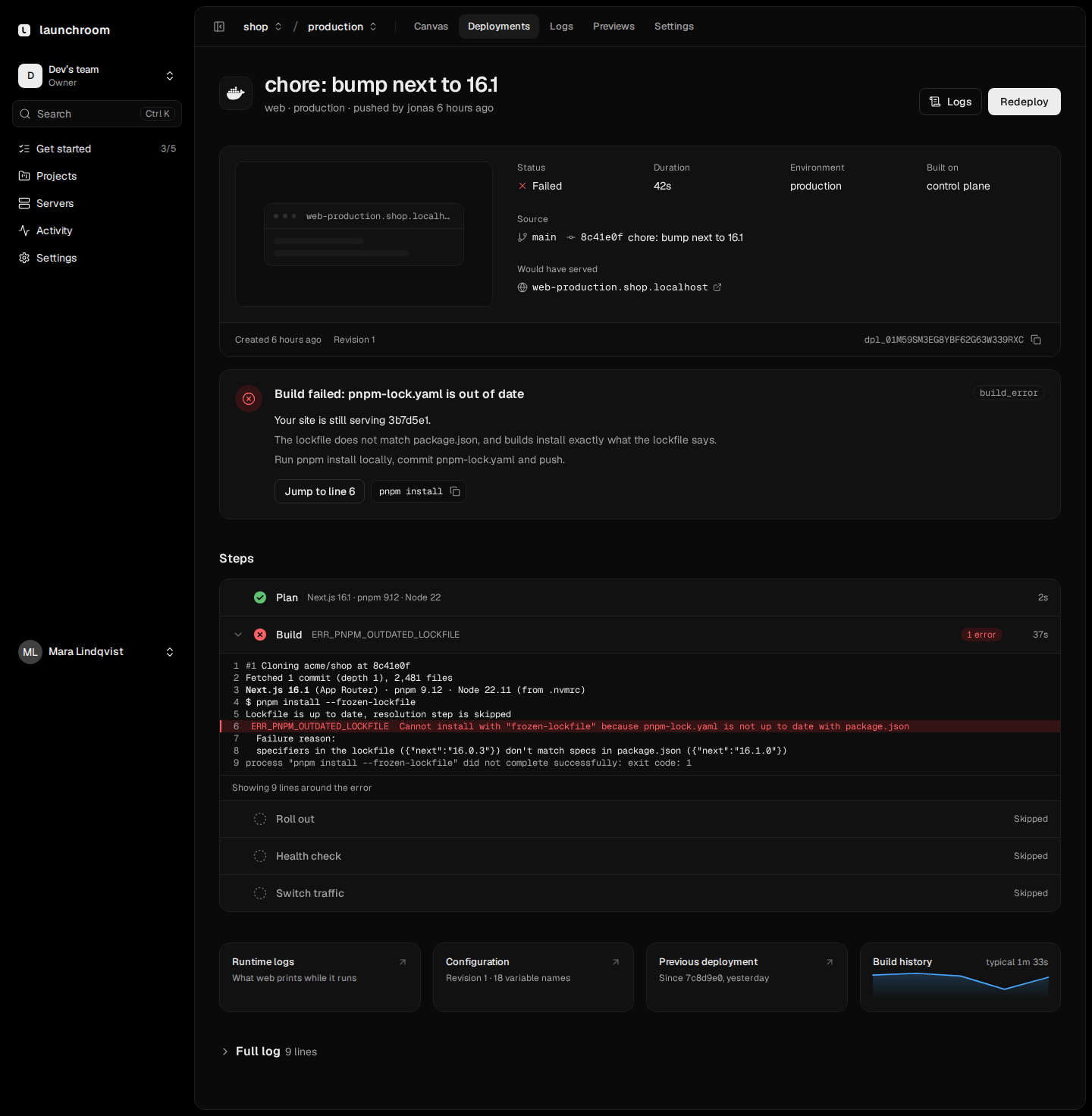
A deployment never changes after it is created. If a new version doesn’t start, traffic stays on the current one, and the deployment page shows what went wrong.
- Health checks run from outside the container
- Replicas update one at a time
- The failing step opens with the error line highlighted
Previews
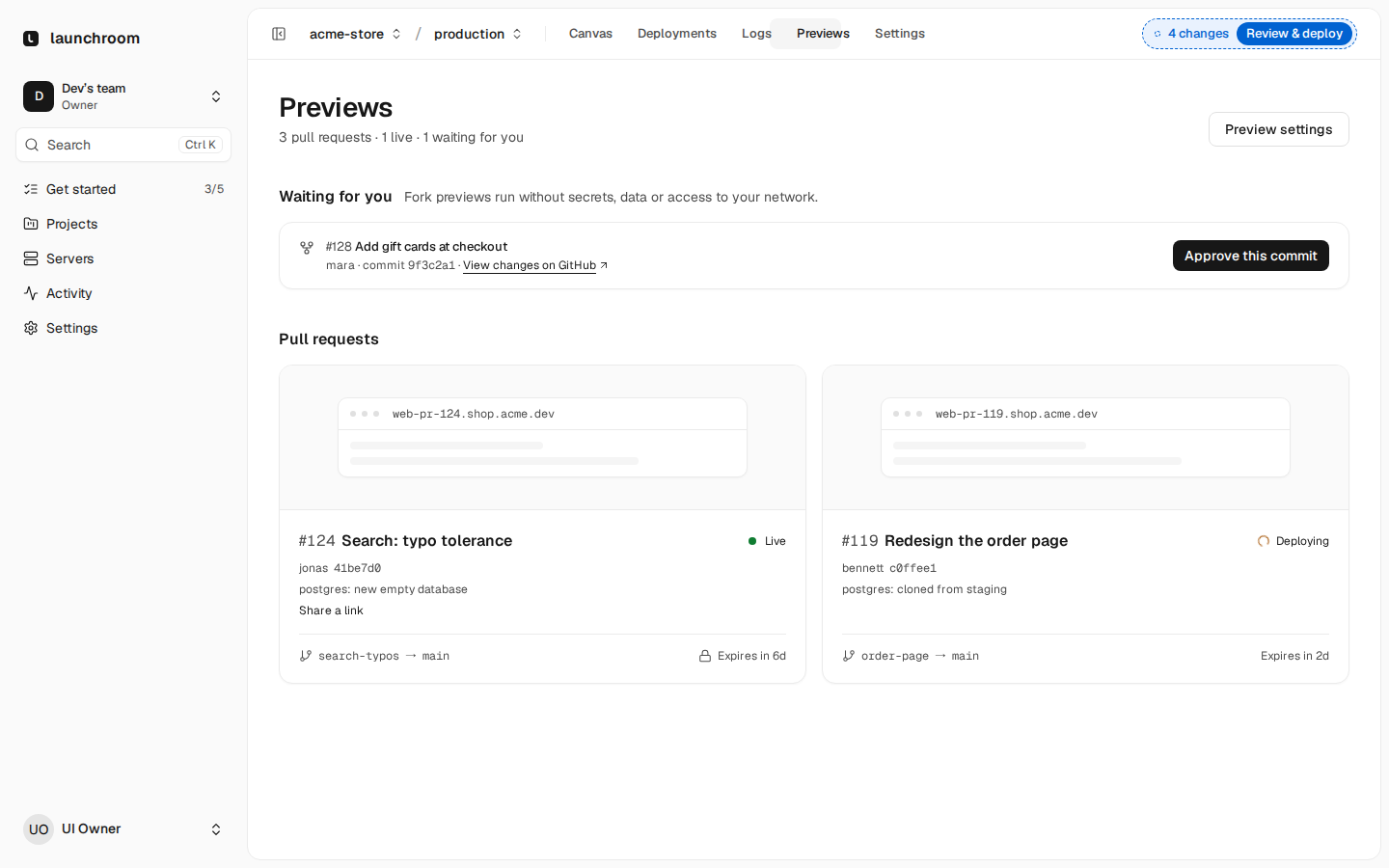
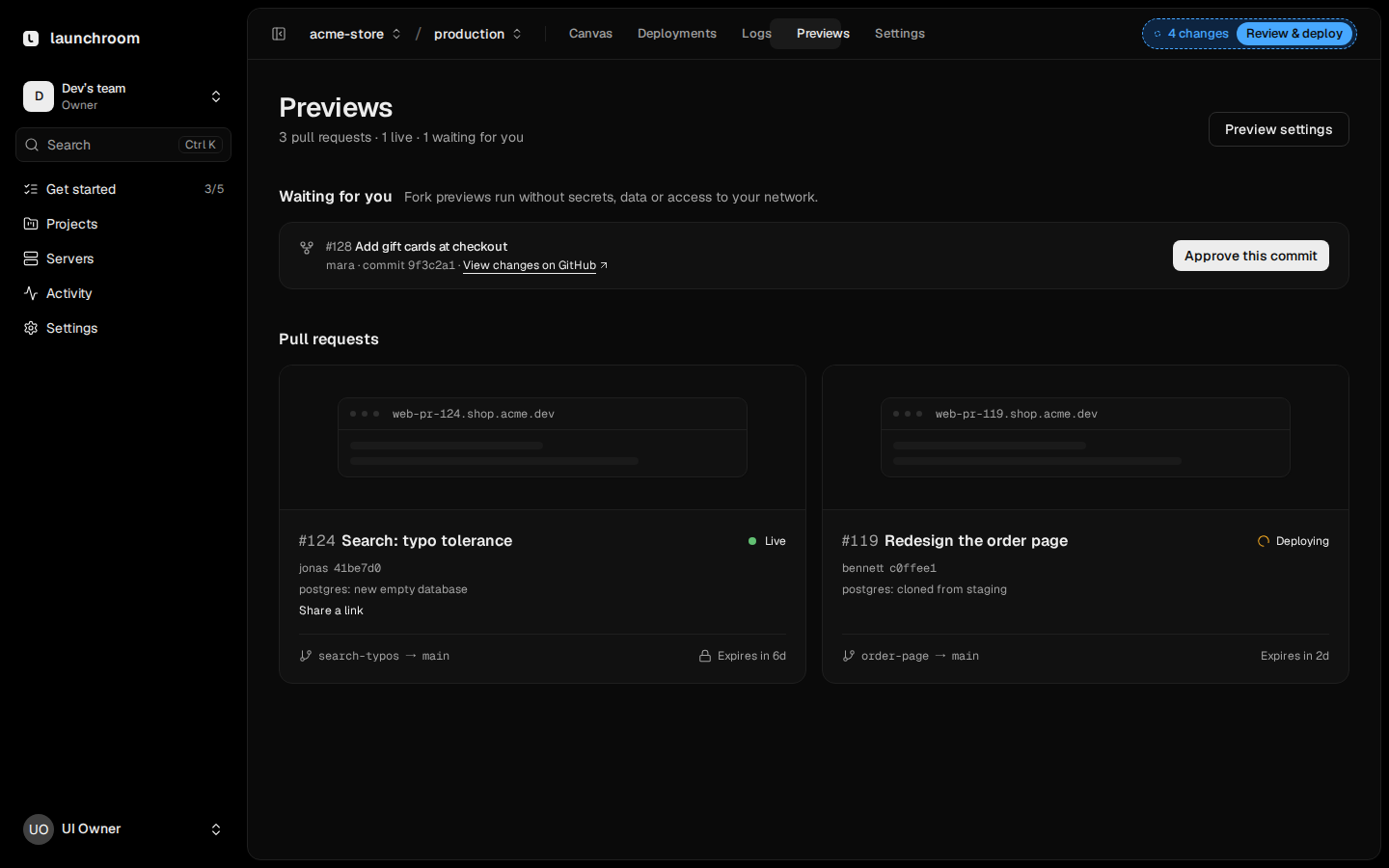
A full copy of your app for every pull request.
Open a pull request and launchroom deploys it next to production. Services you didn’t change reuse their existing image.
- Its own URL and its own database
- A status and a comment in the pull request
- Behind a login or share link; pull requests from forks wait for approval
#142 Checkout with saved cardsLive
pr-142.acme-store.preview.acme.dev
Own database, seededProtected linkComment on the PR
Environments
Staging to production in one step.
Compare two environments, select the changes to bring over and promote them. Domains and secrets that belong to one environment stay where they are.
stagingproduction4 changes
- Changed:api · NEXT_CACHEredis → valkey
- Added:api · STRIPE_WEBHOOK_URLhttps://acme-store.com/hooks
- Changed:web · replicas2 → 3
- Removed:worker · LEGACY_QUEUEorders-v1
CancelPromote and deploy
Details
- Staged changes
- Edits collect into one list. Review them, then deploy them together.
- Instant rollback
- Recent images are kept. Rolling back switches traffic to one of them.
- Config as code
- An optional launchroom.json in your repository, applied on push.
- Git providers
- GitHub, GitLab, Gitea, Forgejo and any git server over SSH.
- Cron jobs
- Schedules with a time zone. They run even while the dashboard is offline.
- Templates and Compose
- Start from a template or import a Compose file.
Install it on your server with one command.
curl -fsSL https://launchroom.vantezzen.io/install | sh