Logs and metrics
See what every release did.
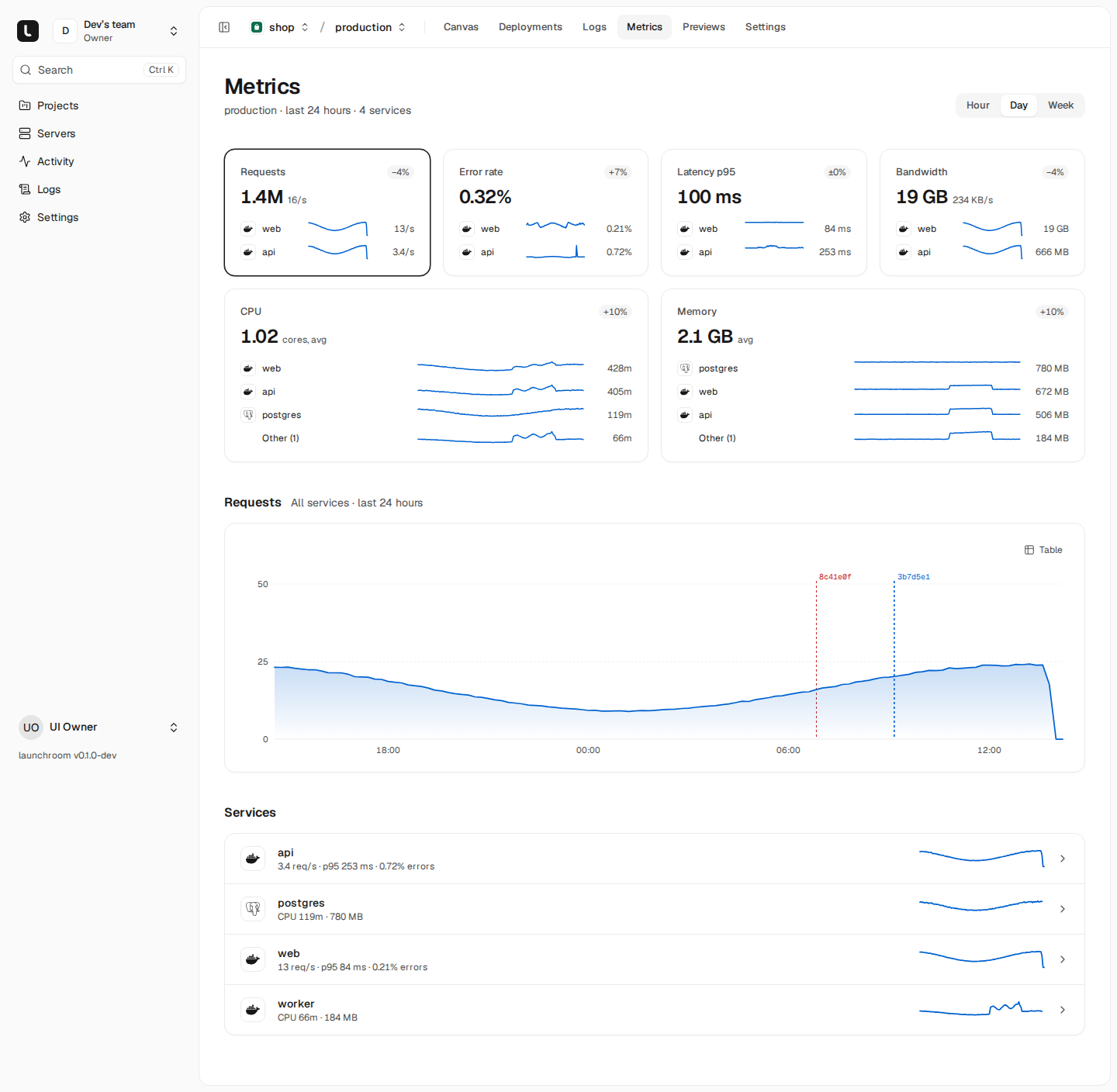
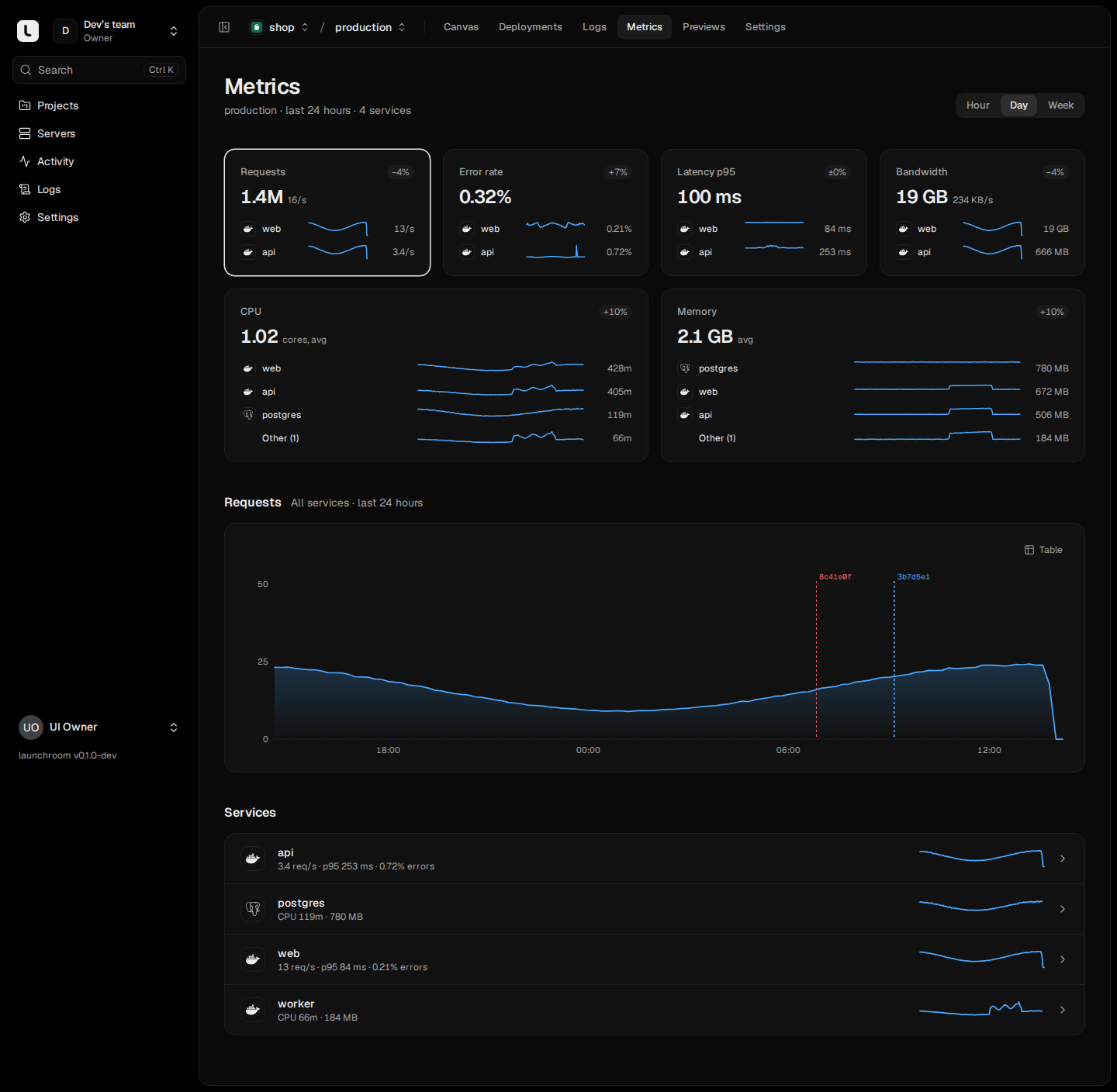
launchroom measures requests where traffic enters, marks every deploy on the charts and keeps the logs of every service searchable. All of it runs on your server, with nothing to install.
Servers
All the load, in one view.
The servers page shows the combined load of your servers, where they are and how they connect. Each server page lists the services running on it with their CPU and memory, so you see which one takes how much.


Logs
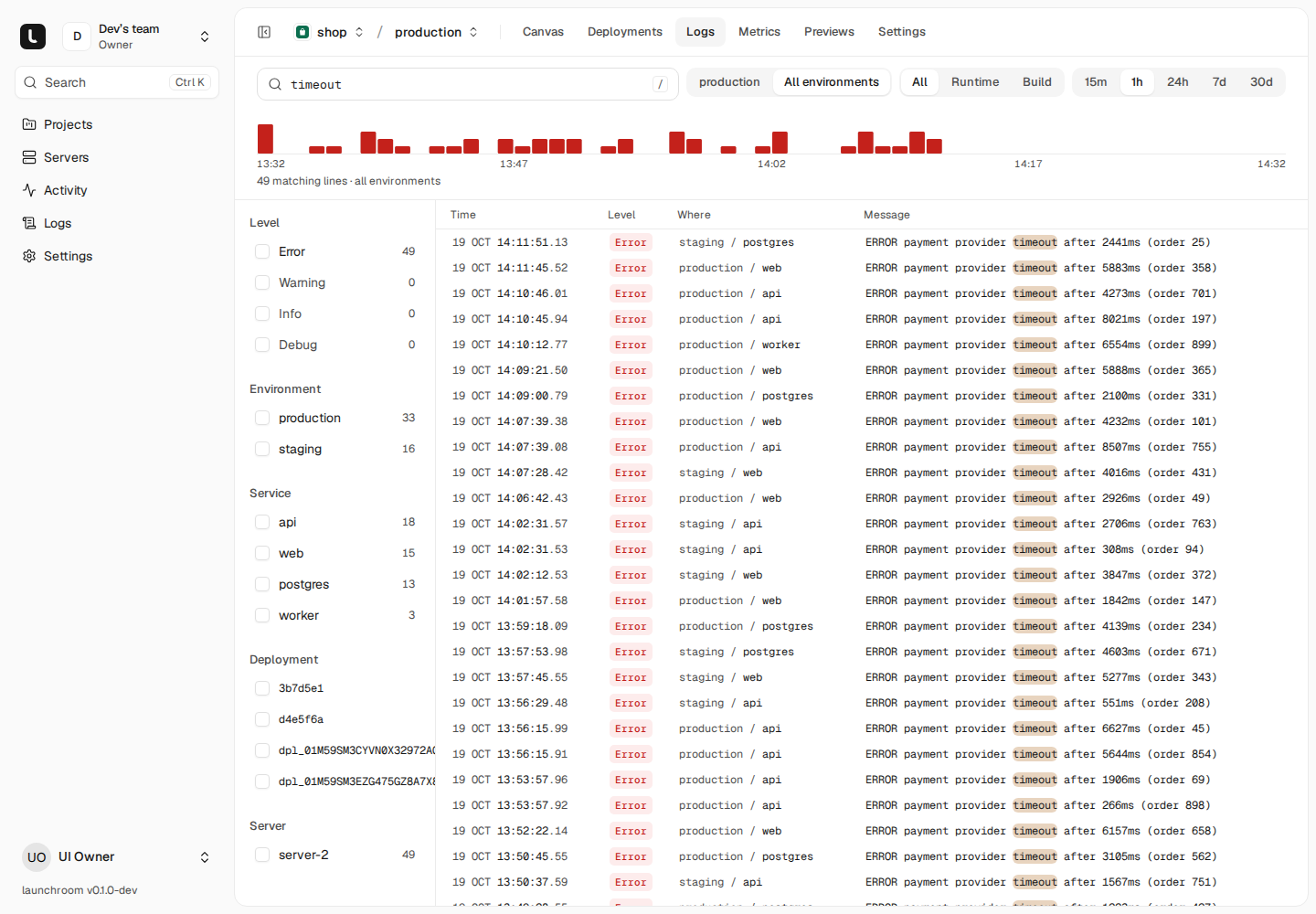
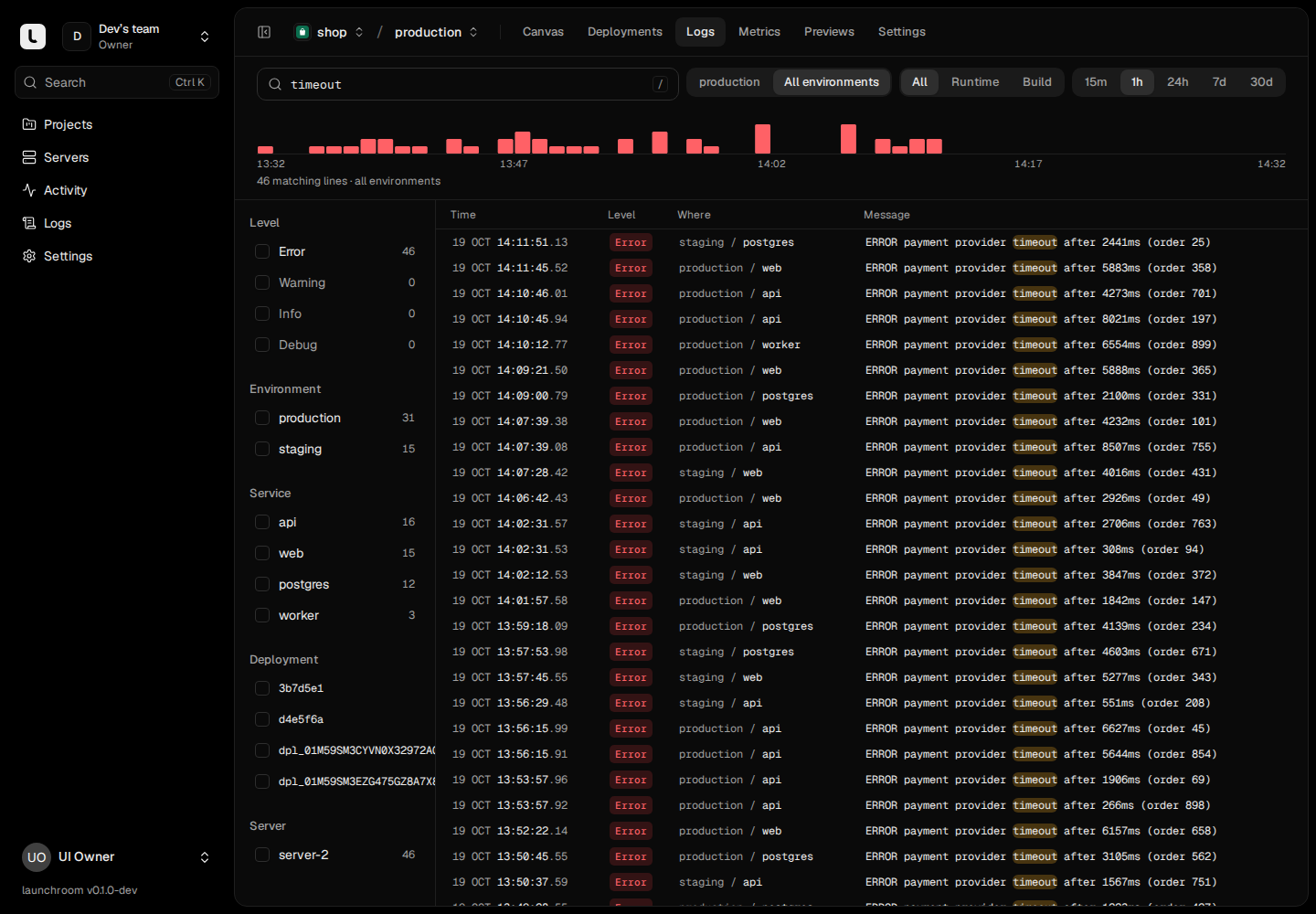
One search across every service.
Search a project, an environment or the whole team. The histogram shows when errors started, and the deploy marker next to it shows which release came before.
- Build and runtime logs, live or from the past
- A histogram with deploy markers, filters by level, service and environment
- Retention you choose per environment
Alerts
Hear about it where you work.
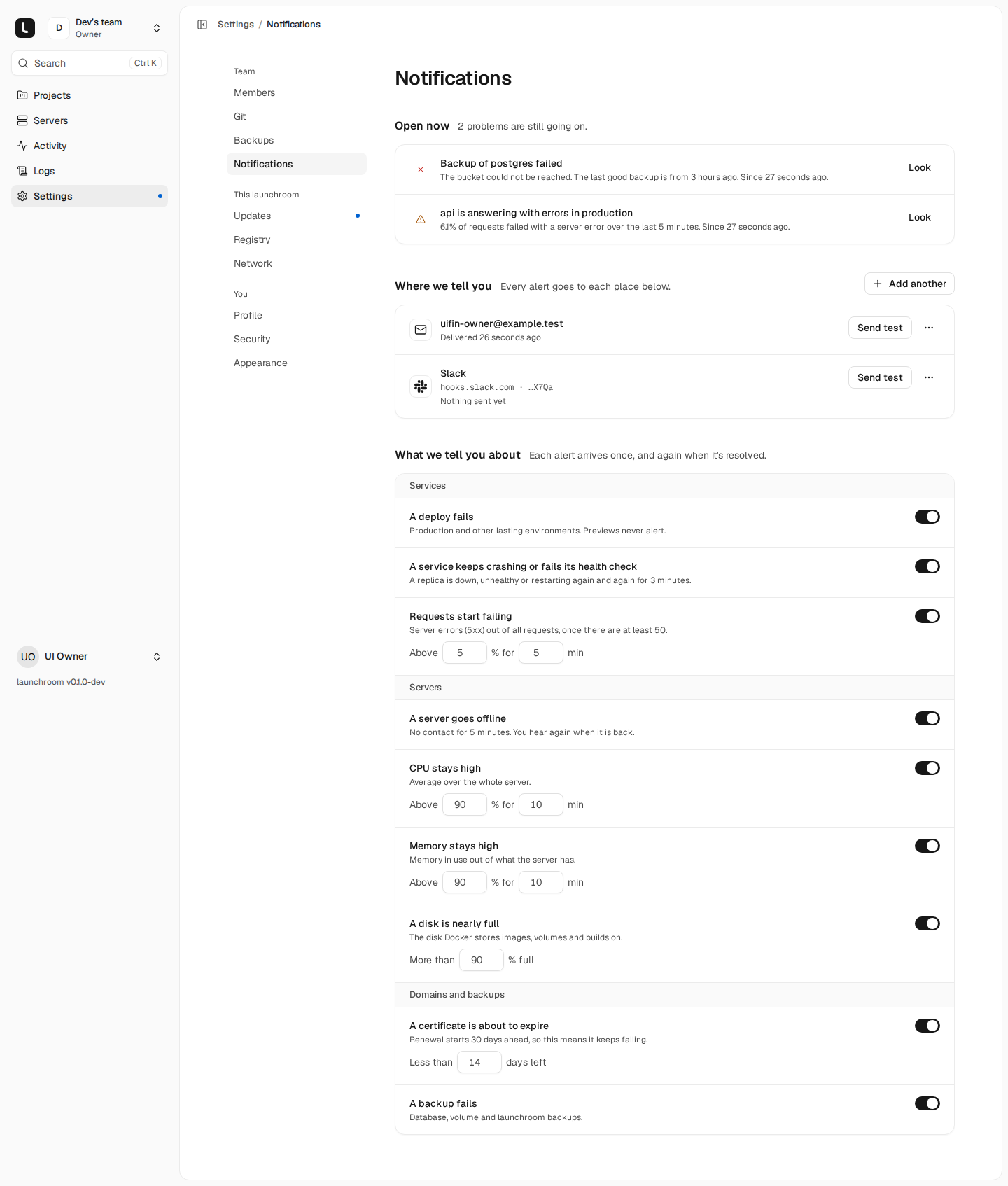
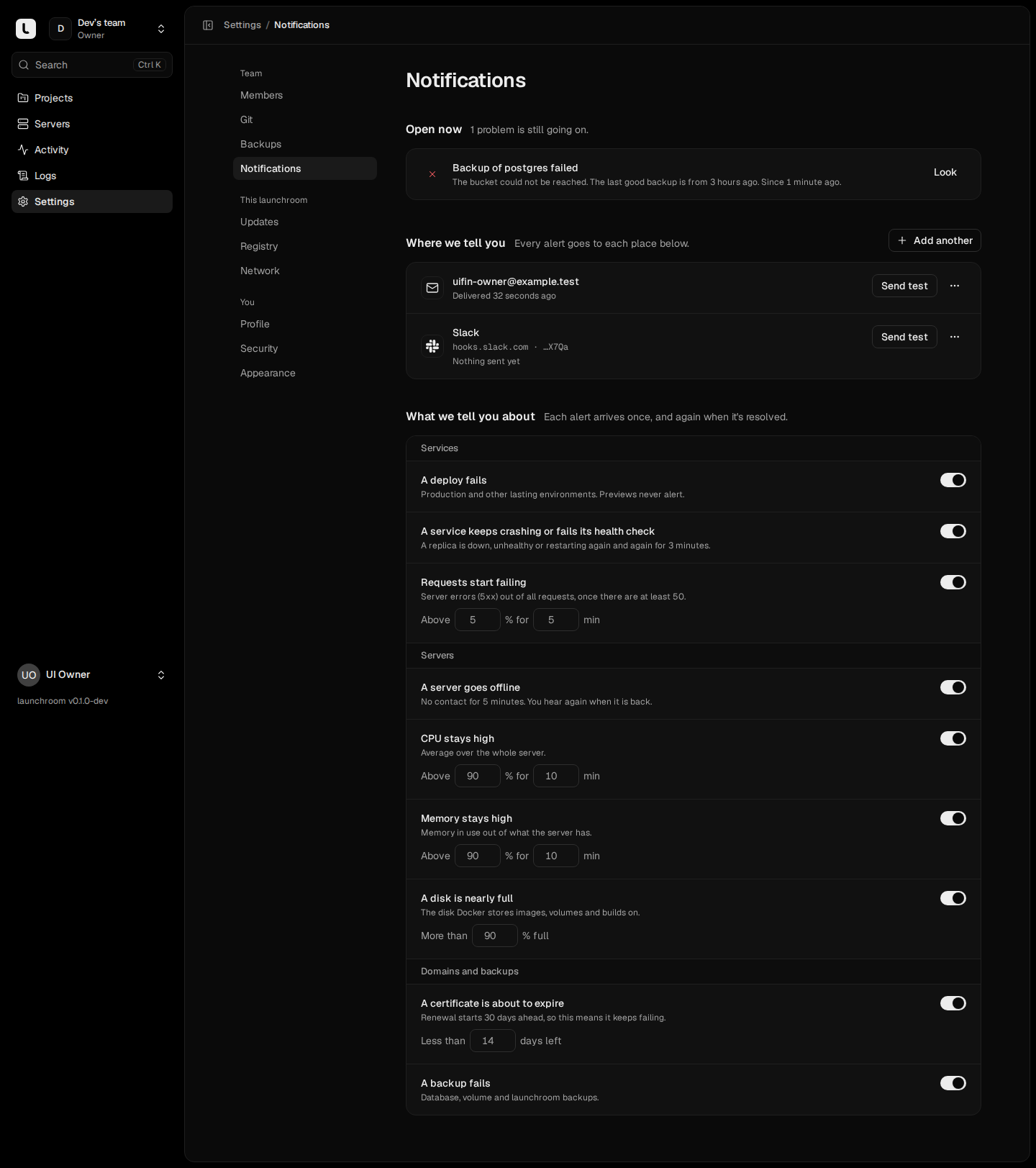
Set the thresholds once per team. launchroom groups repeated alerts and tells you when things are back to normal.
- Failed deploys, unreachable servers, error rates, full disks, failed backups
- Email, Slack, Discord and signed webhooks
- One message per problem, and one when it is resolved
Console
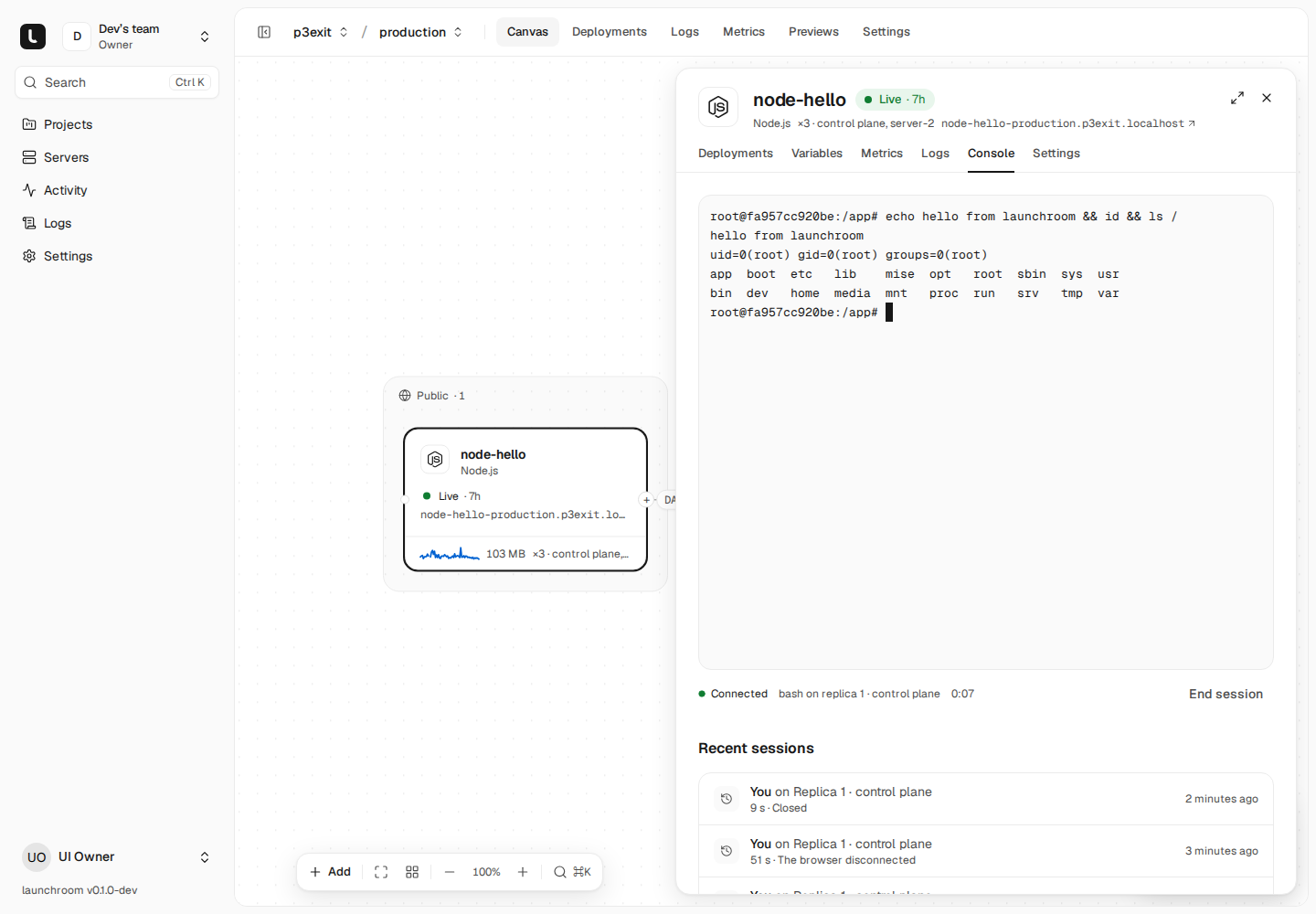
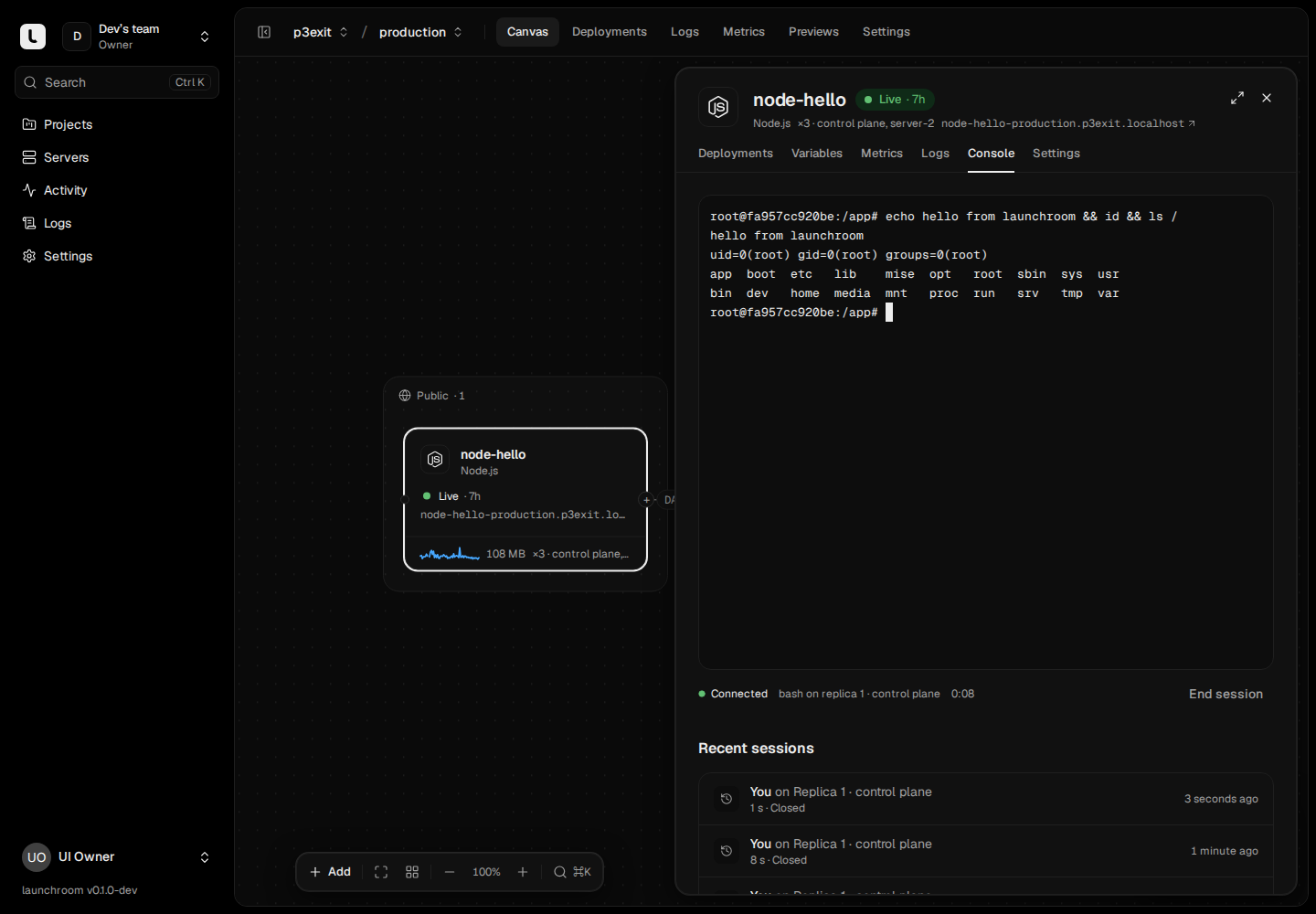
A shell in a running container, in the browser.
Open a console in any replica as the container’s own user. Sessions are time-limited and recorded in the audit log. There is no shell on the server itself.
Details
- Measured at the edge
- Requests, status codes, latency percentiles and bandwidth per route.
- Private by default
- Visitor addresses and paths are removed before a log line leaves the proxy.
- Usage per service
- CPU and memory per service, on the canvas and on each server page.
- Link quality
- Latency and bandwidth between every pair of servers.
- Activity
- Deploys, promotions and changes in one timeline.
- CLI
- Follow logs from your terminal or CI with the launchroom CLI.
More of launchroom
Install it on your server with one command.
curl -fsSL https://launchroom.vantezzen.io/install | sh