Variables
Config values and secrets per service, targeted per environment or branch, with references between services and encryption at rest.
Variables are the environment your services start with. Each variable is a config value or a secret and applies to one
or more environments. Variables can reference other services, so DATABASE_URL in staging points at staging's
database without anyone copying a password. launchroom works out which variables the build needs and stores every value
encrypted.
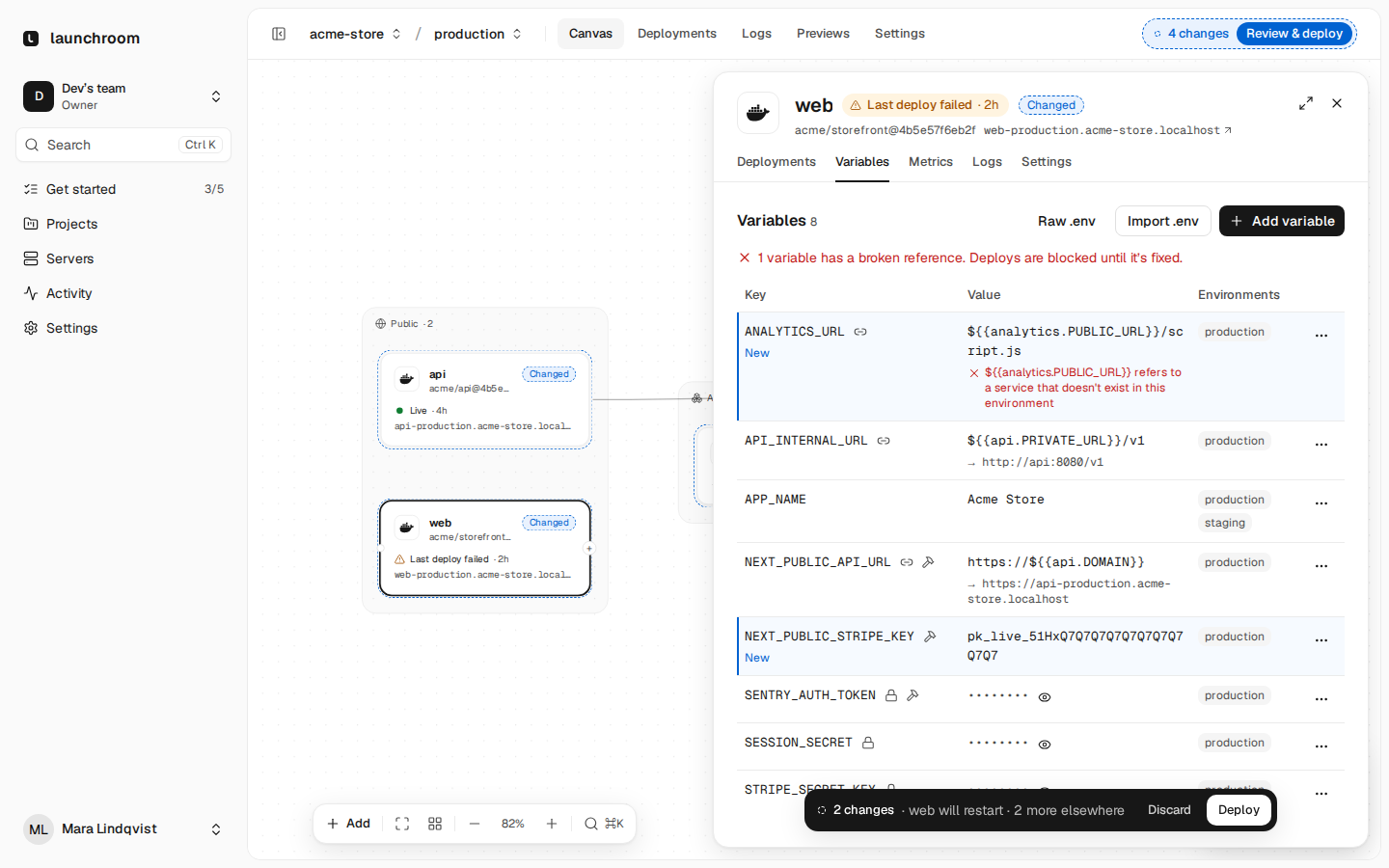
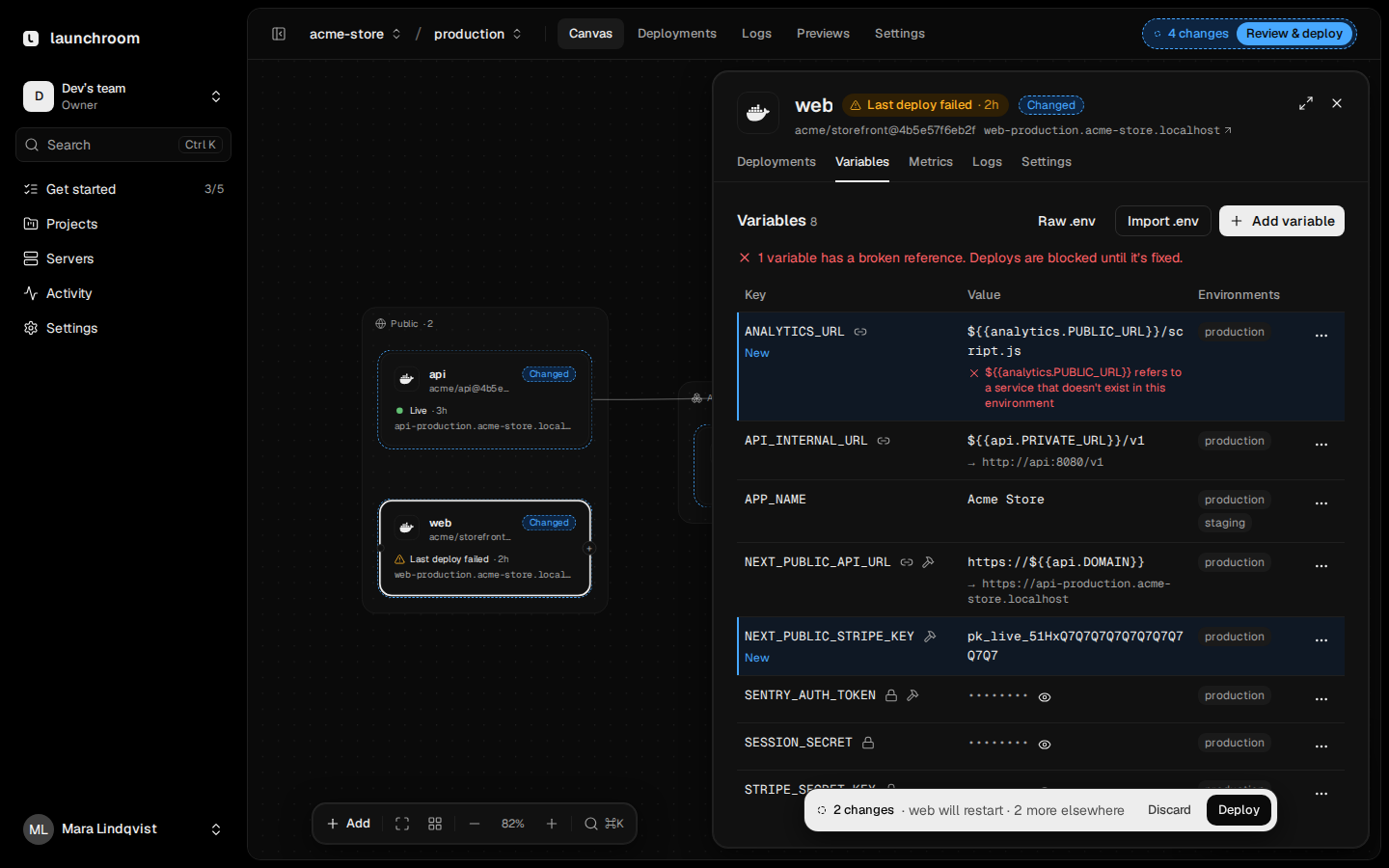
Config and secrets
Every variable has a type:
- Config: readable by everyone who can see the service. Use it for settings like
LOG_LEVELorAPP_URL. - Secret: write-only after saving and masked in logs. You can replace it but not read it back. If your role may reveal secrets, Reveal asks for your password and records the reveal in the audit log.
When you import variables, keys that usually hold secrets (*_KEY, *_SECRET, *_TOKEN, *PASSWORD*, *_DSN) and
values that look like private keys, live API keys or URLs with passwords are suggested as secrets.
Values are stored as written, without trimming or $VAR expansion. Multiline values such as PEM keys work.
Add and import
Open a service's Variables tab and choose Add variable, or:
- Paste a
.envfile anywhere on the tab, or use Import .env. launchroom shows a preview with conflicts and suggested secrets before saving. - Variables as
.env: switch to the raw view to edit everything as text. Secrets show as a placeholder that keeps their current value.
Every change is staged and reaches the running service with the next deploy. See Staged changes.
References
A reference inserts another variable's value when the service deploys:
| Write | Resolves to |
|---|---|
${{postgres.DATABASE_URL}} | DATABASE_URL of the service with the slug postgres |
${{api.PRIVATE_URL}} | The private address of api, for example http://api:8000 |
${{shared.SENTRY_DSN}} | A shared variable of the project |
${{APP_URL}} | Another variable of the same service |
Type ${{ in a value field for suggestions. The tab shows each reference's resolved value next to it, with secrets
masked.
References resolve per environment. ${{postgres.DATABASE_URL}} in a preview resolves to the preview's own
database, so previews and new environments work without editing any variable.
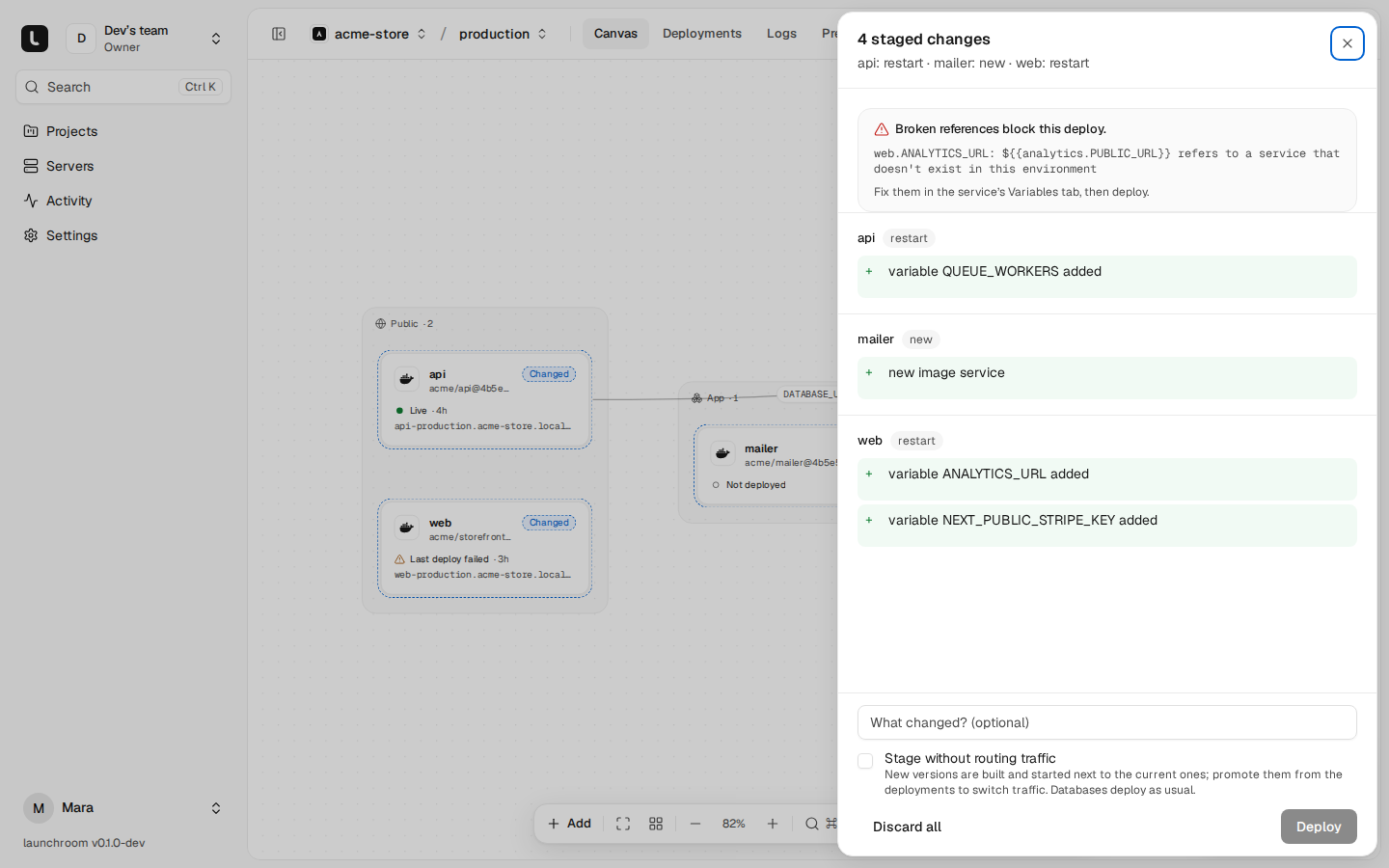
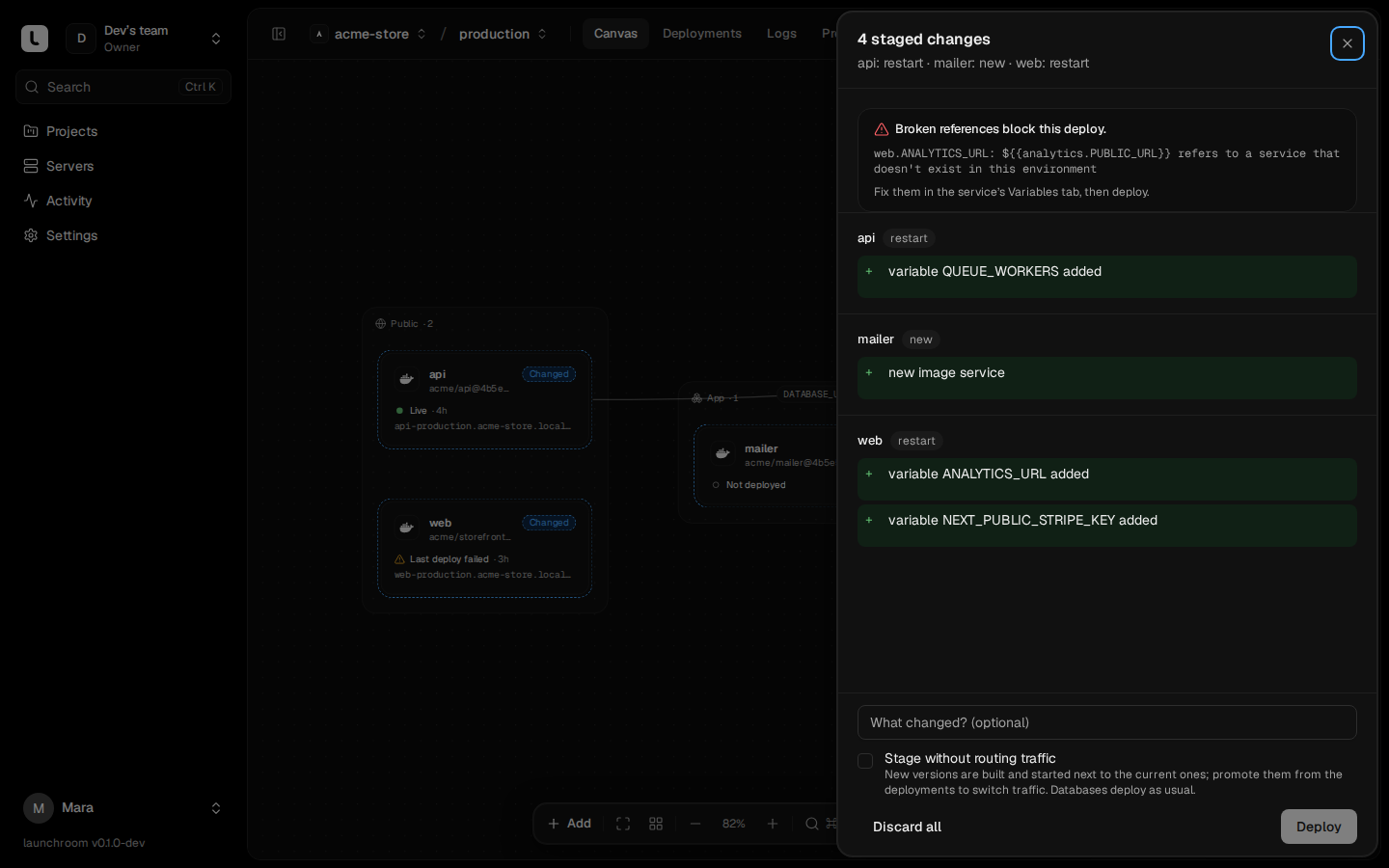
A reference to a service or variable that doesn't exist in this environment is broken. The Variables tab flags it in
red, and the deploy is refused with the name of every broken reference. launchroom never deploys the literal ${{…}}
text.
Every service exports a few variables you can reference: PRIVATE_HOST (its slug), PRIVATE_URL, PUBLIC_URL,
DOMAIN and PORT. Databases also export their connection details, such as DATABASE_URL with its parts for
PostgreSQL and MySQL or REDIS_URL for Redis and Valkey (see
Managed databases). Connections on the canvas create these references for you.
Generated values
A value that consists of only a generator creates a random secret once, when the variable is saved:
| Write | Result |
|---|---|
${{ secret(32) }} | 32 random letters and digits |
${{ secret(64, "base64") }} | 64 random bytes, base64-encoded ("base64url" and "hex" also work) |
${{ uuid() }} | A random UUID |
The length is between 8 and 1024. Generated values are stored as secrets and never change on later deploys. Every environment, including each preview and every copied environment, gets its own value.
Targeting
A variable applies to the environments it targets. The editor shows them as chips on each row. One row can apply to production and staging at once, for example. When you edit a row that targets several environments, launchroom asks whether to change it in this environment only (the default, which splits the row) or in every environment of the row.
For previews, target All previews, optionally with Only for preview branches matching a pattern such as
feature/*. A branch-specific row wins over the general one. Two rows with the same key and an overlapping target are
refused, because the value would be ambiguous.
The final environment of a service is built in this order. Later layers win.
- Variables launchroom sets itself (below)
- Shared variables the service uses
- Variables injected by connections
- The service's variables for this environment
- The service's variables for this preview branch
Shared variables
Shared variables belong to the project instead of one service, with the same targeting. They are not added to every
service automatically. A service either references one as ${{shared.KEY}} or switches it on in the Shared
variables section of its Variables tab, which adds it under its own key. A Compose import creates shared variables for
values several services use.
Build or runtime
launchroom decides for each variable whether the build sees it, so changing a runtime value doesn't trigger a rebuild:
- Build and runtime, automatically, for values frameworks bake into the bundle (
NEXT_PUBLIC_*,VITE_*,PUBLIC_*,REACT_APP_*,EXPO_PUBLIC_*,GATSBY_*) and build tooling (SENTRY_AUTH_TOKEN,SENTRY_ORG,SENTRY_PROJECT,NODE_OPTIONS,NPM_TOKEN,NPM_CONFIG_*,COMPOSER_AUTH,PIP_INDEX_URL,UV_INDEX_URL,BUNDLE_*). - Runtime only for everything else, including
NUXT_PUBLIC_*(Nuxt reads it at runtime).
You can override the choice per variable. Changing a build variable rebuilds the service. Changing a runtime variable restarts it. Variables baked into a browser bundle are visible to anyone who loads the page, so they can't be secrets. Build values reach the build as BuildKit secrets, never as image layers. See How builds work.
Variables launchroom sets
The Variables tab lists the system variables, read-only:
| Variable | Value |
|---|---|
PORT | The port the service listens on |
HOST, HOSTNAME | 0.0.0.0 (not set for databases) |
PRIVATE_HOST, PRIVATE_URL | The service's slug and private address |
DOMAIN, PUBLIC_URL | The first custom domain, else the generated one |
LAUNCHROOM, LAUNCHROOM_PROJECT_ID, LAUNCHROOM_ENVIRONMENT, LAUNCHROOM_ENVIRONMENT_ID, LAUNCHROOM_ENVIRONMENT_KIND, LAUNCHROOM_SERVICE, LAUNCHROOM_SERVICE_ID | Where the service runs |
LAUNCHROOM_DEPLOYMENT_ID, LAUNCHROOM_GIT_COMMIT_SHA | The current deployment and commit (can't be referenced) |
Encryption
Values are encrypted at rest with envelope encryption: each project has its own data key, wrapped by a key-encryption
key stored in the install folder (data/keys), apart from the database. Each value is bound to its project,
variable and version, so a stored value can't be moved to another row. A deployment's environment is stored encrypted
too. Deployment pages show variable names and hashes, never values.
Production secrets must differ from preview (project Settings → General) refuses any secret that applies to production with the same value as one that applies to previews, wherever it is saved.
From the command line
The CLI reads and writes the same variables for the linked service (launchroom link, or --service):
launchroom env ls
launchroom env set LOG_LEVEL=debug
launchroom env set --secret STRIPE_SECRET_KEY=...
launchroom env pull .env
launchroom run -- npm run dev
env pull and run resolve references on the server from the last deployed configuration. Secret values need a token
with the secrets:read ability and a role that may reveal them. Each read is audited. --no-secrets leaves them out.