Managed databases
PostgreSQL, MySQL, Redis, Valkey, MongoDB and ClickHouse on your own servers, with generated credentials, connections, clean stops and backups.
A managed database is a service on your canvas like any other. launchroom handles the data-specific parts:
- generated credentials
- variables your apps can reference
- a volume that stays on its server
- clean shutdowns
- backups
Add one from the canvas, connect it to an app and deploy.
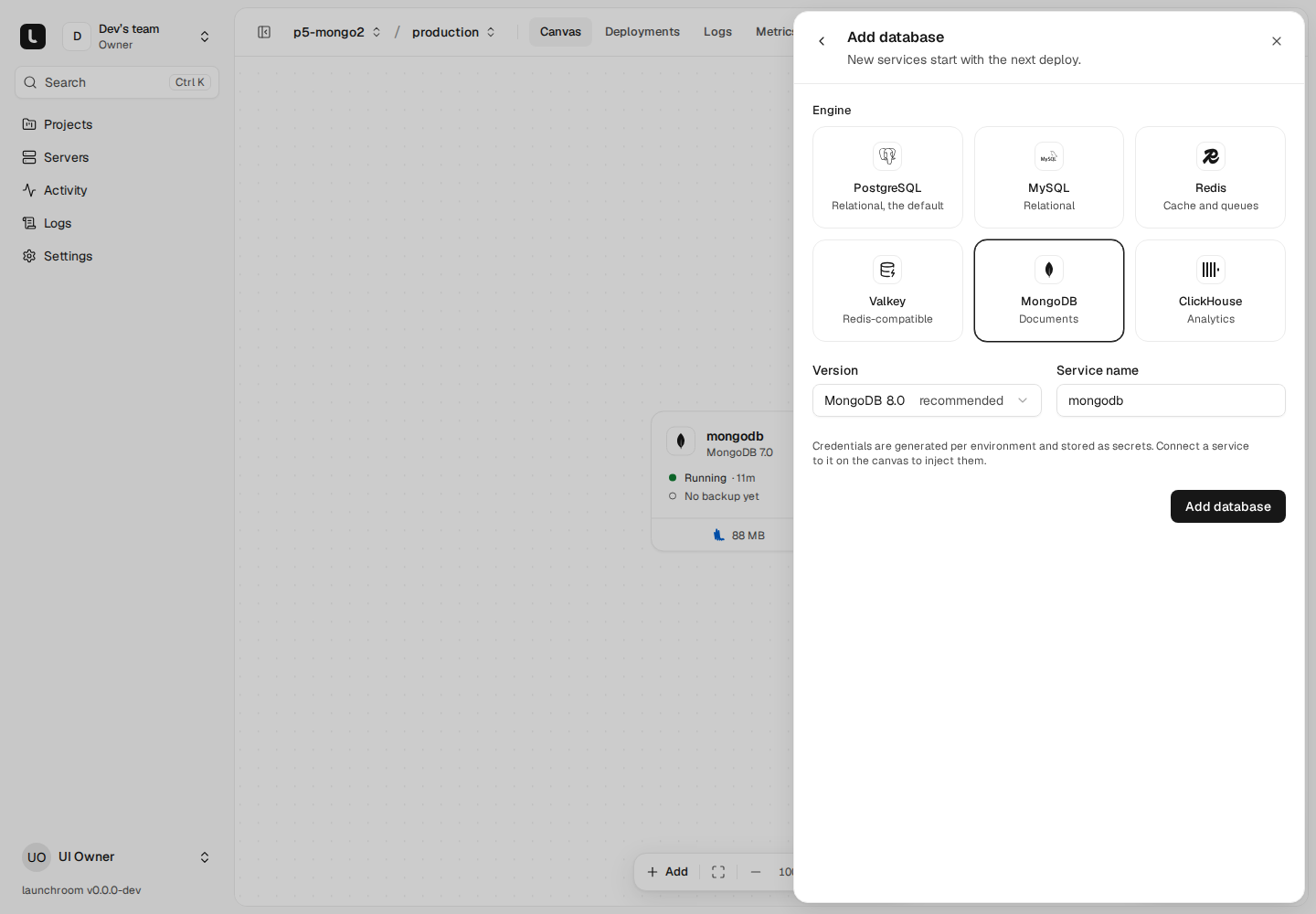
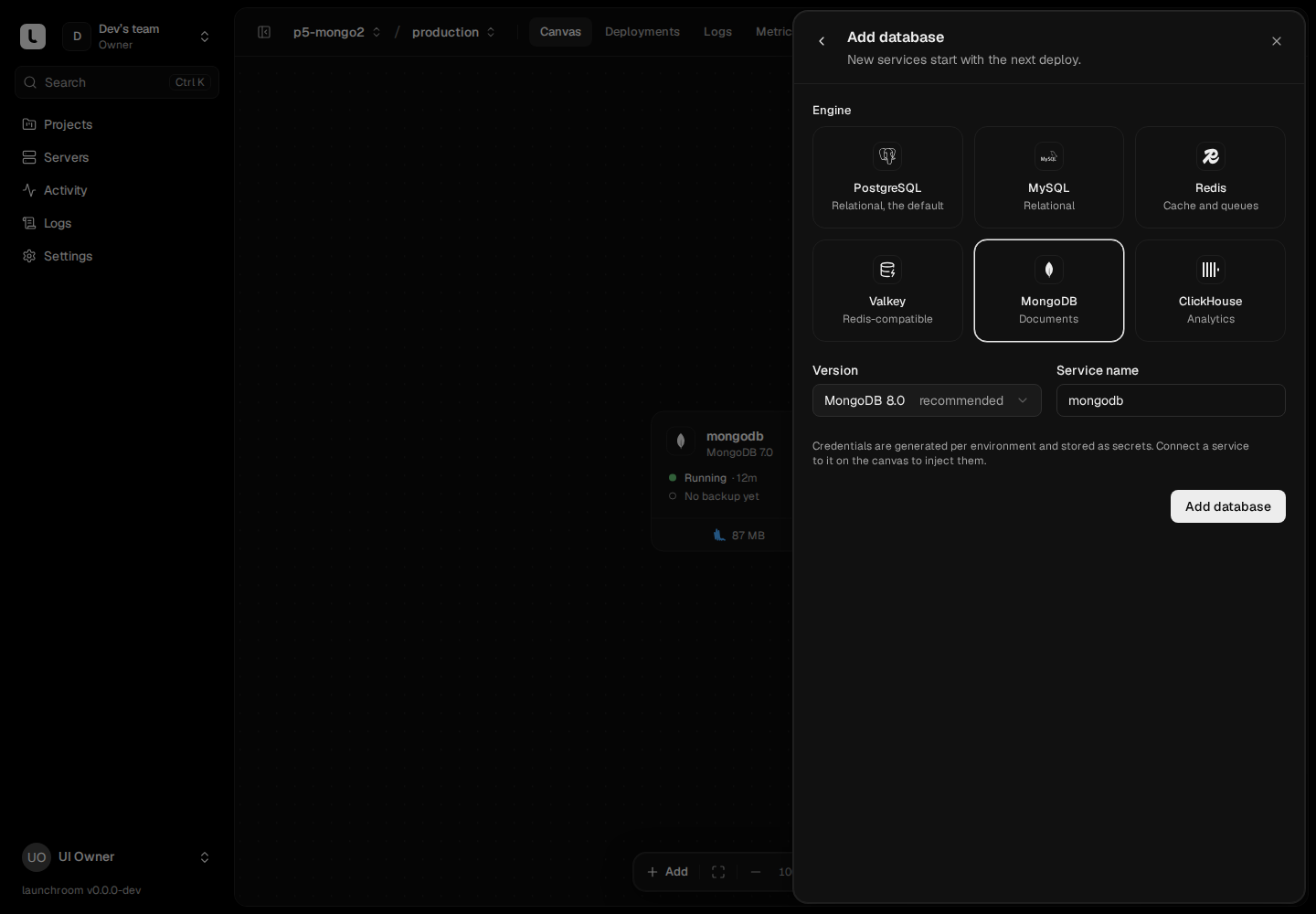
Engines and versions
| Engine | Versions | Default |
|---|---|---|
| PostgreSQL | 18, 17, 16 | 18 |
| MySQL | 8.4 | 8.4 |
| Redis | 7 | 7 |
| Valkey | 8 | 8 |
| MongoDB | 8.0, 7.0 | 8.0 |
| ClickHouse | 26.8, 26.3 (LTS releases) | 26.8 |
Every engine image is pinned by digest and pulled through launchroom's registry mirror, so a redeploy doesn't pick up a different image. The version is part of the service's Source settings.
MongoDB 8.0 on new kernels
MongoDB 8.0 refuses to start on Linux kernels 6.19 and newer. Pick 7.0 for databases on such servers until a fixed 8.0 release is available.
Adding a database
On the canvas, add a database, pick the engine and version, and give it a name. The name becomes the service's slug, which is also its private hostname. An app in the same environment reaches a database named postgres at postgres:5432 on any server, with no ports opened to the internet. launchroom doesn't publish databases to the public internet.
The database is created on the next deploy. It starts empty. To start with data, restore a backup as a new service.
Generated credentials
launchroom generates the credentials when the database is created: a 32-character password and an application user and database. Credentials reach the container only through its sealed environment. They don't appear in a command line, a log or the dashboard's pages unless you reveal a secret variable. Each environment gets its own database instance and credentials, and previews get a new, empty one by default (see previews for cloning).
ClickHouse has no separate application database. Apps use the default database or create their own (Plausible does).
Connections and reference variables
Drag an edge from an app to a database on the canvas. The Connect popover previews the variables it will add to the app, named the way your framework expects:
- URL: one variable such as
DATABASE_URLorREDIS_URL, for Prisma, Node, Django and most libraries. - Laravel:
DB_CONNECTION,DB_HOST,DB_PORT,DB_DATABASE,DB_USERNAME,DB_PASSWORD. - Parts: separate host, port, user and password variables.
These are ordinary reference variables such as ${{postgres.DATABASE_URL}}. They resolve to the database in the same environment, so staging connects to staging's database and production to production's without per-environment setup. Removing the edge removes them, after a confirmation.
Each engine exports these variables for references:
| Engine | Variables |
|---|---|
| PostgreSQL | DATABASE_URL, PGHOST, PGPORT, PGUSER, PGPASSWORD, PGDATABASE |
| MySQL | DATABASE_URL, MYSQLHOST, MYSQLPORT, MYSQL_USER, MYSQL_PASSWORD, MYSQL_DATABASE |
| Redis, Valkey | REDIS_URL, REDIS_HOST, REDIS_PORT, REDIS_PASSWORD |
| MongoDB | MONGO_URL (also as DATABASE_URL, with authSource=admin), MONGOHOST, MONGOPORT, MONGOUSER, MONGOPASSWORD, MONGODATABASE |
| ClickHouse | CLICKHOUSE_URL (HTTP, port 8123), CLICKHOUSE_HOST, CLICKHOUSE_PORT, CLICKHOUSE_NATIVE_PORT (9000), CLICKHOUSE_USER, CLICKHOUSE_PASSWORD, CLICKHOUSE_DATABASE |
ClickHouse's native port is reachable from services on the same server. Use the HTTP port across servers.
Volumes and placement
A database keeps its data on a Docker volume on one server. It runs as a single replica pinned to that server, and launchroom never moves it automatically. If a server fails, Replace server restores its databases from their latest backups onto the replacement.
Because two copies can't share one data directory, deploying a database stops the old container before starting the new one. The deploy warns about the short downtime. Apps reach a database on another server, such as a machine at home, through launchroom's private network as if it were local.
When you delete an environment, a project or a database, its volume isn't deleted on the spot. It is kept for 7 days, and if the database had backups, a final backup is taken first. See backups.
Clean stops
Databases stop the way their engines expect, so a redeploy doesn't leave them in crash recovery. launchroom sends PostgreSQL SIGINT (a fast, clean shutdown) and the other engines SIGTERM, then waits up to 60 seconds before anything is forced. The engine runs as the container's main process, so the signal reaches it directly.
Health
launchroomd checks that each database accepts connections on its port, plus an engine-specific readiness check, before the deployment counts as healthy.
The Data tab
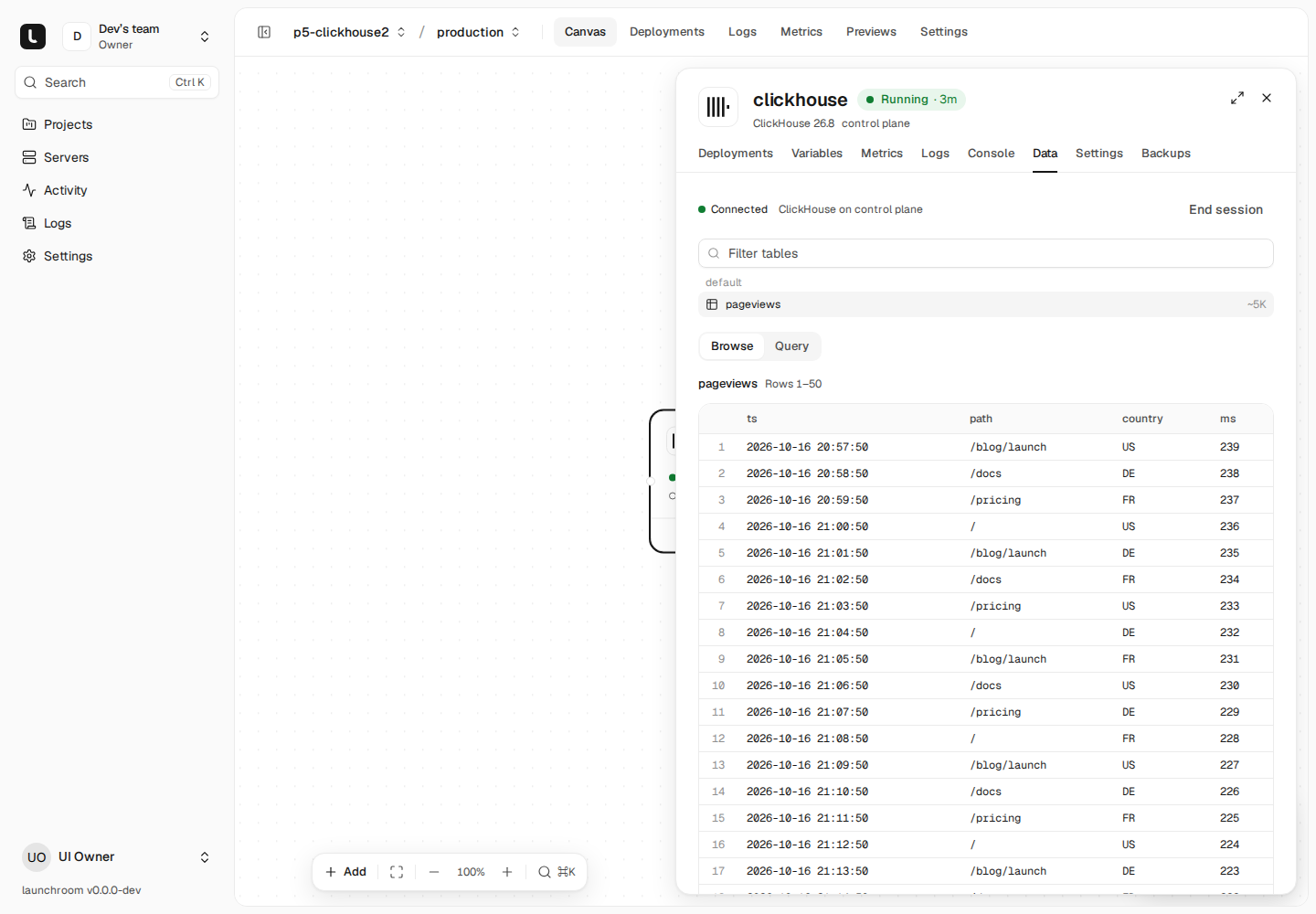
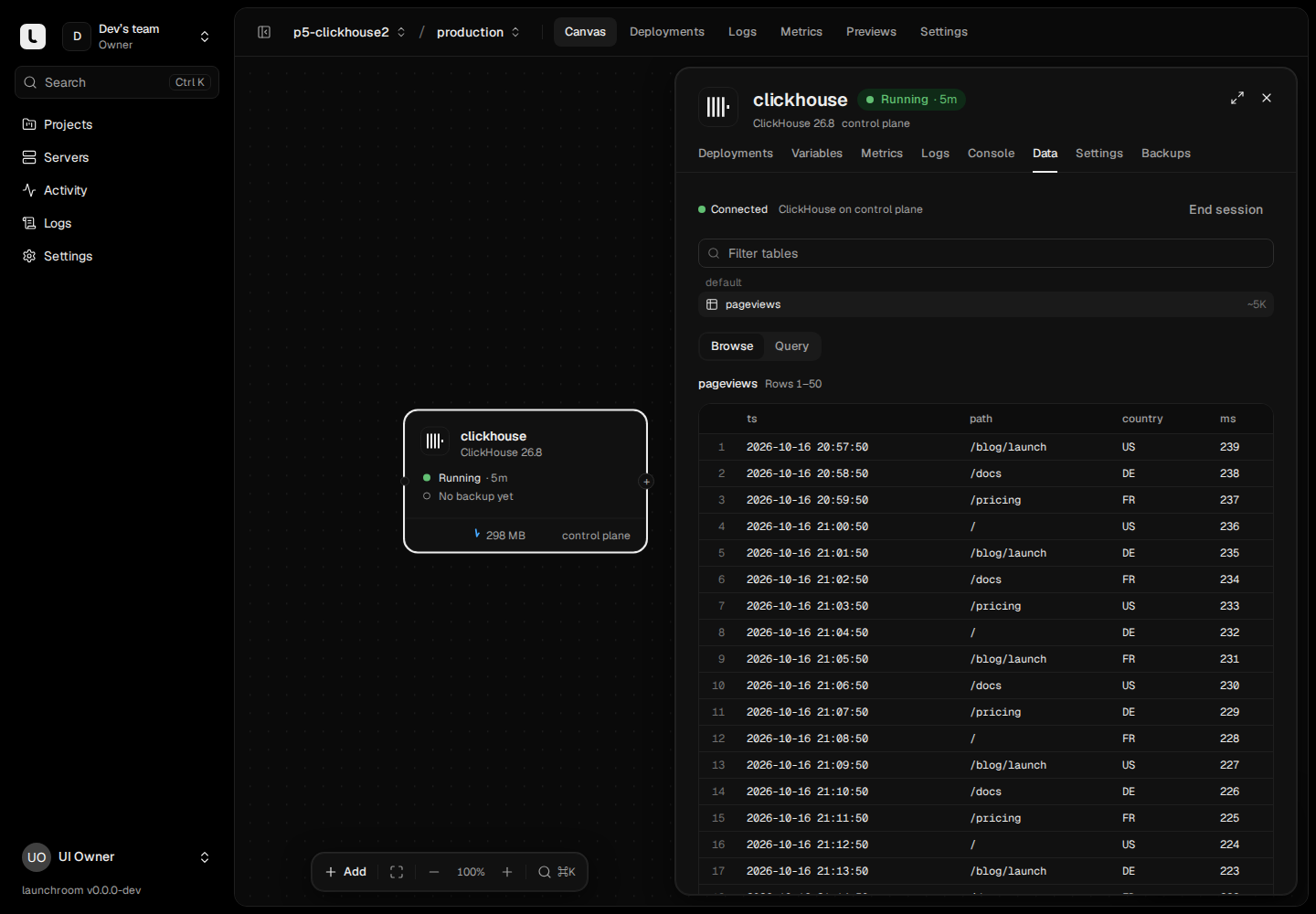
In the Data tab of a database you can browse tables (or keys, or collections) and run queries in the browser. It is read-only by default, with an opt-in for writes. It uses the engine's own client inside the database container, so no port is opened. See Console and Data.
Import and export
Bring data in from your old server or another platform: in the database's Backups tab, Import data… takes a pg_dump, mysqldump or mongodump file (gzipped too) or copies straight from a connection URL. Download now gives you a fresh dump in the engine's own format. See Import and export and the move an app from another platform.
Keeping a Compose database as a container
When you import a Compose file, well-known database images (postgres, mysql, redis, valkey, mongo, clickhouse/clickhouse-server and their Bitnami and Alpine variants) become managed databases, and the passwords other services repeat become references. For each one, choose:
- Managed (recommended): generated credentials, backups, clean stops and the Data tab.
- Keep as a container: the image runs as a private service with a volume and a TCP health check, as the file describes it. Its data is protected by volume backups, which copy files rather than using the engine's own dump tool, so choose "pause while reading" for it.
MariaDB images are kept as containers by default, with managed MySQL as an option.
Next steps
launchroom.json
Keep service configuration in a launchroom.json next to your code. It is read at every push and applied as staged changes, never with secret values.
Import and export
Import a dump or a live database into a managed database, import files into a volume, and download a backup or the current data in its own format.