Private network problems
When services on different servers can't reach each other, links are relayed or slow, or the private network itself is unhealthy. Causes and fixes.
As soon as a second server joins, launchroom connects all your servers with a private, encrypted network built on WireGuard (through Headscale and Tailscale's client). Over this network:
- Services on different servers reach each other by name.
- The registry serves images.
- Edges reach apps on other servers.
Nothing has to be configured by hand, so problems are usually about reachability. This page lists the symptoms and fixes.
Where to look
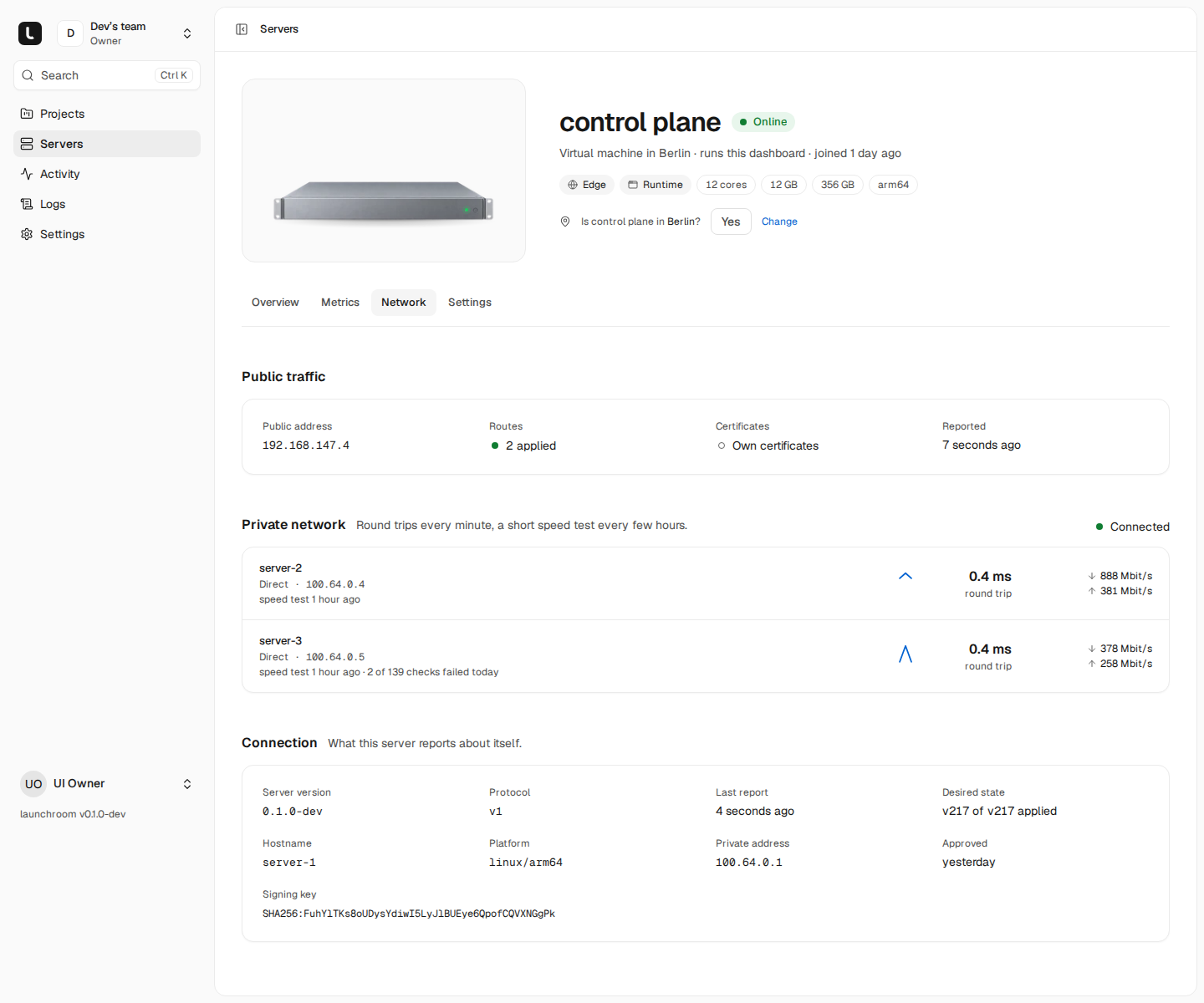
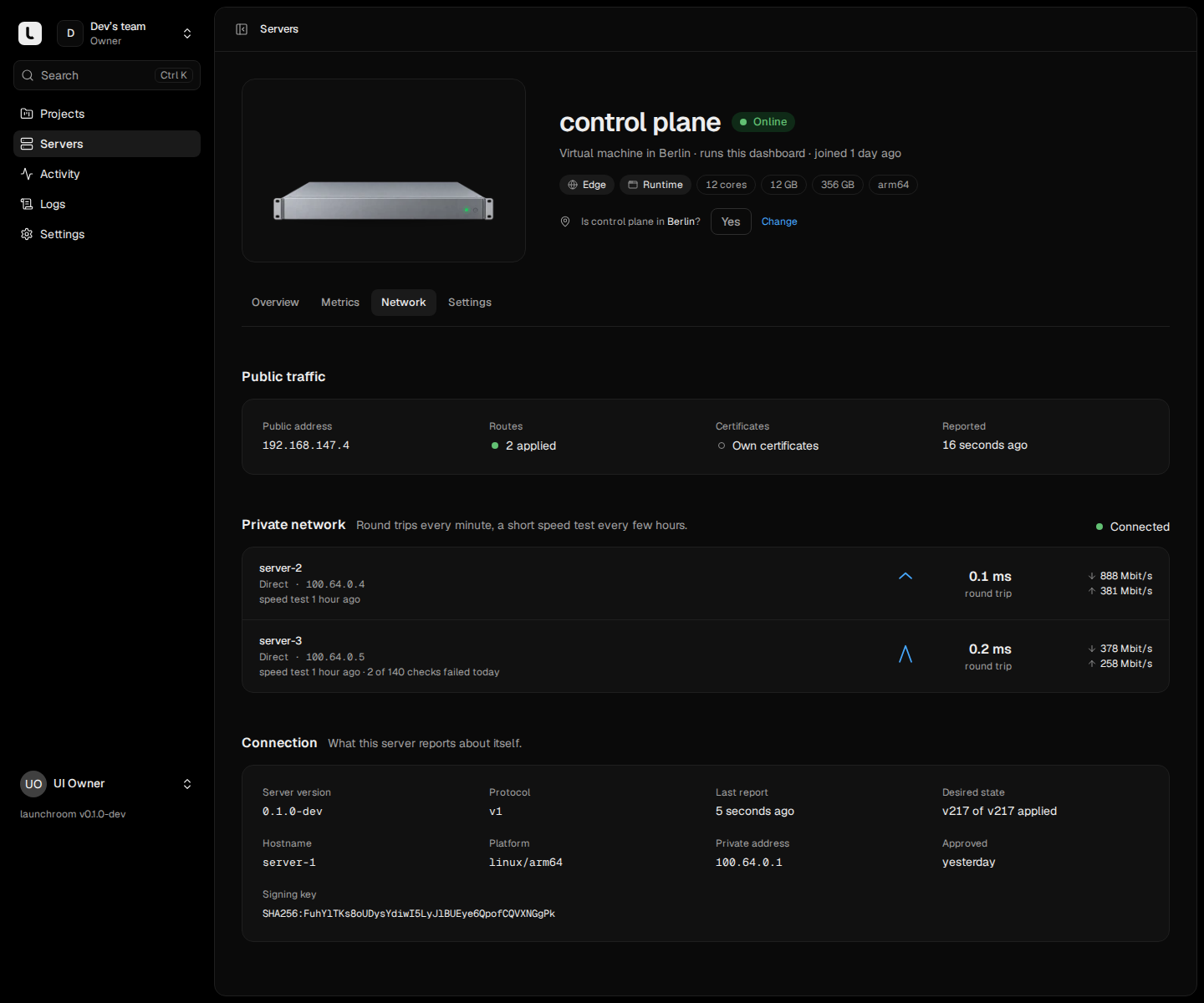
- A server's Network tab, section Private network: its state (Connected, Connecting, Error or Not connected), how it reaches the dashboard's server ("Connected · direct" or "Connected · relayed"), and one row per other server with the round trip over the last 24 hours, measured speeds in both directions and how many checks failed today.
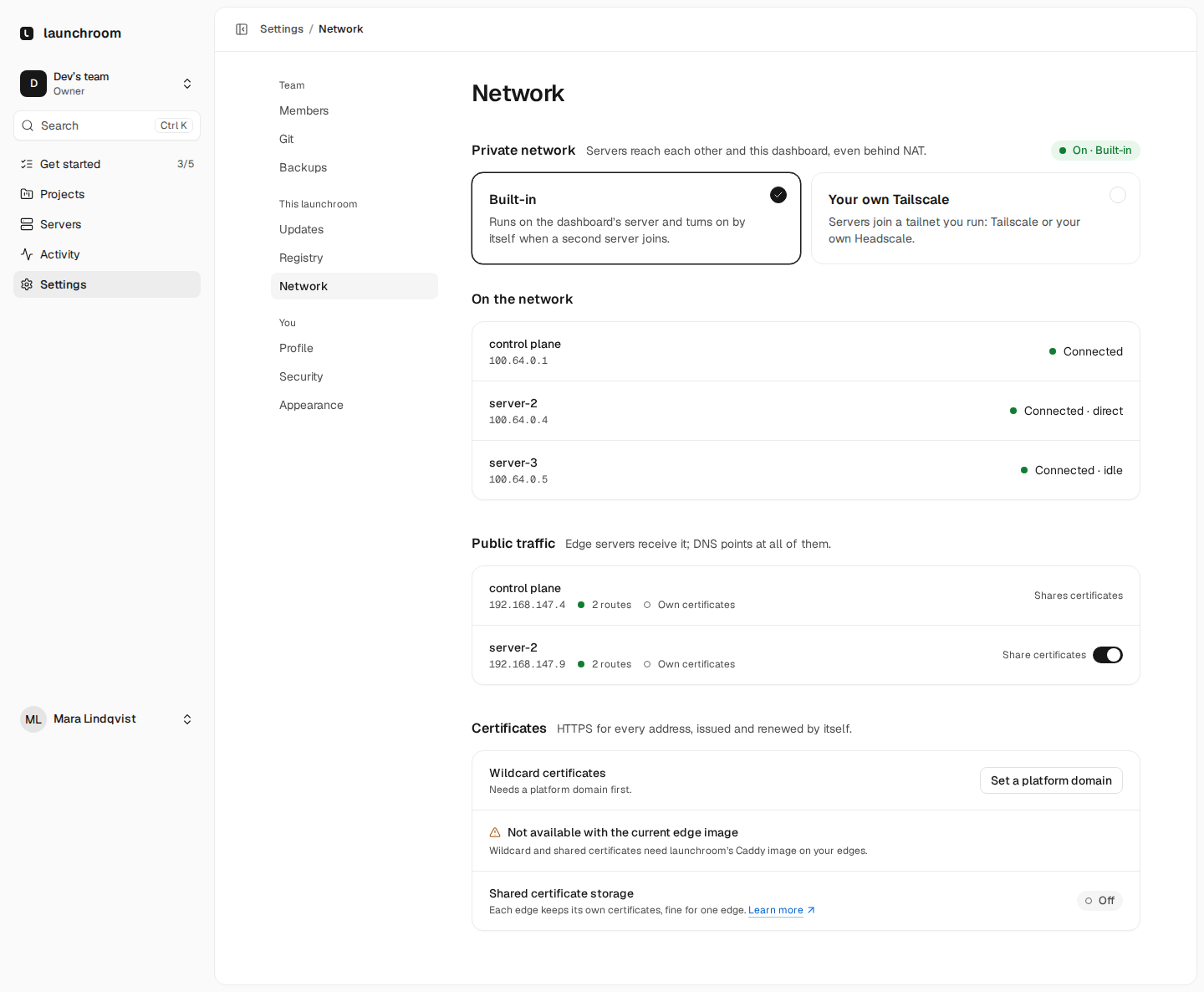
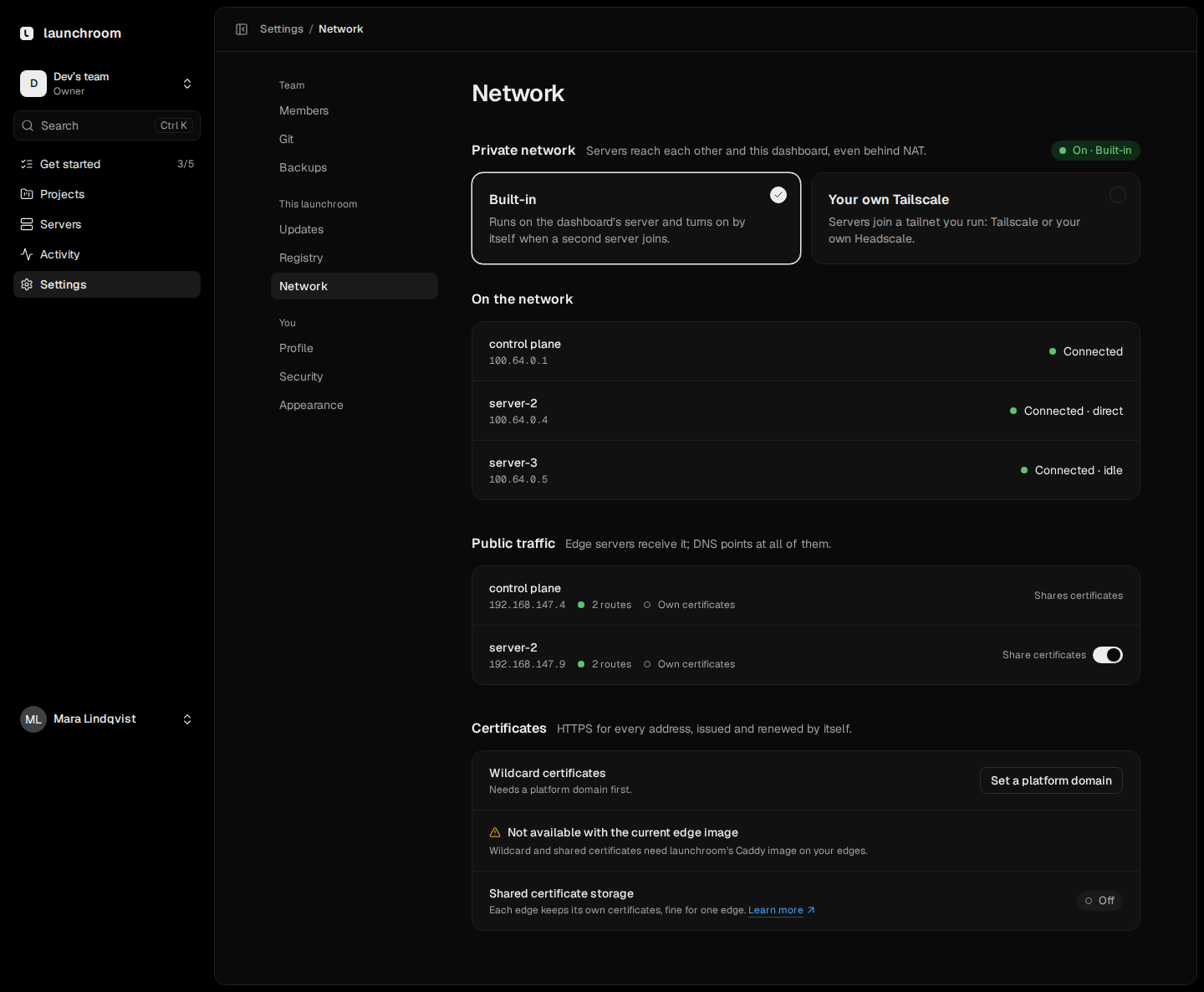
- Settings → Network (instance owners): whether the built-in network or your own Tailscale is in use, and which servers are on it.
- On a server: the private network client runs as the container
lr-system-tailscale.docker logs --tail=100 lr-system-tailscaleshows its log, and launchroomd's log says when it restarts it.
A second server joined, but services can't reach each other
Services in one environment reach each other by their slug and port, for example postgres:5432, wherever they run. On another server, launchroomd provides that name through a forwarder, so the address stays the same when services move. If an app on one server gets connection errors or "host not found" for a service on another:
- Check that both servers are Connected. Check the Private network section on both servers. A server in Error names the reason. The most common one is a missing
/dev/net/tundevice: some LXC containers and rootless setups don't have it, and then the server can't join. Enable TUN for the container or VM, or run apps that need each other on the same server. - Check that both are in the same environment. Services only reach services of their own environment. A staging app can't reach the production database by name, by design.
- Check the name. Use the service's slug (shown in its settings) and the port the service listens on, or reference its variables with
${{postgres.DATABASE_URL}}so the value is always right. See Variables. - Wait if it started a moment ago. A new replica only counts as healthy once every server it needs has opened its firewall for it, and a service published on the private network waits until its server has a private address. Right after a server joined or rebooted, give it a minute.
- Preview environments that share a database of their base environment can't reach it when that database runs on another server. Run the preview on the database's server, or give the preview its own database.
Links are relayed instead of direct
The server shows Connected · relayed ("Traffic is relayed through the dashboard's server (works behind any NAT, slower)").
Cause. The two servers couldn't open a direct UDP path to each other, so traffic goes through a relay on the dashboard's server over HTTPS (port 443). This always works, but it adds latency and limits throughput to what the dashboard's server can pass on. Typical reasons:
- Outbound or inbound UDP is blocked by a firewall, a security group or a corporate network.
- Both servers are behind NAT that doesn't allow hole punching, for example carrier-grade NAT (CGNAT) on many mobile and some home connections. Two machines behind CGNAT almost always end up relayed.
- The server runs rootless Docker, where the network client's UDP goes through an extra translation layer.
Fix.
- Allow outbound UDP from your servers. Allow inbound UDP 3478 to the dashboard's server. It helps servers behind NAT find their public address and connect directly.
- If one side has a public address with UDP open, links to it can usually go direct even when the other side is behind NAT.
- For machines at home behind CGNAT, a relayed link is fine for builds and light traffic. For a database that a busy app talks to, keep both on the same server or on servers that connect directly.
Idle means no traffic flowed recently. The path is chosen on first use, so this isn't a problem.
Link quality is low
Cause. The round trip and speed rows show what the link can do. High round trips (tens of milliseconds) between servers in different regions are expected. A relayed link adds the detour through the dashboard's server. Rows that say No answer or show many failed checks mean the link probe can't reach that server at all.
Fix.
- Check whether the link is relayed (above) and fix that first.
- Keep services that talk a lot to each other (an app and its database) on the same server or in the same location. Use placement rules under the service's Settings → Scaling for this. See Roles and placement.
- Measurements run every minute (round trip) and every few hours (a short speed test, up to 16 MiB). If that traffic matters on a metered connection, turn off Network checks in the server's Settings tab. That only stops the measurements, not the network.
The private network is unhealthy
The private network is coordinated by Headscale, which runs on the control-plane server as the headscale service. When it is down, servers that are already connected keep their direct paths, but new servers can't join and servers that restart can't find each other again.
Check it on the control-plane server:
cd launchroom
./launchroom status
./launchroom logs headscale
Common causes:
- The dashboard's original address doesn't work any more. Headscale stays on the address the dashboard was installed with, even after you move the dashboard to another domain, because changing it would re-register every server. Keep that original address pointing at the control-plane server. If the dashboard was installed on an
sslip.ioaddress and the server's public IP changed, that address no longer reaches it. - Port 443 isn't reachable from the other servers. Servers join and relay over the dashboard's HTTPS port.
- The control-plane disk is full. Headscale keeps its state in
data/headscale/in the install folder.
launchroomd restarts a server's network client automatically when it has been disconnected from Headscale for a minute while Headscale is reachable, so servers usually recover without help once Headscale is back.
Bring your own Tailscale
With Your own Tailscale selected under Settings → Network, servers join a tailnet you run, on Tailscale or your own Headscale. launchroom can't manage that tailnet's access rules, so they are the most common cause of trouble.
- Access rules. Open Recommended access rules on the settings page and copy them into your tailnet's policy. Servers need to reach the dashboard's server on TCP 443 and 5000, servers that serve traffic need the app ports (TCP 31000 to 32999) on servers that run apps and TCP 6379 on the dashboard's server (shared certificates), servers that run apps need the same range on each other, and every server needs TCP 7400 on the others for link checks. A policy that allows only some of this breaks the connections it leaves out.
- Tags. The auth key must be allowed to use the tags launchroom asks for (listed under the form). A key that can't apply them fails to register the server.
- Auth key. Use a key that can register several machines and that expires. Only servers an instance owner added or approved receive it: a server a team admin added stays off the tailnet until an instance owner approves it.
- Addresses. launchroom only accepts a server's address in the usual tailnet range (
100.64.0.0/10) and only if no other server already has it. - Removing servers. When you revoke a server, launchroom can't delete its node from your tailnet. Remove it in your tailnet's admin yourself.
Next steps
Server problems
Servers that never connect, show Unreachable or report health warnings. Causes and fixes, plus rootless hosts, reboots and removing a stuck server.
Backup problems
Failed backups and verifications, gaps in point-in-time recovery, and what a lost recovery kit or passphrase means for your data.